Autodesk EAGLE subscription FAQ
Autodesk EAGLE subscription FAQ
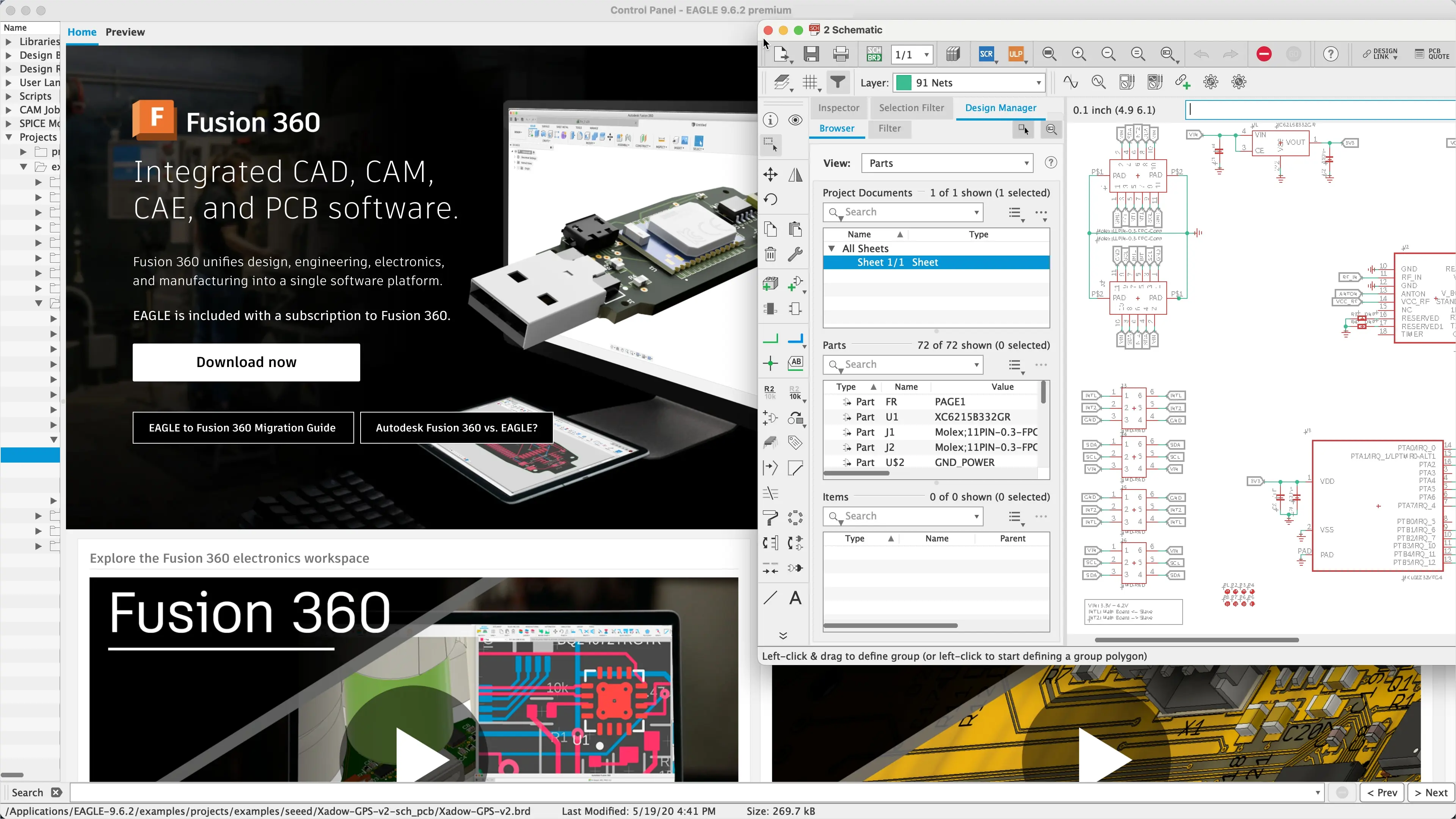
What is Autodesk EAGLE?
What is Autodesk EAGLE?
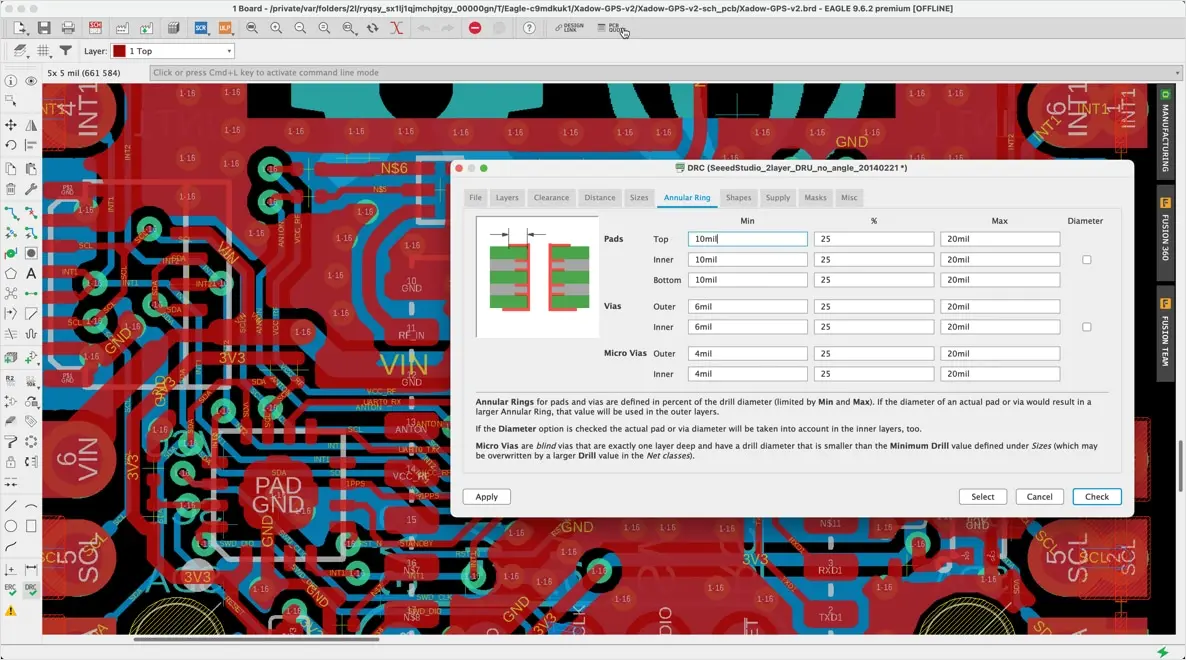
How can I renew my Autodesk EAGLE subscription?
How can I renew my Autodesk EAGLE subscription?
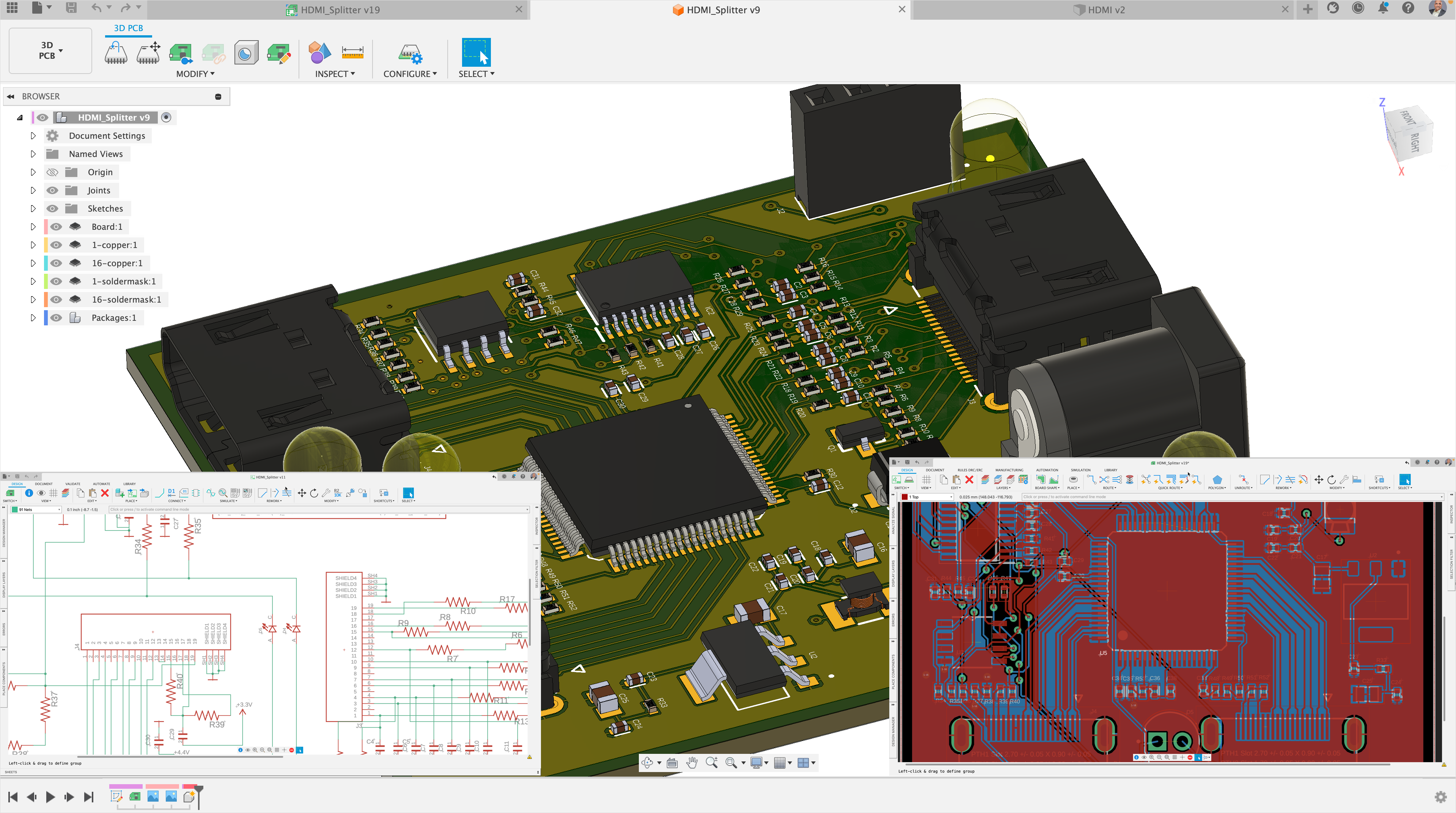
What happens if I don't renew Autodesk EAGLE?
What happens if I don't renew Autodesk EAGLE?
Any-directional workflows
Any-directional workflows
Seamless collaboration
Seamless collaboration
Revision history and change management
Revision history and change management
What is Autodesk EAGLE used for?
Autodesk EAGLE is an electronic design automation (EDA) software used by electrical engineers and PCB (printed circuit board) designers. Some of its primary uses are schematic capture, PCB layout, component creation, design rule checking, SPICE simulation, and Gerber file generation.
Is Autodesk EAGLE free?
EAGLE free is no longer available. Fusion for personal use is the suggested path forward. Fusion for personal use is free and includes integrated CAD, CAM, and CAE functionality, up to two sheets per schematic, two signal layers, and a 80mm2 board area. If you’re looking for more functionality, a Fusion subscription is recommended.
Does Fusion 360 electronics offer the same functionality as EAGLE?
Yes, Fusion 360 allows you to continue working on your EAGLE electronic design and introduces improved workflows. EAGLE technology has been integrated into the Fusion 360 environment. Review the migration guide document for a more detailed explanation of the migration steps to migrate your electronic designs from EAGLE to Fusion 360.
What are my options to continue working on my PCB (Electronics CAD) designs?
Autodesk Fusion 360 allows you to design PCBs using the electronics workspace. Fusion 360 enables users to design schematics that include SPICE simulation capabilities and can synchronize the PCB layout workspace with advanced manual routing capabilities. You can access thousands of libraries provided by partners and thousands more made by our team. Alternatively, you can make your own library, by using our advanced IPC-compliant package calculator, which builds a component with a 3D model with material properties assigned. Fusion 360 integrates electronics with mechanical design, with access to further capabilities such as the Autodesk Fusion Simulation Extension. Enabling you to create fully integrated designs incorporating electronic components.
Can I work with my files locally in Fusion 360?
Autodesk Fusion 360 is a cloud-based 3D modeling, CAD, CAM, CAE, and PCB software platform for professional product design and manufacturing. Your design files are accessible to you from anywhere with an internet connection which allows you to work remotely and easily collaborate with your team. You can create local backup versions of your Fusion data by following these steps.