Picture an active jobsite. Maybe it’s a retail buildout with multiple trades working in tight spaces. Or a custom luxury home, where crews are coordinating across larger areas. Perhaps it’s a school renovation or a multi-family project, where timelines are tight, and teams need to stay aligned.
These jobs have one thing in common: across projects like these, you’ll see contractors moving fast to keep work on track.
The challenge is that the information crews rely on doesn’t always move as easily.
Drawings get shared across email threads, and punch list follow-ups live in spreadsheets, texts, and photos. And when it comes to daily reports, the information crews need often ends up scattered across folders or buried in paperwork.
For project engineers, superintendents, and trades, a big part of the day can be spent simply tracking down what’s current. And when that happens, work slows down.
Teams need a reliable way to:
It’s a tall order, but there is a solution that ticks all these boxes. We’re thrilled to introduce Forma Build Essentials, an efficient, focused solution designed for everyday work onsite.
Forma Build Essentials brings the core jobsite tools contractors rely on together in one field-focused workspace.
Built for small to medium-sized crews and growing firms, it’s designed for the everyday tasks work, helping teams get started quickly and keep work moving.
With Forma Build Essentials, teams can:
Everything is accessible on the web or in the Forma mobile app, so you can work from wherever the job takes you.
What’s more, Forma Build Essentials makes projects easy to set up and access, so small and mid-sized construction teams can hit the ground running and stay aligned as they execute the job.
One of the biggest challenges on active projects is getting everyone aligned from the start.
Forma Build Essentials is designed with low administrative lift in mind:
That means crews are able to start doing real work right away, and they won’t have to spend hours configuring systems or chasing down access.
Forma Build Essentials keeps sheets, files, and models in one place. Crews can access the current set of drawings from the field and review and mark up sheets on site.
And because it’s easy to keep everything on the platform up to date, teams avoid working from outdated versions and don’t have to second-guess which file is current. Instead of searching across emails, folders, and messages, you can go straight to the information you need.
Field execution doesn’t stop for documentation. With Forma Build Essentials, teams can capture and access information without interrupting the flow of work. The platform allows you to:
So you have a clear and complete record of that broken tile in the 2nd floor bathroom or the progress of the window installation on the ground floor, and teams can sign off on their daily reports and keep work moving.
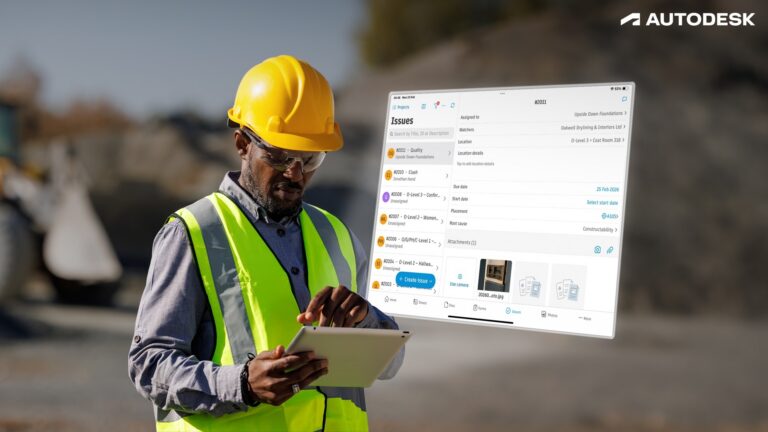
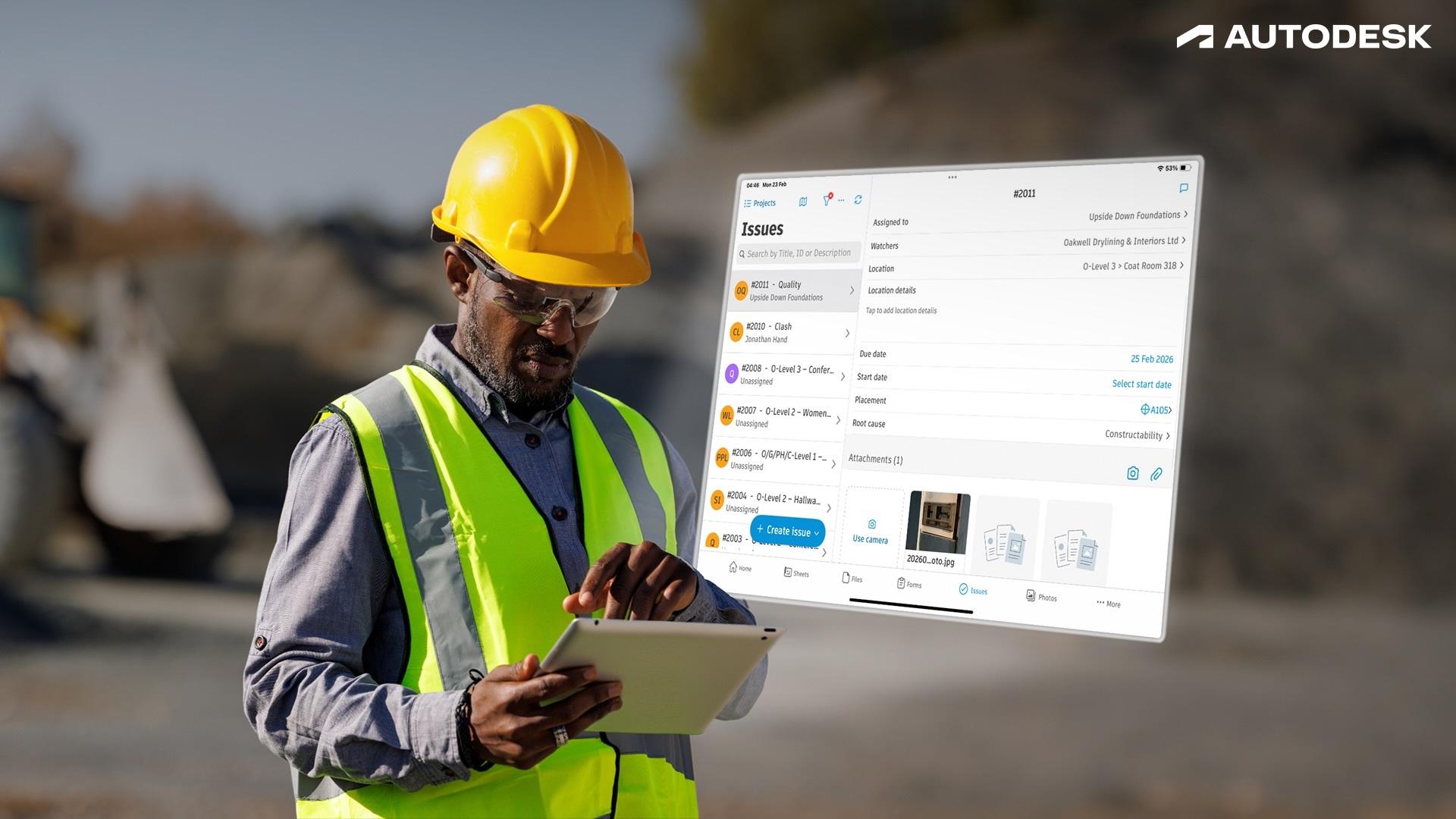
The Forma mobile app enables crews to efficiently and reliably access sheets, files, issues, forms, photos, and 3D models on site. The app’s new shortcuts feature means superintendents jump straight into their quality workflows, like signing off on the latest QA forms, marking up drawings, capturing issues, or starting a report.
And the new photo gallery enables permission-gated photo albums. That way, quality and safety issues stay between GC and subcontractor: not the whole project gallery. The Forma mobile app also offers offline-capable access to projects. So even if you experience connectivity issues, you can keep working without disruption.
Forma Build Essentials was designed with your work onsite in mind. From running punch lists and tracking issues to logging daily reports and marking up drawings, everything is built around what crews already do.
Teams spend less time tracking down information and more time moving work forward. Staying aligned is more efficient, records are more consistent, and teams have visibility across the jobsite without adding extra steps. As projects move, the system keeps pace with the work so teams can stay focused on execution.
Ready to enhance your field delivery? Explore how Forma Build Essentials can work for you and try it, for free, today.
| Question: | Answer: |
| What is Forma Build Essentials? | Built for lean crews and growing jobs, Forma Build Essentials brings issues, forms, photos, sheets, and files into one place. Crews can run punch lists, log daily reports, and review sheets and models on web or the Forma mobile app. |
| How does Forma Build Essentials help with construction field tasks? | Review sheets, drawings, files, and 3D models for onsite context into designs, daily tasks, as well as markups, comments, and changes. Capture punch list items and other quality and safety issues with photos and locations, assign an owner and due date, and track work from open to closed. Log daily logs and reports, and complete forms with photos and signatures, so documentation stays consistent. |
| How does Forma Build Essentials improve collaboration between teams? | Keep field and office working from the same current sheets, files, and updates. Assign issues with clear ownership, share photos and form results, and follow status and comments through resolution so handoffs stay clear. |
| Is Forma Build Essentials suitable for small and large projects? | Forma Build Essentials is designed for the field. Use it on smaller projects or across multiple jobs when you need consistent field capture for sheets, issues, photos, and daily reporting without heavy setup. When you need to tackle more complex jobs with additional project management or cost management capabilities, Forma Build is a great choice. |
| Is Forma Build Essentials available on mobile devices? | Yes. Forma Build Essentials is available on web and in the Forma mobile app, with mobile-optimized workflows designed for field teams. Forma Build Essentials supports offline-capable workflows for key field tools, so crews can keep working in low or no connectivity and sync updates once reconnected. |
| What tools are included in Forma Build Essentials? | Forma Build Essentials includes issues, forms, photos, sheets, and files, plus project templates, core admin, and Bridge for sharing. Mobile-optimized model viewing, shortcuts, and online sync with offline-capabilities help crews move through daily field work faster. |
| What admin controls are included with Forma Build Essentials? | Forma Build Essentials includes low-lift, built-in administration for projects, members, companies, templates, and settings, so teams can get set up quickly and get to work fast while keeping access organized as the project grows. |
| Does Forma Build Essentials include project templates? | Yes. Project templates help you reuse settings and forms, so each new project starts with the same structure and checklists, keeping documentation consistent across jobs. |
| Can I choose where my project data is stored? | Yes. You can select your project data storage location, consistent with the options available for your account. |
| What does Forma Build Essentials support? | Forma Build Essentials supports the same languages as Forma Build, including English, French, German, Spanish, Japanese, and more. |
| Can Forma Build Essentials users work with Forma Build users? | Forma Build Essentials and Forma Build users can operate in the same Forma project environment and share the same underlying project data. Collaboration happens in one project, with access to project data and available tools governed by license type. |
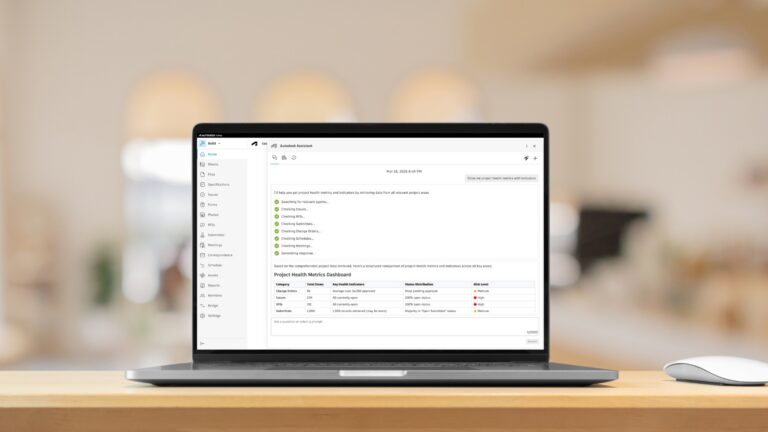
| When should I consider Forma Build compared to Forma Build Essentials? | If you need deeper workflows like project management, cost, reporting and insights, advanced permissions, or Autodesk AI capabilities for complex projects, Forma Build is the better fit. |