This article is part of a community spotlight series from The Big Room, where industry professionals share real-world construction workflows. In this installment, Victor Oliva, Project Engineer, All 5's, explains how his team uses Autodesk Forma (formerly Autodesk Construction Cloud) to keep project management and field teams connected.
Subcontractors have a unique role in construction projects because we’re responsible for delivering a specific scope while still coordinating with the broader project team. We often manage information coming from the GC, the design team, and our own field crews, which can easily get messy if everything lives in different places. That’s why having a clear way to organize and share information matters so much, and this is where Autodesk Forma has really helped.
As a sub, we’ve found tremendous value in Forma’s ability to connect our project management team with the field team. After we’re added to the GC’s project in Forma, we set up our own sub-project for those in the field.
That way, our crew can easily access information that’s relevant to our scope, instead of spending time looking through everything in the main Forma project. We’ve also equipped them with iPads that they can use on the ground, and everyone is trained to navigate the mobile app in iOS.
These steps ensure the field always has quick access to the latest drawings, files, and updates without relying on paper documents or phone calls.
Below, we’ll discuss how we use Forma to keep our project management and field teams aligned throughout the project.
One of the ways we connect our field team to the main project is through the use of Bridge in Forma. With Bridge, any new Sheets added to the main project are automatically uploaded to our project, so team members can access the latest version of the drawings. They are also alerted when new Sheets or versions become available, so they always know when something has changed.
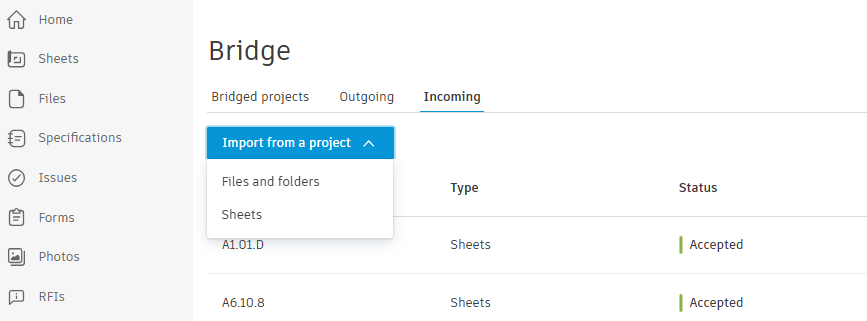
The great thing about Bridge is that it allows us to customize what gets shared. For example, when it comes to automatic Sheet updates, we choose to only import the sets that apply to our field teams—usually Architectural and Interior—and leave out the sets that don’t relate to our scope. We can even go a step further and only include individual Sheets rather than entire sets.
This approach saves time because they won’t have to sort through irrelevant Sheets. They get exactly the information they need, without the extra noise.
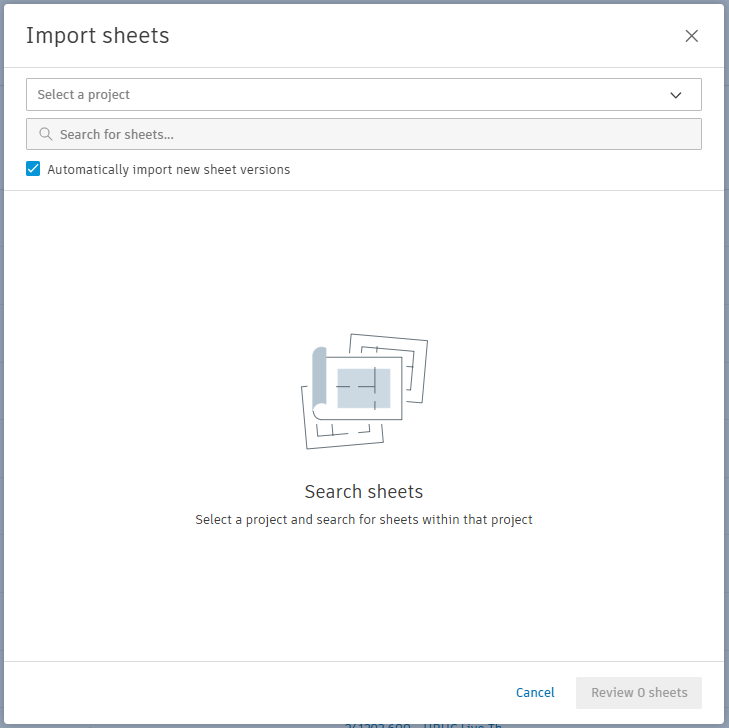
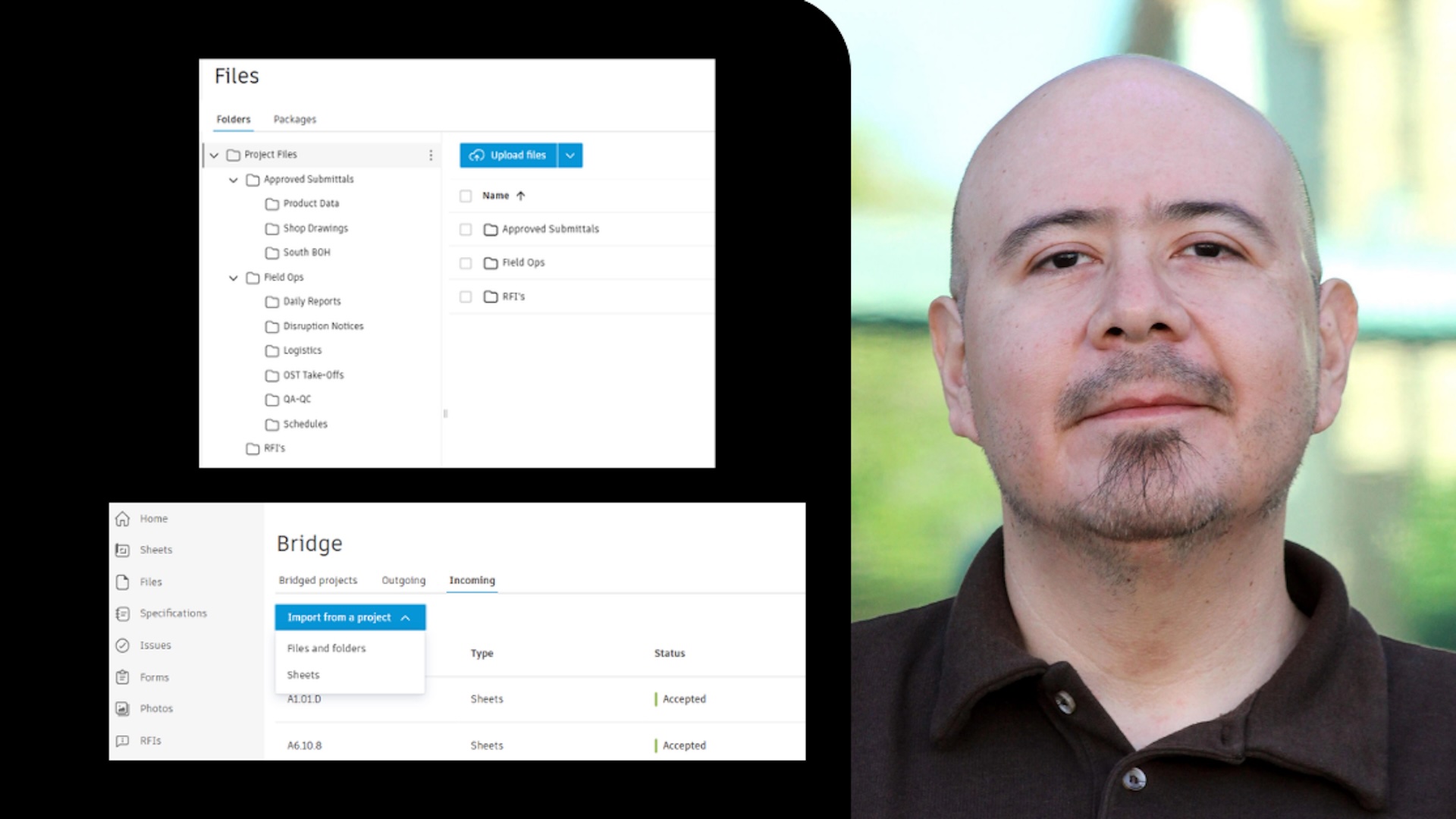
Beyond sharing Sheets, Bridge enables us to import files and folders. This is especially helpful for any standard forms or reports that the GC requires us to submit.
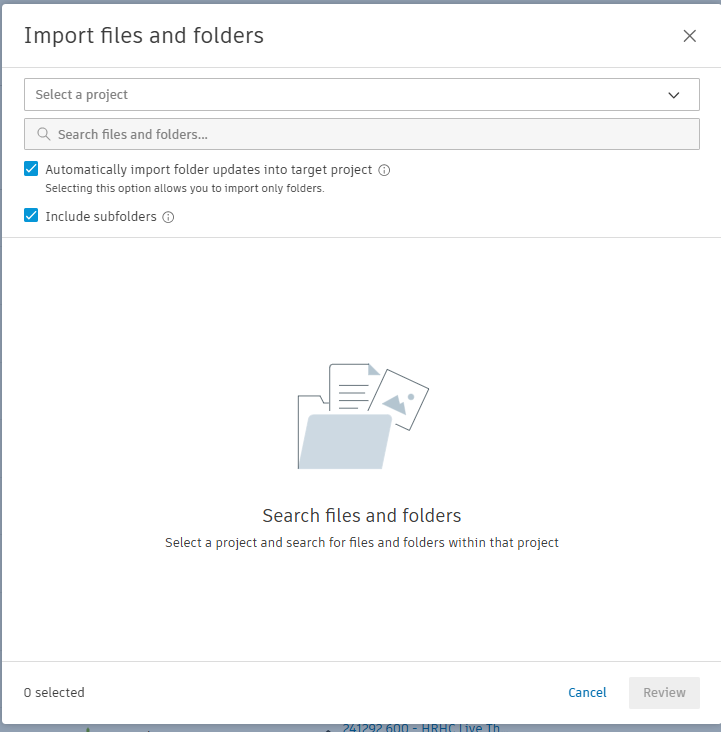
We can connect entire folders or individual files as needed. Bridge helps ensure that our field teams always have the latest files available as they are uploaded by the GC. We can provide access to GC-required daily reports and other documents through Bridge by linking those folders and enabling automatic updates.
When new versions are uploaded to the main project, Forma sends notifications to the crew letting them know the latest forms are ready to use.
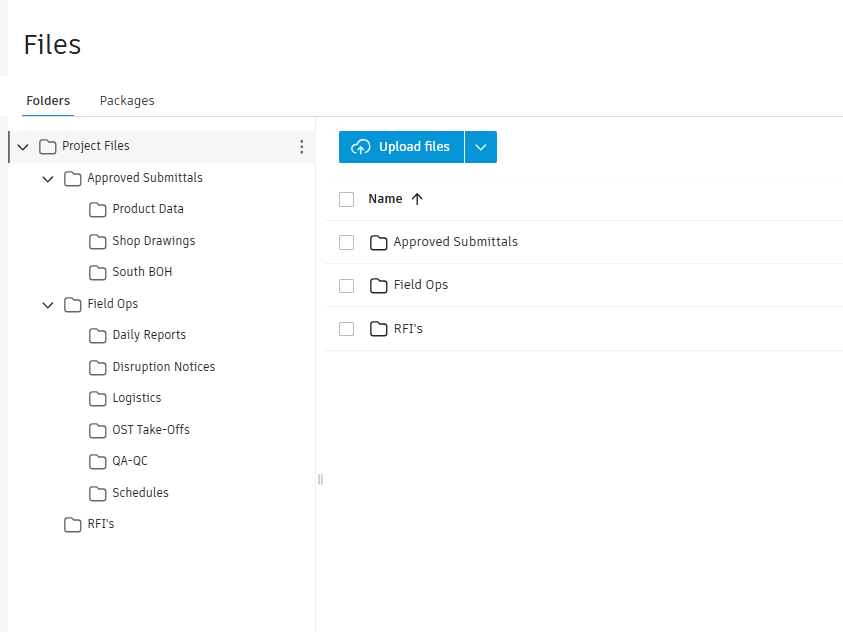
When we submit RFIs on the main project, we copy them into our sub-project and update the RFI status there so our field team members can easily track them. We download relevant RFIs from the main project and upload them to our sub-project to make them accessible to the field.
From there, we can add context helpful to the crew, including comments, photos, sheets, and markups. We typically store these in the Files section inside an RFI folder so folks know exactly where to find them. This approach gives them a clearer direction and helps ensure everyone is working from the same information.
When our operations team conducts field visits, we take photos and upload them to Issues or Drawings as needed. We use the Issues feature to communicate with the field so anyone with access to Forma can see what needs attention.
For items that are meant to stay internal between operations and the field, we track them within our sub-project. The ability to upload photos and tag them directly on drawing locations makes it easy for the field to understand exactly where the issue is in the project.
By managing this through our sub-project, we’re able to track issues while also supporting quality control. The field team can upload their own photos once the issue is resolved, which helps our operations team confirm that the work has been addressed and follow up on items during the next site visit.
For us, the biggest value of Forma is how it keeps everyone connected without adding complexity. Our project management team and field crews can stay aligned and focus on the work instead of chasing documents.
Thanks to Autodesk Forma’s ability to connect workflows and data, folks in the field know exactly what they need to do their jobs well while still staying connected to the larger project team.