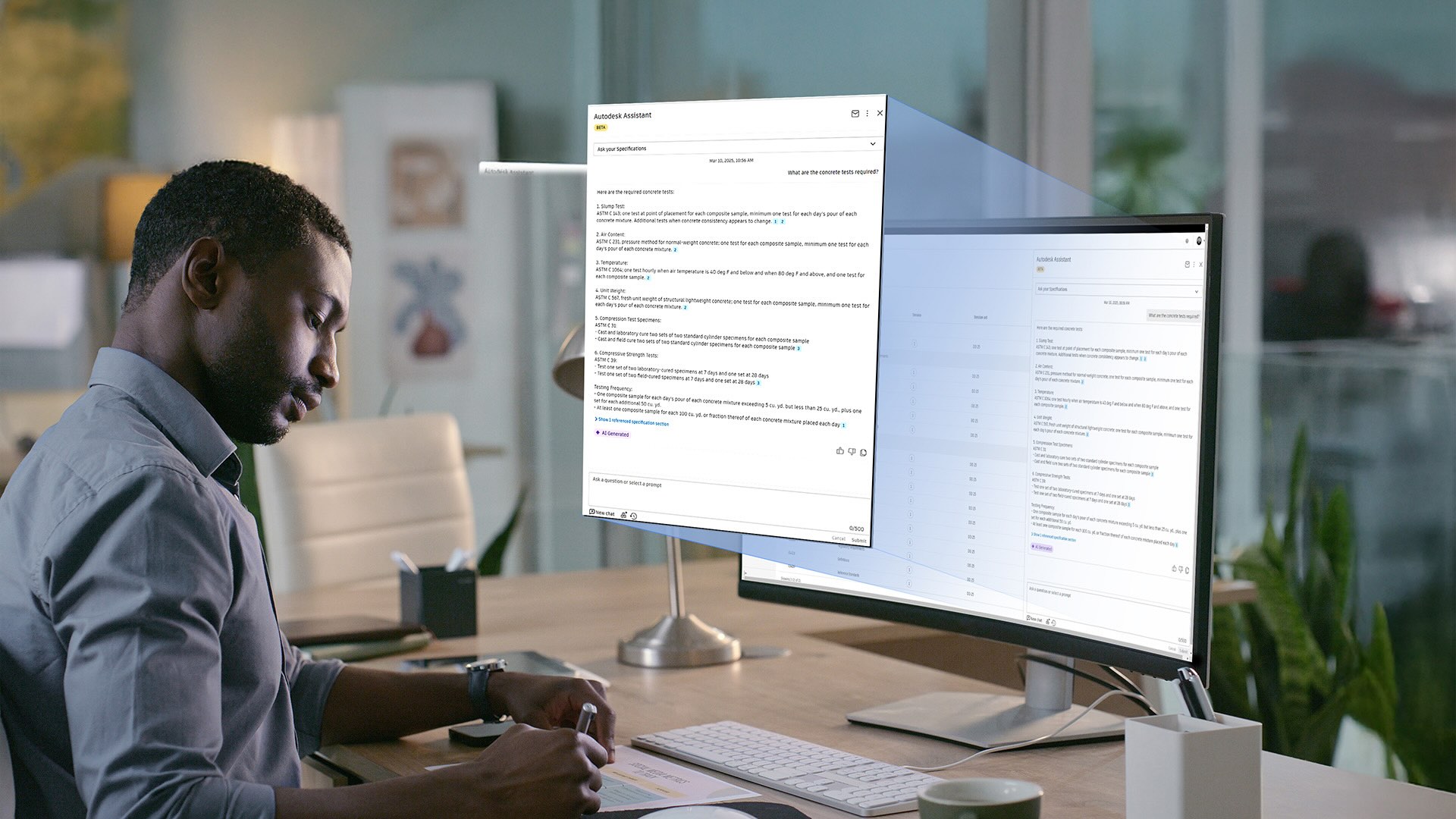
We all know the importance of making data-driven decisions, and it’s something we talk about all the time here at Autodesk.
But we also know that making the right decisions—even when you have all the data—isn’t easy. Construction projects generate a massive amount of documents and information. From issues and RFIs to schedules and safety inspections, there’s a lot to sift through.
In fact, Autodesk's State of Design & Make: Construction Spotlight report shows that teams spend an average of 13 hours per week looking for the right data.
That’s a lot of hours, and it’s time that most people would rather spend actually building, not hunting for answers.
The good news is we have just the tool to help you harness the power of your data and turn it into action.
Autodesk Assistant is an AI-powered assistant built into Autodesk Forma (formerly Autodesk Construction Cloud) that helps teams quickly find answers and understand what’s happening across their projects without digging through endless files or dashboards.
A game-changer for design and construction workflows, Autodesk Assistant simplifies how you interact with your data so answers are always within reach.
Traditional approaches to project data often rely on manual searches, static dashboards, or time-consuming reports. Autodesk Assistant changes this experience by serving as an intelligent chatbot partner for every project. It’s always available and ready to help.
Autodesk Assistant is designed for speed and simplicity, and you can engage with it in everyday language. Just ask a question, and it quickly surfaces tailored answers and insights.
Autodesk Assistant offers several benefits:
When it comes to AI assistants in construction, the better your prompts, the better your results. Clear, well-structured prompts help you zero in on the insights you need and take action faster.
With Autodesk Assistant, you can be specific about what you’re looking for and define details like date ranges, trades, issue status, locations, or project phases. You can also request that information be organized in a particular format, like a dashboard or bulleted list.
Even better, you can save your favorite prompts and reuse them to create a repeatable way to ask the right questions and get consistent answers across projects and teams. And if writing prompts feels intimidating, you’re not on your own. Autodesk Assistant includes a prompt library with a wide range of ready-to-use examples you can explore, adapt, and experiment with—so you can get value quickly without starting from scratch. The assistant is also context-aware and will suggest relevant prompts based on where it’s opened from.
To show how Autodesk Assistant is making a real difference, let’s look at some actual prompts customers are using today to unlock valuable insights from their project data.
These examples show how customers are using Autodesk Assistant to cut through complexity and get answers they can actually act on.
Autodesk has a robust Issues tool that lets you track items such as punch list items, safety concerns, design errors, and more. But if you’re dealing with multiple projects, viewing and prioritizing issues can get overwhelming
This is where you can use Autodesk Assistant. The prompts below show how teams can surface risks and prioritize work without digging through every issue log.
Whether it's getting more clarity on design intent or seeking approval for project materials, RFIs and submittals can easily become bottlenecks if they’re not closely tracked and actioned on. Here’s how Autodesk Assistant can help you get a better handle on them.
You can also prompt your Autodesk AI Assistant to surface schedule milestones and risks, so you and your team can keep projects on track.
Stay on top of quality control by asking Autodesk Assistant to analyze your project data and flag any potential quality risks. That way, you can address issues early and avoid future rework.
Having a cohesive and buildable model before construction begins hinges on strong design coordination. With multiple disciplines contributing to the model, there's a risk that things will fall out of sync. Try using the following prompts to spot conflicts early and keep teams aligned.
Change is inevitable on construction projects, but you can stay on top of them. Autodesk Assistant helps teams track change orders, revisions, and updates to have better control over scope and budget.
You can also use Autodesk Assistant to monitor compliance status and identify potential safety risks.
Autodesk Assistant makes your project data work for you. No more digging through reports or manually analyzing data. With Autodesk Assistant, you can ask questions in plain language (just like with a regular assistant) and you’ll get clear, instant answers that put your data to good use.
Explore Autodesk Assistant and see how it can turn project data into decisions you can trust.