Both Autodesk Forma Build Essentials and Forma Build help construction teams document, assign, and resolve jobsite issues. The distinction between solutions matters when an issue calls for more than corrective work. Follow one example—a mechanical, electrical, and plumbing (MEP) installation that conflicts with a beam—to see how a field team can capture the condition in either product, then how Forma Build supports the formal decisions and project impacts that may follow.
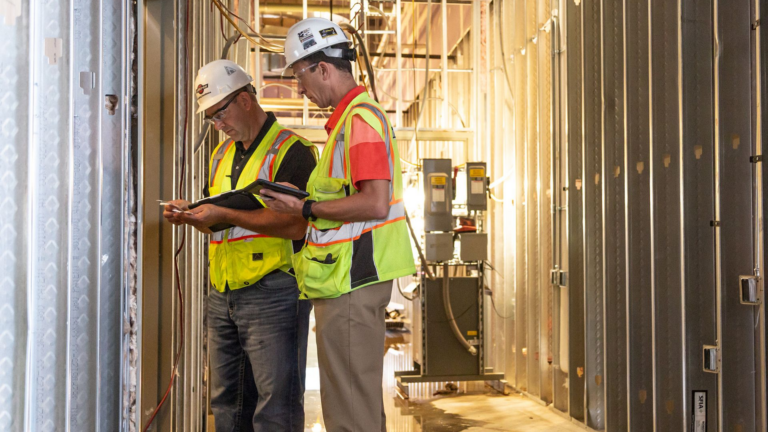
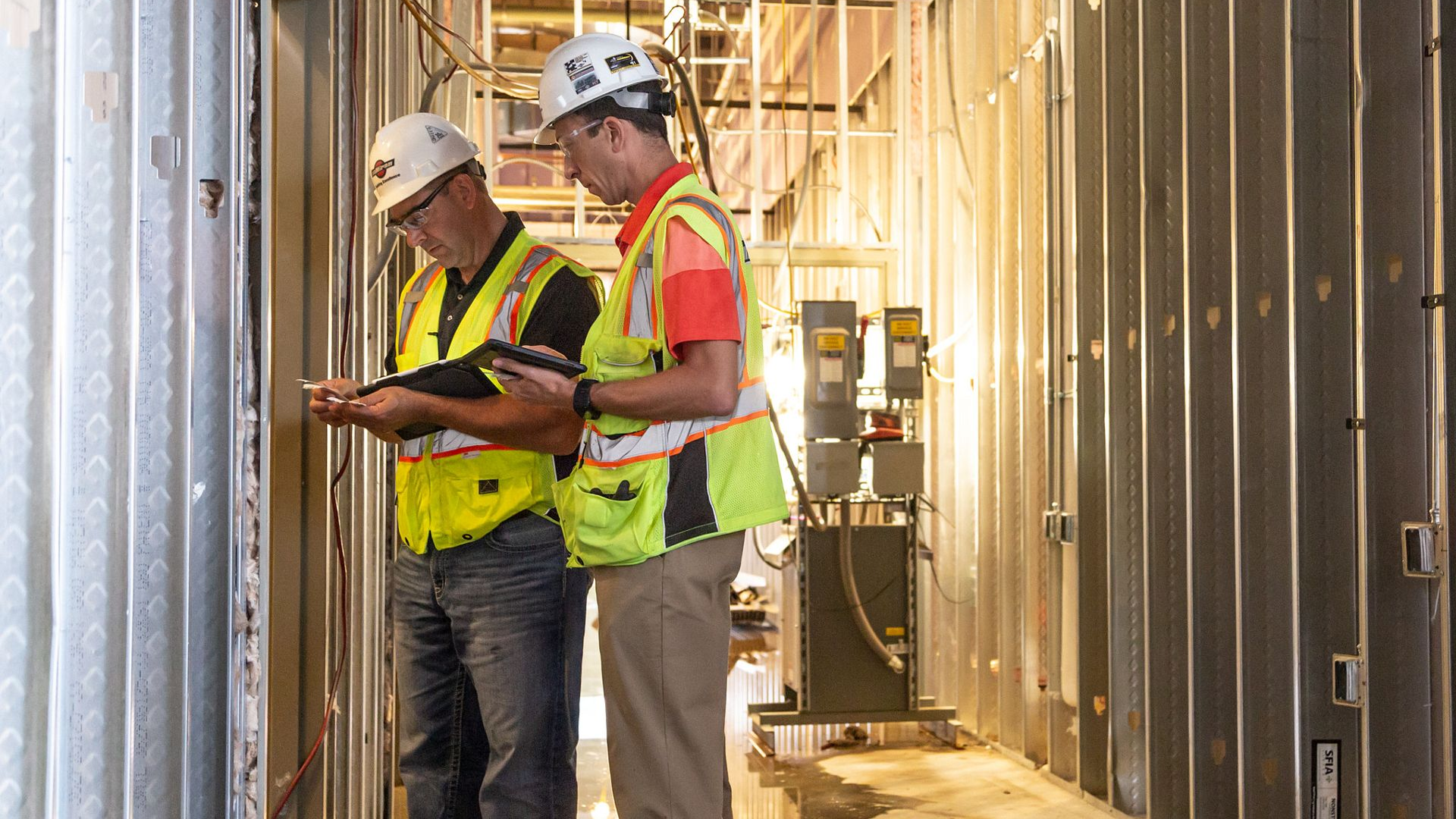
A specialty contractor notices that a pipe route cannot pass through the space shown in the current design. The crew needs to record the actual condition, identify its location, explain what is conflicting, and give the general contractor enough information to coordinate a response. A photo, a note, and a reference to the relevant drawing or model make the issue more actionable than a text message or an unfiled jobsite photo.
Forma Build Essentials and Forma Build both support this core issue workflow. A user can create an issue with photos and location details, assign an owner, set a due date, and follow status through resolution. On mobile, crews can refer to current sheets and view 3D models for design context. Offline-capable workflows help teams continue field documentation when connectivity is limited and sync updates when they reconnect.
Forma Build Essentials is designed around these everyday field tasks, with Issues, Forms, photos, sheets, files, models, and daily reports available for jobsite work. Its straightforward setup can help lean crews get a consistent field process running without adding a larger project-administration burden.
Suppose the project team confirms that the pipe can be rerouted within the approved design and no formal clarification is needed. The responsible trade completes the correction, updates the issue, and shares any useful photos or comments. The general contractor or other designated reviewer checks the work and closes the issue when it meets expectations. Both products support this cycle of capture, assignment, progress tracking, and verification.
The same pattern works for punch lists. A superintendent might photograph an unfinished drywall detail, note its room or grid location, assign it to the responsible trade, and set a due date. The team can see what is still open and verify the repair at closeout. Issues keeps the details and handoffs together, while Forms can support field documentation such as inspections, checklists, and observations.
Now consider the other outcome: the pipe cannot be rerouted confidently because the drawings and model do not show an approved alternative. The issue still serves an important purpose—it records the location, photos, and site condition—but the project engineer also needs an answer from the design team. That’s where Forma Build’s additional workflow capabilities come into play. The engineer can generate an RFI from the issue, route it for review, record the official response, and share the decision with the project team.
The issue and the RFI are related records with different jobs. The issue tracks the observed condition and its corrective work. The RFI tracks the formal question and response. Forma Build lets teams reference an issue from an RFI, and vice visa, so reviewers can move between the field evidence and the decision record. Submittals, meetings, correspondence and schedule information can also be linked as references since all this project information is centralized and managed in one place.
Forma Build also helps teams move beyond individual observations to more structured quality and safety processes.
Teams can use inspections, Forms, and Issues to document deficiencies, assign corrective actions and verify that work meets project requirements. Standardized processes help teams establish consistent processes and accountability across projects.
Some issues have implications beyond the immediate correction. A design change, for instance, could require additional materials, labor, or adjustments to the construction schedule.
With Forma Build, project teams can assess potential impacts and manage resulting actions through connected workflows. They can elevate an issue or RFI to a potential change order, manage the change order, coordinate reviews and approvals, update forecasts, and manage schedule adjustments.
And as projects grow in complexity, tracking individual issues is only part of the picture. Teams need visibility into recurring problems, outstanding work, and potential risks.
Forma Build adds more detailed reports, dashboards, and project intelligence capabilities that Forma Build Essentials doesn’t offer, helping teams monitor issue trends and project performance as a whole.
| What the issue needs | Forma Build Essentials | Forma Build |
| Capture the field condition | Record photos, location, owner, due date, and progress through correction. | Includes the same issue capture and follow-through. |
| Use model context | View current sheets and mobile 3D models to understand and communicate the site condition. | Use the same field context and coordinate it with project workflows. |
| Get design clarification | RFI workflow is not included. | Create and manage an RFI, with a reference to the related issue. |
| Manage a project impact | Cost and schedule workflows are not included. | Assess potential cost and schedule impacts and manage resulting changes through Cost Management and schedule workflows (Issue creation does not automatically update either). |
| Reporting and risk | Track issue ownership, status, and closeout | Includes the same issue tracking, plus detailed reporting and insights capabilities such as Construction IQ to help examine trends and potential risks. |
The example shows the distinction: Forma Build Essentials supports field capture and follow-through, while Forma Build connects an issue to formal decisions and related cost or schedule workflows when the project requires them.
Choosing between Forma Build Essentials and Forma Build comes down to the type of work your team handles and the level of coordination your projects require. Both support everyday issue management, but the right fit depends on whether you need field execution tools or more sophisticated construction management capabilities.
Forma Build Essentials suits specialty contractors, smaller general contractors, and field crews that need a straightforward way to manage onsite activities.
Forma Build is designed for teams that need to manage field activities alongside project and cost management workflows.
Consider Forma Build if your team needs to:
Use the following questions to evaluate which solution aligns with your team's day-to-day responsibilities.
| Your team's needs | Solution |
| ☐ Do you need to log, assign, and close issues with photos onsite? | Both |
| ☐ Do your projects run on lean crews with minimal setup time? | Forma Build Essentials |
| ☐ Do onsite conditions frequently require RFIs or formal design clarification? | Forma Build |
| ☐ Do you need to assess potential budget, change-order, or schedule impacts? | Forma Build |
| ☐ Do project leaders need deeper reporting and insights across activities? | Forma Build |
| ☐ Do you need custom roles or integrations to support more complex processes? | Forma Build |
The goal is to find a solution that supports how your organization actually works. So whether it's straightforward issue tracking or more involved project management, consider your team’s needs to determine which solution is right for you.
Both Forma Build Essentials and Forma Build help teams document, track, and resolve jobsite issues. The question is whether you need tools that go beyond on-site issue resolution.
Want to explore more differences? Check out our guide, Forma Build Essentials or Forma Build: Which One Is Right for You?, for a closer look at both solutions.
Ready to get started? Start a free trial of Forma Build Essentials to streamline onsite workflows, or request a Forma Build demo to explore its broader construction management capabilities.
Yes. Teams can use Issues to document conditions with photos and locations, assign an owner and due date, and track corrective work through closeout. Punch lists are one common use.
Yes. Forma Build includes everything in Forma Build Essentials, including Issues, Forms, photos, sheets, files, and daily reports. It adds project and cost management, Forma Data Management, and broader reporting and Insights. Access to Autodesk AI features depends on subscription type.
Both support the core issue workflow: document a condition, assign corrective work, and track it to resolution. Forma Build adds tools for workflows that may follow, such as formal clarification through RFIs, cost or schedule changes, and more structured quality and safety processes.
Yes. Teams can work in the same project and collaborate around shared project information keeping jobsite conditions visible to the people responsible for decisions.
No. Forma Build Essentials is focused on onsite issue capture and follow-through. Forma Build adds RFI, submittal, specification, meetings, correspondence, schedule, and cost management workflows.
Yes. The Forma mobile app supports access to project data and offline-capable field tasks. Changes sync when connectivity returns, offline support varies by feature.
Forma Build Essentials does not include Autodesk AI capabilities. Forma Build includes AI capabilities like; Autodesk Assistant or AI-powered Quick Issue Create.
Forma Build is a fit when teams need a comprehensive construction management platform that connects project, cost and field execution workflows.. Forma Build Essentials is built for everyday jobsite execution, where crews need reliable documentation and follow-through.