Retopology: Unlocking new horizons in 3D artistry
Retopology: Unlocking new horizons in 3D artistry
 A computer rendering of puppies in a pile, courtesy of Ignite Animation Studios
What is retopology?
What is retopology?
 A computer rendering of an astronaut character, courtesy of Quantillion
When is retopology used in a project?
When is retopology used in a project?
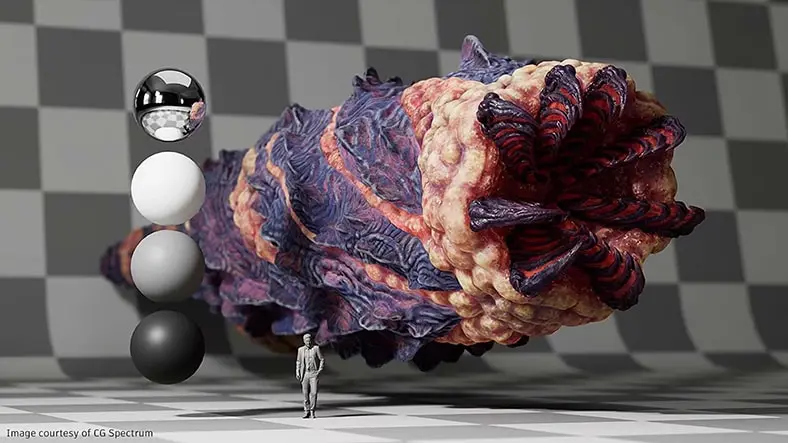
 A computer rendering of a large creature lurking in the dark ocean facing a diver
How do manual and automatic retopology work?
How do manual and automatic retopology work?
What is retopology?
Retopology is the process of re-creating or optimizing the mesh structure of a 3D model, typically a high-resolution or detailed model, to improve its efficiency, performance, and suitability for tasks like animation, real-time rendering, or 3D printing. This involves creating a new mesh topology by manually or semiautomatically placing vertices, edges, and faces to achieve clean, logical, and animation-friendly geometries. Retopology helps reduce polygon count, resolve issues with mesh deformations, and prepare the model for texturing and other applications while preserving essential details from the original model.
What is the difference between remeshing and retopology?
Retopology creates a new, optimized mesh topology for an existing 3D model, primarily to improve performance, animation, and technical aspects while preserving detail. Remeshing is a broader process of altering a 3D model’s mesh, often for purposes beyond optimization, such as reducing polygon count, smoothing surfaces, or conforming to a reference shape. While retopology focuses on specific technical and artistic goals, remeshing encompasses a wider range of mesh modifications with varied applications. The choice between the two depends on the needs and objectives of the 3D modeling task.
What is the fastest way to do retopology?
The speed of retopology can vary depending on the complexity of the model, the software or tools being used, and the level of detail required. Here are some tips that can help:
To use retopology tools and shortcuts in your 3D software, begin by establishing core topology, focusing on critical areas, and reusing existing mesh when possible.
Utilize symmetry for symmetrical models, maintain simplicity in less detailed regions, and plan your approach before starting.
Consider scripts and plug-ins if available, and practice to improve efficiency over time.
The fastest retopology method combines efficient techniques, tools, and experience to help streamline the workflow while preserving necessary detail.