
Rapid prototyping software for efficient product development
Rapid prototyping software for efficient product development
What is rapid prototyping software?
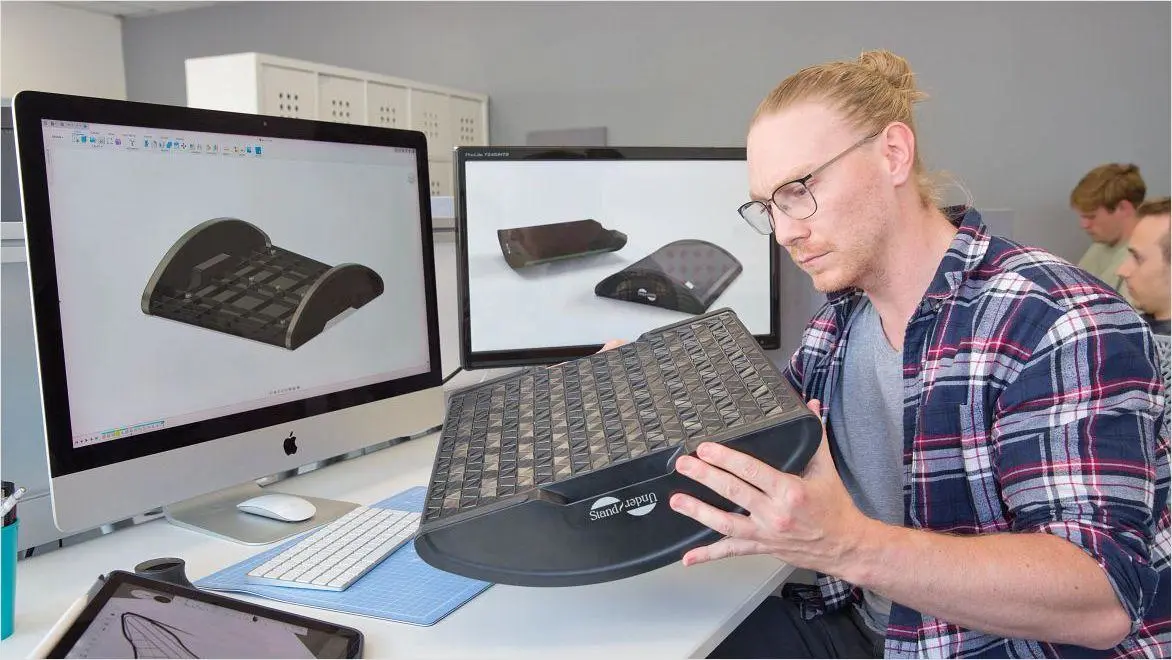
What is rapid prototyping software?

Who is involved in rapid prototyping?
Who is involved in rapid prototyping?
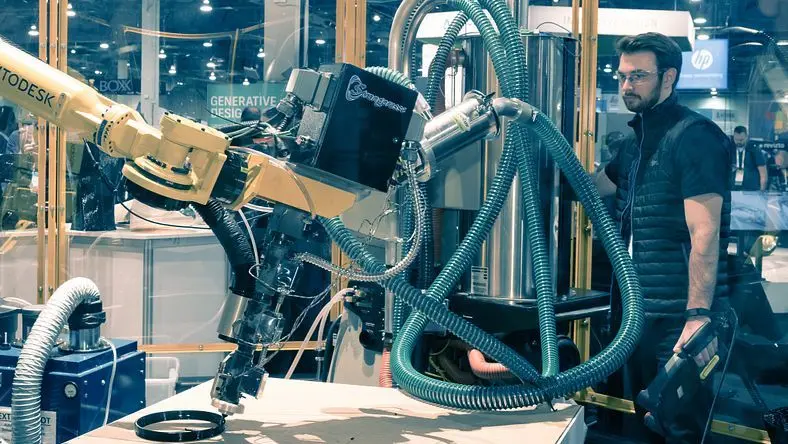
Optimized data solutions for rapid prototyping excellence
Optimized data solutions for rapid prototyping excellence

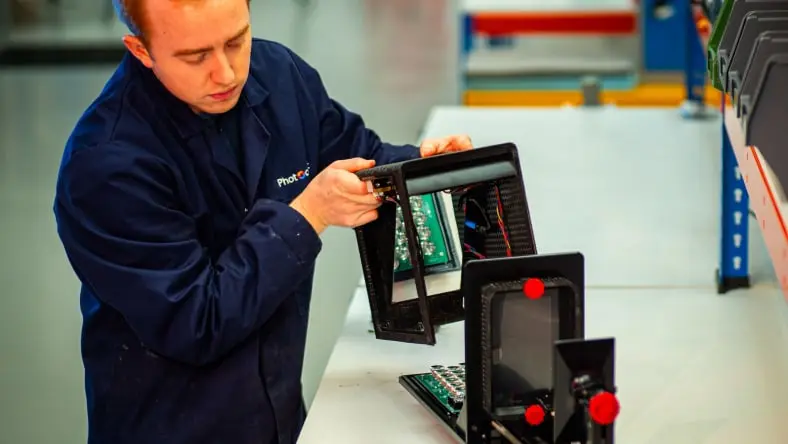
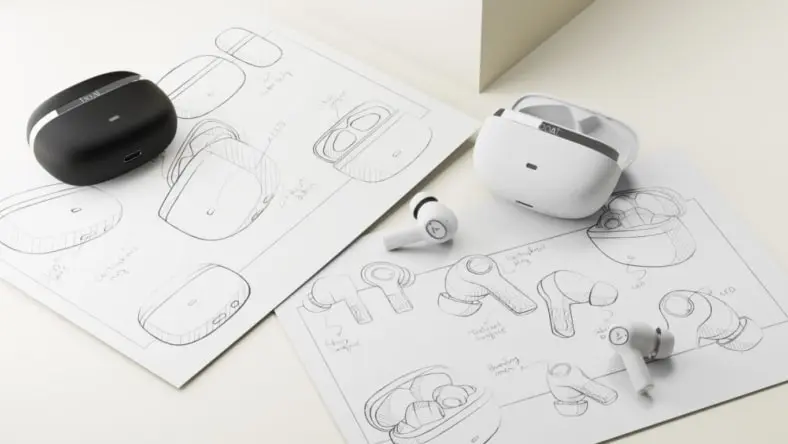
What is the difference between rapid prototyping and traditional prototyping?
Rapid prototyping is a modern, iterative approach that focuses on quickly producing models using digital design tools and technologies like 3D printing, while traditional prototyping often involves manual or slower manufacturing processes. With rapid prototyping, designers can iterate more frequently, test various configurations, and refine models based on real-time feedback, all within a fraction of the time required by traditional methods. In contrast, traditional prototyping tends to be more time-consuming and costly, often requiring multiple physical models to be created before arriving at a final design.
How can rapid prototyping improve my product development process?
Rapid prototyping streamlines product development by allowing designers and engineers to test ideas early and often. Instead of waiting for a complete design to be finalized, teams can produce prototypes at various stages, identifying flaws, making adjustments, and iterating quickly. This process not only reduces the time to market but also minimizes costs by catching potential issues before full-scale manufacturing. In tools like Autodesk Fusion, designers can even run simulations before moving to physical prototyping, further accelerating development by validating performance digitally.
What are the main types of rapid prototyping technologies?
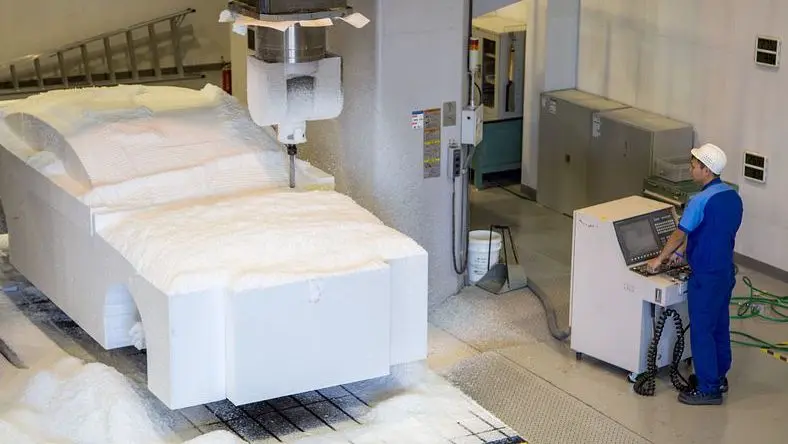
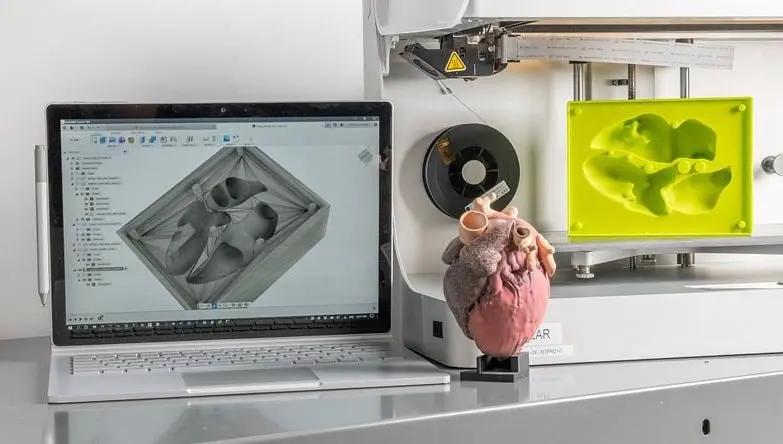
Rapid prototyping typically utilizes three main technologies: additive manufacturing (like 3D printing), subtractive manufacturing (such as CNC machining), and molding techniques (like silicone molding). Autodesk Fusion supports these methods by providing 3D design, simulation, and CAM tools that ensure prototypes are manufacturable, reducing the need for costly and time-consuming revisions.
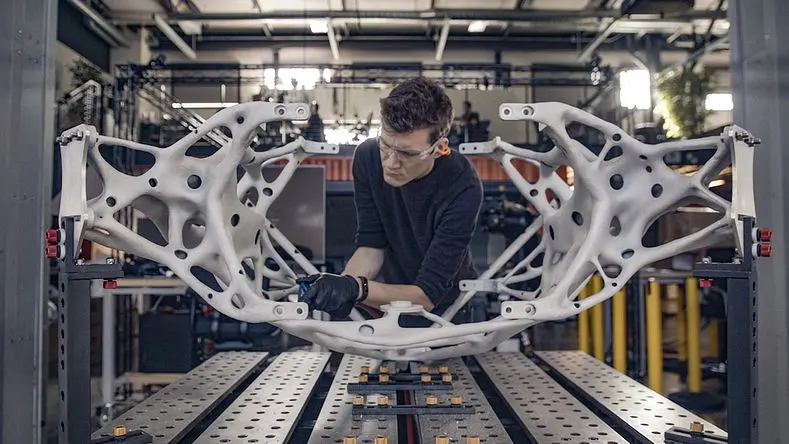
Additive manufacturing: Builds parts layer by layer, ideal for complex geometries.
Subtractive manufacturing: Removes material from a solid block to create parts.
Is rapid prototyping only useful for small projects, or can it be applied to large-scale industrial designs?
Rapid prototyping is highly versatile and can be applied to both small-scale projects and large, complex industrial designs. Whether you're designing a small consumer product or a large, intricate component for aerospace, the ability to quickly test and iterate is invaluable. With tools like Autodesk Fusion, rapid prototyping can be scaled to fit the needs of any project, from single-part prototypes to large assemblies. The combination of 3D modeling, simulation, and CAM allows engineers to prototype efficiently, regardless of project size.
How do I choose the right materials for rapid prototyping?
Choosing the right materials depends on the function of your prototype. In early-stage prototyping, designers may use cheaper materials like PLA or ABS plastics for 3D printing, allowing them to test form and fit before moving to more expensive or specialized materials. For more advanced prototypes that will be closer to the final product, materials like metals or carbon fiber composites may be necessary. Autodesk Fusion’s simulation tools allow users to test different materials’ performance under stress or heat, helping make informed decisions before committing to physical production.
Can I perform design iterations more quickly with Autodesk Fusion?
Absolutely. Autodesk Fusion’s parametric modeling and design configuration tools allow for rapid design iterations, enabling you to quickly explore different design possibilities and make changes without starting from scratch. For example, you can adjust dimensions, modify geometries, or change material properties with a few clicks. This flexibility shortens the prototyping cycle by allowing real-time adjustments and automatic updates to related components, saving both time and effort.
What challenges can rapid prototyping help address in the design process?
Rapid prototyping helps address several key challenges in the design process, such as:
Design validation: Quickly testing designs for functionality, usability, and manufacturability.
Iterative improvement: Allowing for multiple rounds of iteration without extensive costs or delays. With Autodesk Fusion, you can simulate different real-world conditions like load-bearing capacity or heat resistance, ensuring your prototype performs as expected before moving to production. This reduces risks and helps refine designs faster.
How does rapid prototyping reduce costs in product development?
Rapid prototyping significantly reduces costs by allowing you to test and refine designs early in the development process, before investing in expensive tooling or full-scale manufacturing. By using digital design tools like those in Autodesk Fusion, teams can identify potential design flaws or performance issues through simulation, minimizing the need for physical prototypes and reducing the number of costly iterations. The ability to test different materials, geometries, and configurations digitally also helps optimize the final product without incurring unnecessary expenses.
How does Autodesk Fusion’s cloud-based platform enhance the rapid prototyping process?
Fusion’s cloud-based platform allows for real-time collaboration, easy file sharing, and version control, ensuring that all team members have access to the latest design iterations. This enables faster feedback loops and more efficient workflows, as designers and engineers can work on the same prototype simultaneously, making adjustments as needed. The platform also integrates with 3D printing and manufacturing systems, allowing users to quickly transition from digital designs to physical prototypes, speeding up the entire rapid prototyping process.