Bifrost
Unleash visual magic with Bifrost for Maya
Available only in Autodesk Maya
Image courtesy of Pipe Studio

What is Bifrost?
Bifrost is a visual programming environment inside of Autodesk Maya for creating stunning procedural effects for film, TV, and games.
Create realistic simulations and effects—from explosions to cloth.
Scatter objects procedurally to build detailed environments.
Create and edit Universal Scene Description (USD) scenes with an open-source USD integration.
What is Bifrost?
Bifrost is a visual programming environment inside of Autodesk Maya for creating stunning procedural effects for film, TV, and games.
Create realistic simulations and effects—from explosions to cloth.
Scatter objects procedurally to build detailed environments.
Create and edit Universal Scene Description (USD) scenes with an open-source USD integration.

Enchant audiences with astounding visuals

Build graphs for studio-wide use

Embrace open standards
Enchant audiences with astounding visuals
Build graphs for studio-wide use
Embrace open standards
Features to support your creativity
Simulations and effects
Deliver natural-looking effects like combustion, snow, particles, or waves with Aero, MPM, Particles, and BOSS systems.
Scattering and instancing
Create large-scale complexity for world building or set dressing with expressive scattering and instancing tools.
Ready-to-use templates
Access a variety of pre-built compounds and graphs to use as a starting point for creating your own effects.
Geometry nodes
Work at the lowest level of mesh creation, organize with component tags, and create geometry inside the Bifrost Graph.
Procedural USD
Assemble, organize, and edit USD assets non-destructively with the flexibility of the Bifrost Graph.
"We used Bifrost to scatter everything that enriched the fantastic forest sequence in Ant-Man and The Wasp: Quantumania."
"Learning Bifrost is like navigating a storm, but with Bifrost Bootcamp, I was soon sailing it with confidence."
"With Bifrost for Maya, we were able to get results that were photorealistic and that worked for our show."
Bifrost Resources

Tutorials
Bifrost YouTube videos
Improve your Bifrost knowledge and skillset with videos by industry professionals.

Community
Bifrost users Discord
Ask questions, browse popular topics, and share knowledge with a growing community of users.
Documentation
Bifrost release notes
Read about new features and workflows, fixes, and more.
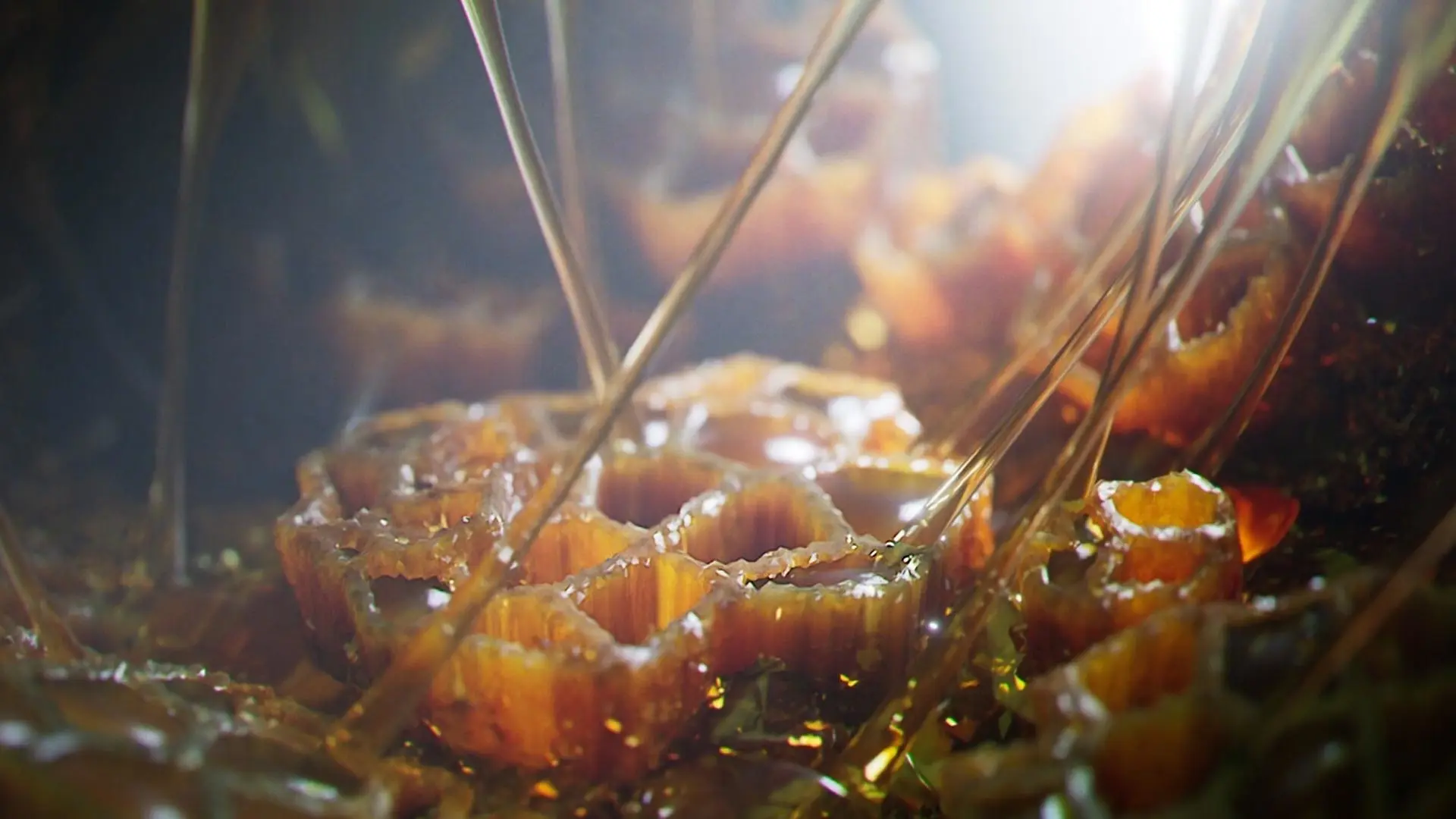
Image courtesy of Edouard Sisternas
Questions? We have answers.
Where can I download Bifrost?
Bifrost is included in the Maya installer. To download the most recent Bifrost installers, as well as older versions, see Download and Installation.
What is Bifrost used for?
Bifrost is a procedural content creation tool in Maya for film, TV, and games. It enables you to create realistic simulations and effects from explosions to cloth, scatter objects to build detailed environments, rig characters, and work with USD scenes.
Who uses Bifrost?
Bifrost is used by 3D artists and technical directors at animation, visual effects, and game development studios.
Is Bifrost available for free with a Maya subscription?
Yes, you can run Bifrost at no additional cost with an active Maya subscription.
Which operating system does Maya run on?
Maya can run on Microsoft® Windows®, Apple® macOS®, and Linux®. See Maya system requirements for details.
Which versions of Maya can I use if I subscribe to the current version?
Your Maya subscription gives you access to install and use the three previous versions. Available downloads are listed in your Autodesk Account after subscribing. See also previous releases available for subscribers.
Can I install Maya on multiple computers?
With a subscription to Autodesk Maya software, you can install it on up to three computers or other devices. However, only the named user can sign in and use that software on a single computer at any given time. Please refer to the Software License Agreement for more information.
How do I convert my Maya free trial to a paid subscription?
Launch your trial software and click Subscribe Now on the trial screen or buy Maya here. When buying your subscription, enter the same email address and password combination you used to sign in to your trial. Learn more about converting a trial to a paid subscription.
How much does a Maya subscription cost?
The price of an annual Maya subscription is {{price.MAYA.1year}} and the price of a monthly Maya subscription is {{price.MAYA.month}}. The price of a three-year Maya subscription is {{price.MAYA.3years}}. If you have infrequent users and are interested in a pay-as-you-go option, please visit https://www.autodesk.com/buying/flex to learn more.
Products you can trust
From payment flexibility to always-on support, expect excellence.


