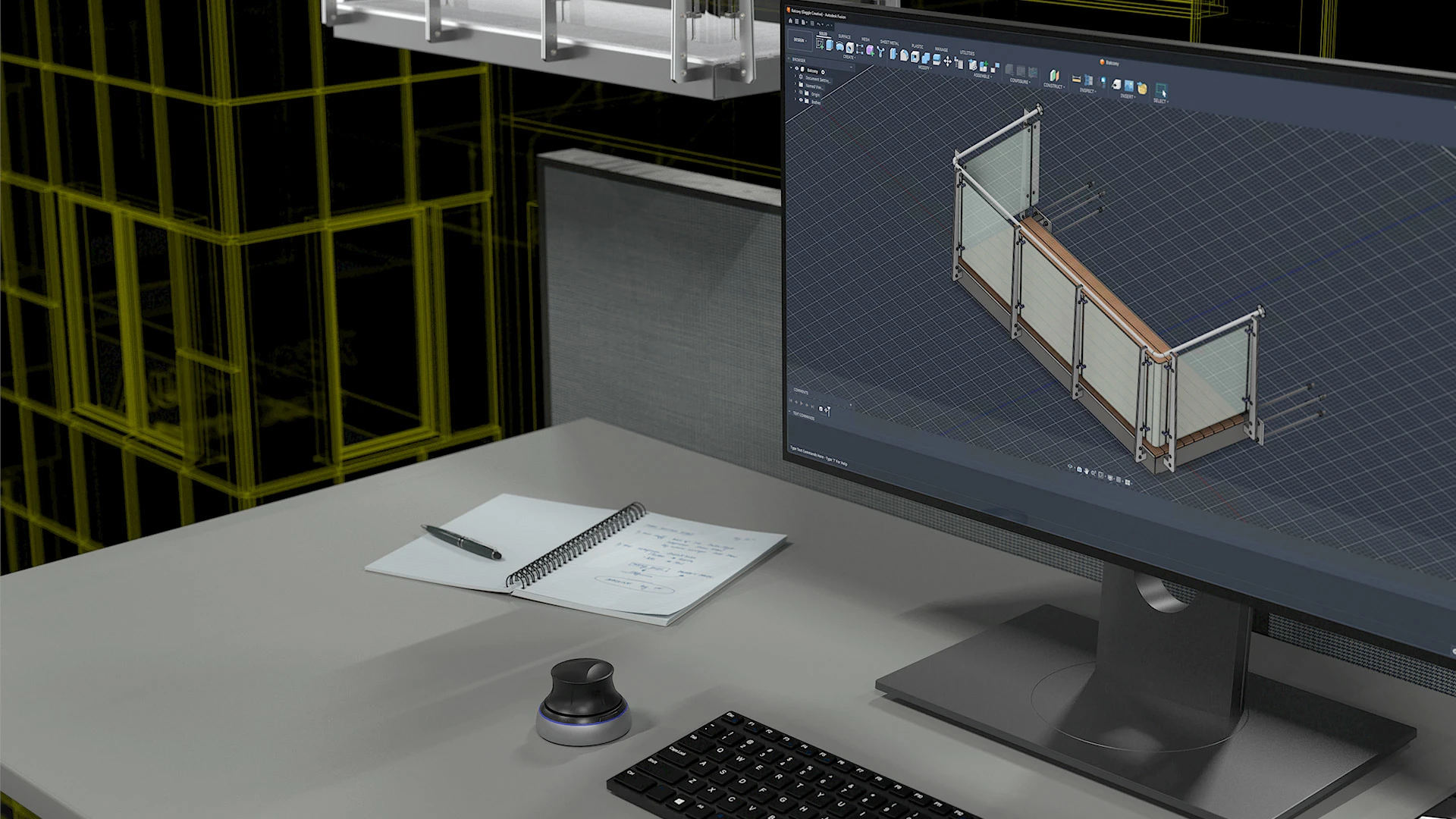
Informed Design for Fusion
Autodesk Informed Design for Fusion: Bring products into BIM workflows
Prepare and publish Fusion-designed products as BIM content for architects and designers using Revit. Now in open beta.
Informed Design for Fusion
Autodesk Informed Design for Fusion: Bring products into BIM workflows
Prepare and publish Fusion-designed products as BIM content for architects and designers using Revit. Now in open beta.

What is Informed Design for Fusion?
Informed Design for Fusion helps building product manufacturers prepare and publish Fusion-designed products as BIM content for use in Revit. Reduce manual CAD-to-BIM work, create simplified BIM representations, share content with project teams, and publish new releases as products evolve.
What is Informed Design for Fusion?
Informed Design for Fusion helps building product manufacturers prepare and publish Fusion-designed products as BIM content for use in Revit. Reduce manual CAD-to-BIM work, create simplified BIM representations, share content with project teams, and publish new releases as products evolve.
Design specification
Bring products into projects earlier
Interoperability
Reduce BIM content work
Configurable products
Offer multiple configurations from one product model
Design specification
Bring products into projects earlier
Interoperability
Reduce BIM content work
Configurable products
Offer multiple configurations from one product model
Features for connected product workflows

Configurable product publishing
Define and publish configurable rules-driven products.

Simplified BIM representations
Create simplified product geometry for use in Revit-ready BIM outputs.

Direct RFA export
Export the active Fusion model directly as an RFA or simplified RFA for use in Revit.

BIM categories and properties
Define BIM data in Fusion so Revit files inherit consistent, manufacturer-defined product information automatically.

Product updates to Revit
Push updates made to published products in Fusion downstream to Revit.

Multiple output formats
Generate outputs including RFA, simplified RFA, Fusion Archive Files, STEP, SAT, and GLB.

Configurable product publishing
Plot the Hydraulic Grade Line (HGL) and Energy Grade Line (EGL) within the long section of the drainage network.

Simplified BIM representations
Plot the Hydraulic Grade Line (HGL) and Energy Grade Line (EGL) within the long section of the drainage network.

Direct RFA export
Plot the Hydraulic Grade Line (HGL) and Energy Grade Line (EGL) within the long section of the drainage network.

BIM categories and properties
Plot the Hydraulic Grade Line (HGL) and Energy Grade Line (EGL) within the long section of the drainage network.

Product updates to Revit
Plot the Hydraulic Grade Line (HGL) and Energy Grade Line (EGL) within the long section of the drainage network.

Multiple output formats
Plot the Hydraulic Grade Line (HGL) and Energy Grade Line (EGL) within the long section of the drainage network.
Informed Design Fusion-to-Revit workflow
Take products from design to documentation

Author and publish products
Define product options and BIM outputs in Fusion, then publish them with Informed Design.
Define product options and BIM outputs in Fusion, then publish them with Informed Design.


Learn and connect with Informed Design
Explore product updates, documentation, troubleshooting resources, and community discussions for Informed Design for Fusion.

Blog
Informed Design blog
Get the latest Informed Design product news, updates, and workflow insights.

Documentation
Informed Design help
Find product documentation, setup guidance, and troubleshooting resources.

Community
Informed Design community
Connect with other users, ask questions, and discuss Informed Design workflows.
Ideas
Informed Design ideas
Share ideas for future features, upvote suggestions, and collaborate with the Informed Design team.
Questions? We have answers.
What is Informed Design for Fusion used for?
Autodesk Informed Design for Fusion is an add-in for Autodesk Fusion that enables building product manufacturers to publish products designed in Fusion for use in Revit. Manufacturers can define product options and publishing rules, create manufacturer-controlled BIM content, and share product information with building design stakeholders through cloud-based collaboration. This helps streamline the process of turning a Fusion product model into BIM content and strengthens collaboration between manufacturing and building design teams.
Who uses Informed Design for Fusion?
Informed Design for Fusion is used by product engineers, manufacturing engineers, and Fusion designers who work for building product manufacturers. It helps these teams make Fusion-designed products available as BIM content for architects and building designers working in Revit.
What is the difference between Fusion and Informed Design for Fusion?
Fusion is a cloud-based 3D CAD, CAM, and CAE platform for product design, engineering, and manufacturing. It provides tools for creating parametric models, simulating designs, and preparing products for manufacturing.
Informed Design for Fusion is an add-in that extends Fusion for building product workflows. It enables product engineers and manufacturing engineers to define product options and publishing rules, generate simplified BIM representations for Revit, and produce Revit-ready families for collaboration with building design stakeholders.
Are there any prerequisites for using Informed Design for Fusion?
To use Informed Design for Fusion, users need Autodesk Fusion and Autodesk Forma Data Management for cloud-based data sharing and building product template integration. Informed Design for Revit is not a prerequisite, but it supports collaboration with building design stakeholders working in Revit. Publishing also requires a one-time approval from a Fusion Team project administrator to grant Informed Design read access to the project.
How much does Informed Design for Fusion cost?
Informed Design for Fusion is available at no additional charge with an existing Autodesk Fusion subscription. Currently, generating manufacturing documentation through Informed Design does not incur a token charge. After the zero-token-charge period ends, generating documentation through Informed Design may incur a nominal fee. Terms and conditions apply, and pricing is subject to change.
What version of Fusion can I install Informed Design for Fusion on?
Informed Design for Fusion works with the current version of Autodesk Fusion.
Which operating system does Informed Design for Fusion run on?
Informed Design for Fusion is supported on Fusion for Windows only. See the Fusion system requirements for more information about supported operating systems and hardware.
Can I install Informed Design for Fusion on multiple computers?
Installation and use of Informed Design for Fusion on multiple computers are governed by the Autodesk Software License Agreement. Please refer to the agreement for more information.
Products you can trust
From payment flexibility to always-on support, expect excellence.

