Over the course of this ERP Integration Series, we've explored how Cost Management in Forma Build and Agave helps construction teams create connected financial workflows.
We've looked at the fundamentals of ERP integration, explored the core capabilities of Cost Management, and taken deep dives into integrations with Sage 300, Viewpoint Vista, and CMiC.
But technology is only part of the equation.
Successful implementations depend on people, processes, and a clear plan for bringing everything together.
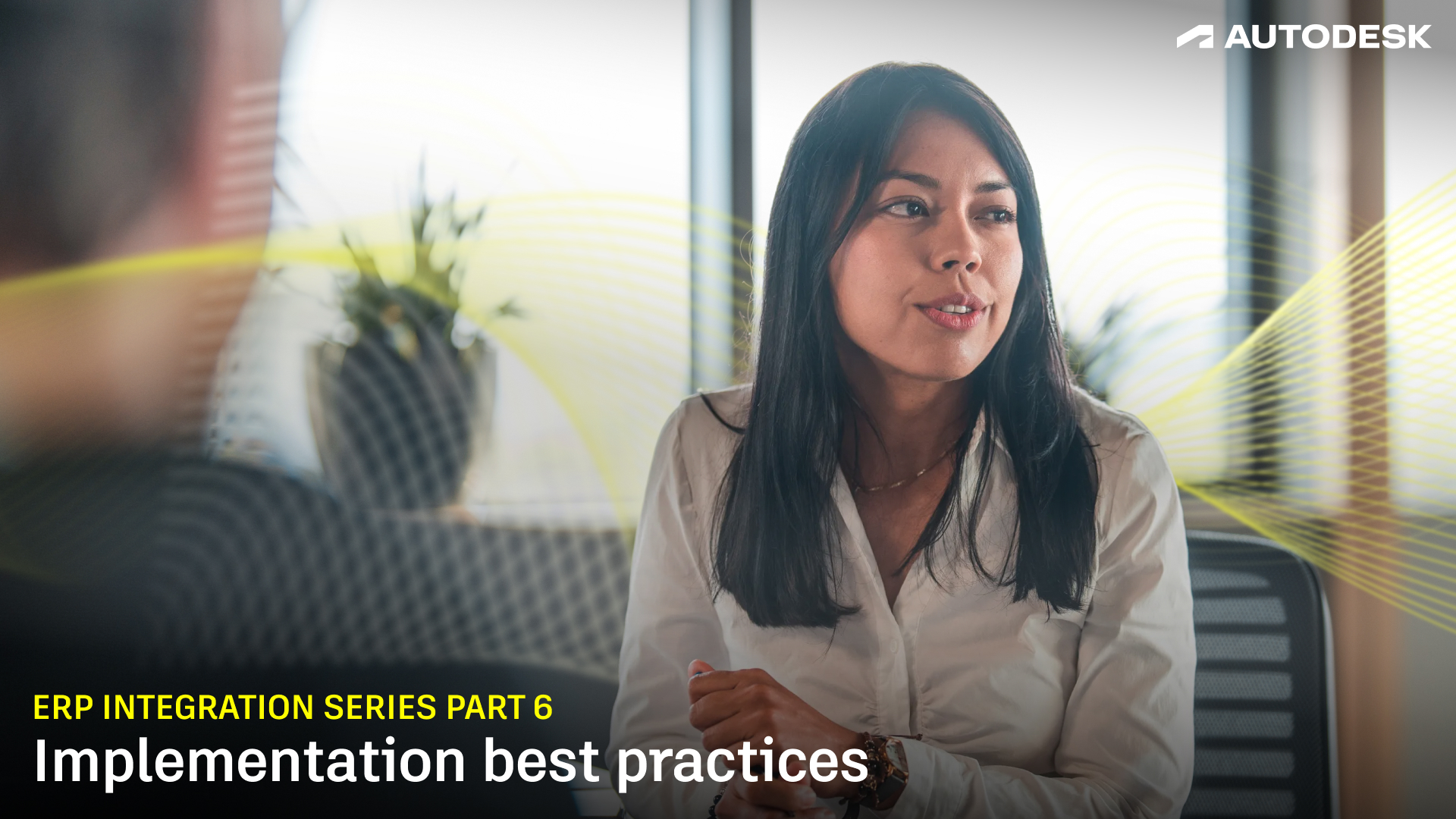
In this final installment, Jim Ferguson, ERP Integrations SME at Autodesk, is joined by Principal Implementation Consultant Tyler Patton to share practical lessons learned from helping construction organizations successfully deploy Cost Management and ERP integrations.
Whether you're just beginning your implementation journey or looking to optimize an existing deployment, these best practices can help set your team up for long-term success.
Watch the video below to see Tyler share some of the implementation best practices he's seen work time and time again.
Every successful implementation begins with stakeholder alignment.
According to Tyler, one of the most important factors is involving the right people early in the process and ensuring they have visibility into key decisions.
"We want the right people to be present so that the right decisions can get made and folks have visibility into the process and the decisions that are being made.”
In most cases, that core stakeholder group falls into three categories: operations, accounting, and IT.
Operations teams understand how the business runs day-to-day, and work gets done in the field and on projects. This person should be familiar with approval workflows, contracts, change orders, forecasting, pay applications, and other processes. Just as importantly, they should be empowered to make decisions.
"As we implement, integrate, or configure the tool, we want that key stakeholder to be able to say, 'Yes, we want to set it up this way,'" Tyler explains.
The second stakeholder is someone from accounting. While they may not be focused on operational terminology or workflows, they play a critical role in ensuring financial information is structured correctly and flows appropriately into the ERP. They understand which fields matter from a financial and reporting perspective and where that information needs to land once it's synced.
Finally, Tyler recommends involving someone from IT. IT teams help support administration, governance, and long-term platform ownership. This person is often responsible for maintaining project templates, creating new projects, supporting users, and serving as an internal champion for Cost Management in Forma Build.
The size of this group can vary. In some organizations, one person may wear multiple hats. In others, the stakeholder team may include five to seven people. Either way, Tyler advises keeping the core group relatively small so teams can make decisions efficiently and keep the implementation moving forward.
The timeline and level of effort can vary from one company to the next, but according to Tyler, the overall approach stays largely the same and follows these four phases.
Phase 1: Strategy and planning
The first phase focuses on scoping the implementation and creating a plan. This is where teams identify key stakeholders, establish meeting cadences, and define the workflows they'll be managing in Cost Management.
Phase 2: Configuration and standardization
Next comes implementation, where teams get into the nuts and bolts.
This phase covers everything from budget imports and cost codes to contracts, purchase orders, and integrations with tools like DocuSign or Adobe Sign. It's also where teams standardize processes and align Cost Management with the way the business operates.
Phase 3: ERP integration and testing
Once the foundation is in place, teams begin connecting Cost Management to the ERP.
This is where data starts moving between systems through APIs and integrations. At the same time, teams test workflows, validate data, and confirm that information is landing exactly where it should.
As Tyler points out, these phases aren't strictly sequential. "These really blend into each other."
Phase 4: Go live
After testing, configuration, and validation are complete, teams begin rolling out Cost Management to live projects. This includes training end users, launching new workflows, and officially "flipping the switch" on the new system.
After helping customers implement and integrate Cost Management across a wide range of organizations, Tyler has noticed a few recurring patterns. Some practices consistently lead to successful rollouts, while others can create unnecessary delays or headaches.
Best practice: Get the right people involved
If there's one recommendation Tyler emphasizes most, it's this: make sure the right stakeholders are part of the process.
"This is by far my biggest recommendation," he says. "Let's have the right folks and stakeholders in the room."
We said it earlier, having representatives from operations, accounting, and IT helps ensure decisions can be made quickly and that different perspectives are considered throughout implementation.
Best practice: Test early and test thoroughly
According to Tyler, implementation doesn't truly come to life until people start using the system.
"It can be easy for me to say, 'Hey, this is how you do it' and show you what buttons to click, but where the learning happens and the details come out is during that testing."
The most successful teams don't just validate that workflows function correctly. They test real-world scenarios, confirm data lands where it should in the ERP, and uncover edge cases before going live.
Best practice: Take advantage of configuration options
Cost Management is designed to be flexible, so teams should take the time to tailor the platform to their business processes.
As Tyler puts it, "Let's marry those two roads together." Whether it's terminology, workflows, or approval processes, thoughtful configuration can help the system feel like a natural extension of how teams already work.
Pitfall: Rolling out too soon
One of the most common mistakes is rushing into production before testing and validation are complete.
"We want to make sure that our testing, our configuration, and the integration are complete before we start rolling this out with live projects," Tyler explains.
Teams often uncover important insights during testing, and it's much easier to address those issues before real projects and end users are involved.
Pitfall: Resisting process improvements
Implementing new software is an opportunity to improve how work gets done.
Tyler encourages teams to stay flexible and keep an open mind throughout the process. Rather than forcing old workflows into a new system, look for ways to streamline processes and take advantage of how Cost Management is designed to work.
Pitfall: Working in silos
Finally, make it a point to work together and avoid putting the task on just one person or team.
"We don't want one lone ranger to do everything," says Tyler.
Successful implementations involve collaboration. When stakeholders stay engaged and different voices are represented, teams can make better decisions, solve problems faster, and build stronger long-term adoption.
When organizations successfully adopt Cost Management in Forma Build and connect it with their ERP systems the impact extends far beyond technology.
Project managers gain greater visibility into the financial health of the project. Accounting teams spend less time reconciling data and more time supporting the business. Leadership teams gain confidence in a shared source of truth for project financial performance.
Most importantly, teams can make decisions faster, collaborate more effectively, and operate with greater confidence in their data.
Connected financial workflows become more than a goal—they become part of how the organization works every day.
This concludes our ERP Integration Series.
Throughout these six installments, we've explored how Cost Management in Forma Build and Agave help connect project and accounting workflows, reduce manual effort, improve data accuracy, and create greater visibility across the construction lifecycle.
Whether you're evaluating ERP integrations, planning a Cost Management deployment, or looking to optimize existing workflows, the goal remains the same: empowering teams with connected, reliable financial information so they can focus less on managing data and more on delivering successful projects.
Thank you for following along with the series.
If you're ready to learn more about Forma Build, ERP integrations, or implementation best practices, reach out to an Autodesk representative. We'd be happy to help you take the next step in your connected construction journey!
To learn more about how our latest releases can benefit your teams, reach out and schedule a demo to learn more.