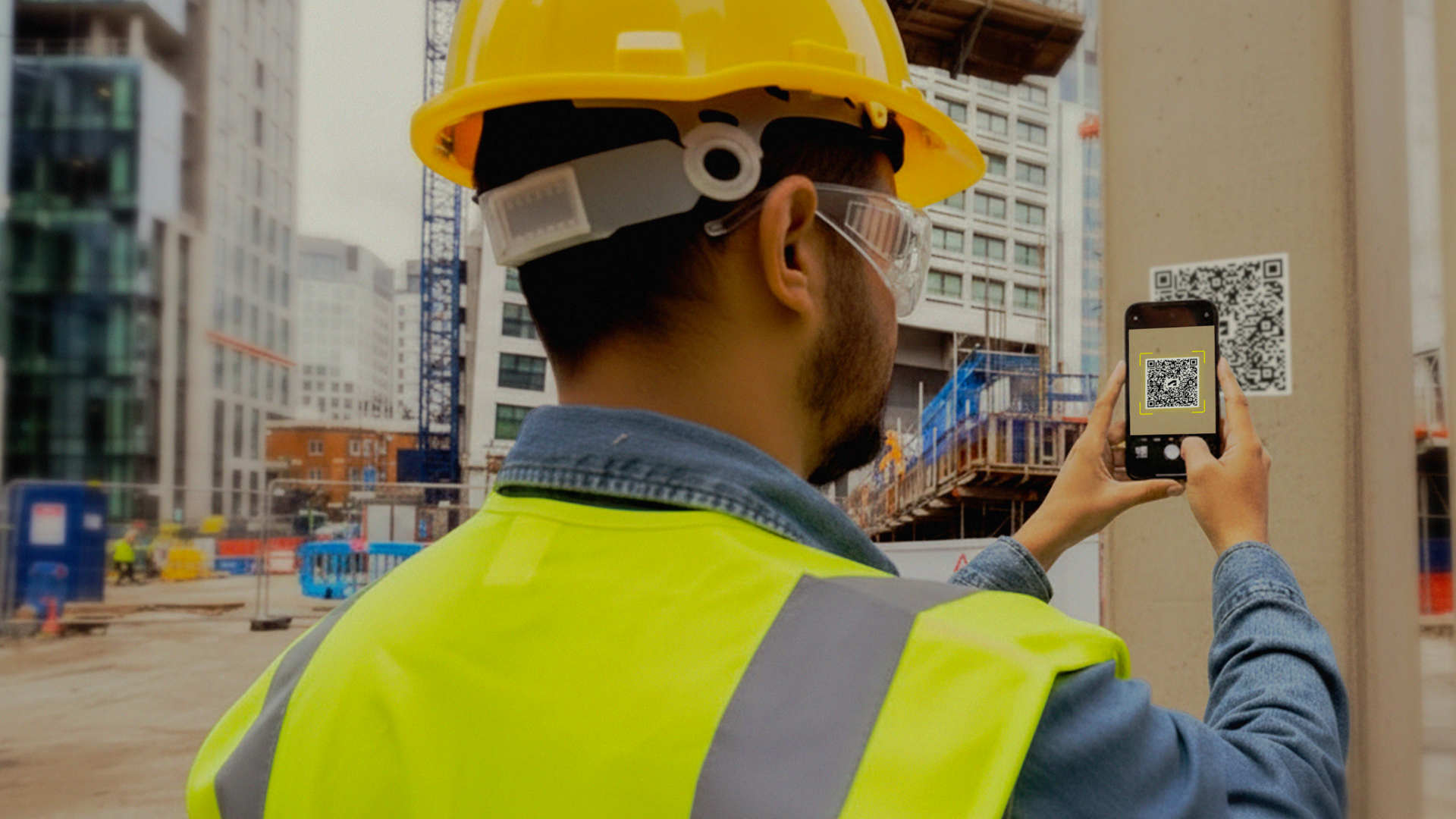
In construction, field teams often spend valuable time hunting for the latest drawings, manuals, or inspection data. Enter QR codes: a simple yet powerful tool bridging the gap between physical assets and digital information, instantly.
The best part? You can link to just about anything, from a PDF to a 3D model. In other words: your options are almost limitless.
Construction thrives on accessible, accurate information. But even with the best intentions, it’s all too easy for teams to end up working off outdated drawings or spending time searching for the right checklist. Digitalizing construction information is a big step forward and it puts the data in your pocket. Making them accessible with just one scan? That truly unlocks their value.
By connecting physical elements to digital models and project data, QR codes streamline workflows across design, construction, and operations.
On-site construction inspections often slow down when teams need to navigate folders, flip through drawings, or even guess which asset they’re reviewing. QR codes eliminate the guesswork by linking directly to the exact asset and its related info.
Picture walking up to a door, façade panel, or HVAC unit. With a single scan, inspectors can access the element’s design details, reference documents, QA forms, and even see its placement in the drawing or model. From there, they can log inspection results or update the Asset’s status immediately.
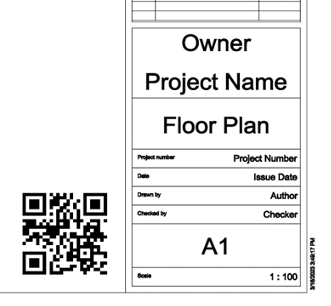
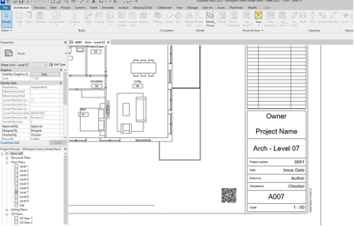
QR codes can be placed on adhesive labels attached directly to elements such as rooms, precast panels, or mechanical equipment. They can also be embedded in Revit drawings, so you have an overview drawing of all assets.
The result? Faster, more accurate inspections without folder digging, manual data entry, or guesswork.
Placement of the QR code: printed adhesive label attached to the element or printed on the blueprint plan.
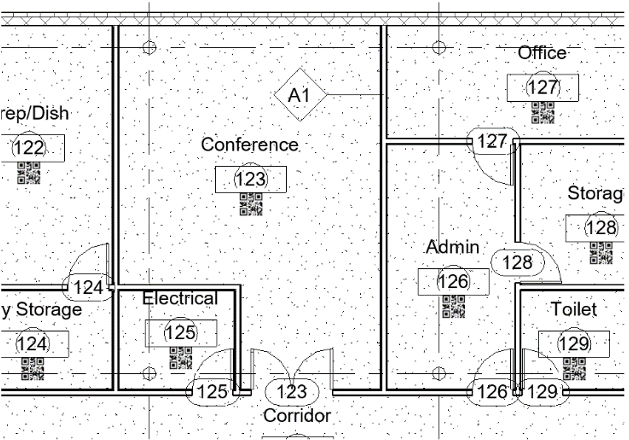
Option 1 – QR codes on the paper blueprint plan
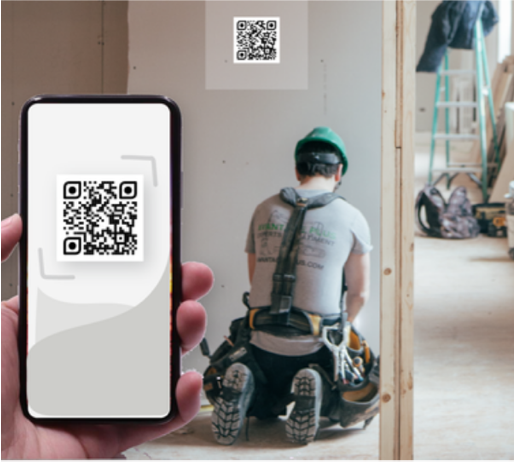
Option 2 – individual QR code adhesive labels
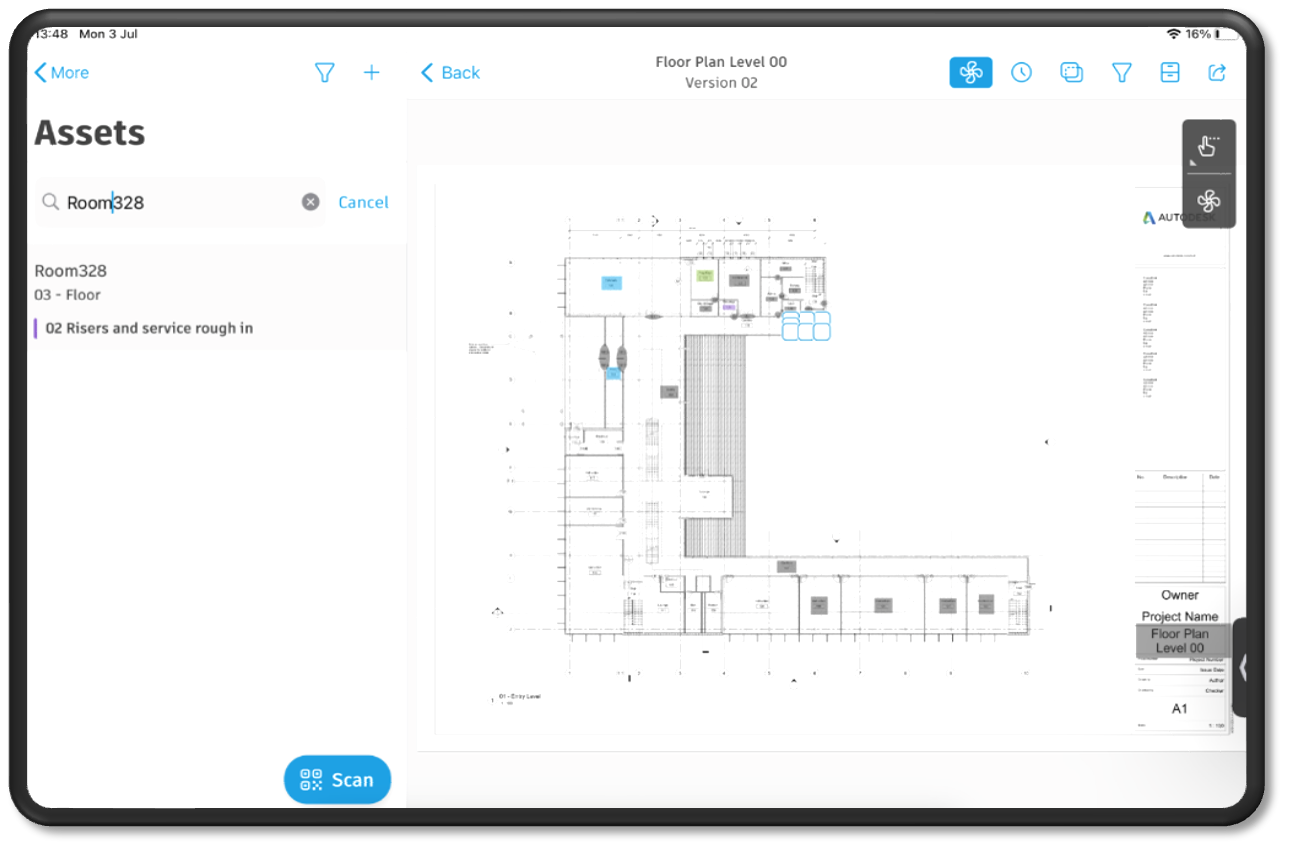
Imagine you need to perform a weekly health & safety check. You want to start a new form, ensure old issues are closed out, and review inspections completed by other parties. QR codes can act as a central access point for grouped health, safety, and compliance information, making this process much simpler.
QR codes aren’t limited to building components — they can link to health & safety inspections for specific equipment, areas, or the entire project. When scanned, the QR code presents users with a tailored selection of past issues and forms based on their permissions. Specific roles can create and view their relevant subsections, while managers can access inspections across multiple parties.
The system also automatically suggests the relevant form templates to start from, streamlining the workflow and keeping all information connected and up to date.
On jobsites valuable time is often lost searching for the right drawings, submittals, or models. QR codes solve this by putting the latest file just a scan away.
Scan a QR code on a drawing and crews can instantly access the most current version, whether it’s a 2D drawing, 3D models, or other file types. From there, site teams can compare revisions, overlay drawings, take measurements, markup, and place issue pins.
The result? The site team always works from the latest design, while the office receives as-built feedback within the same document.
Pro tip: You can choose whether your QR code refers to individual files, folders or even file packages.
Even in a digital-first world, most sites still rely on printed drawings. The challenge? Making sure those paper sets match the latest updates. A version-specific QR code brings instant digital control to printed plans.
A foreman can simply scan the QR code printed on a drawing and get a simple yes/no answer: is this drawing up to date, or not? That quick check at the start of the day can prevent an entire crew from working off an outdated set.
If the drawing is out of date, the scan links directly to Autodesk Forma (formerly Autodesk Construction Cloud) so the team can review the latest revision. Because the QR codes are tied directly to drawings and update automatically with each revision, the paper set on-site always stays aligned with the single source of truth.
The result? The familiarity of paper with the accuracy of digital.
Licensing cost information and trial for third party software is available below on the Autodesk App Store:
| RevitCheck | App store link |
| DoCheck QR by Blacksmithsoft | App store link |
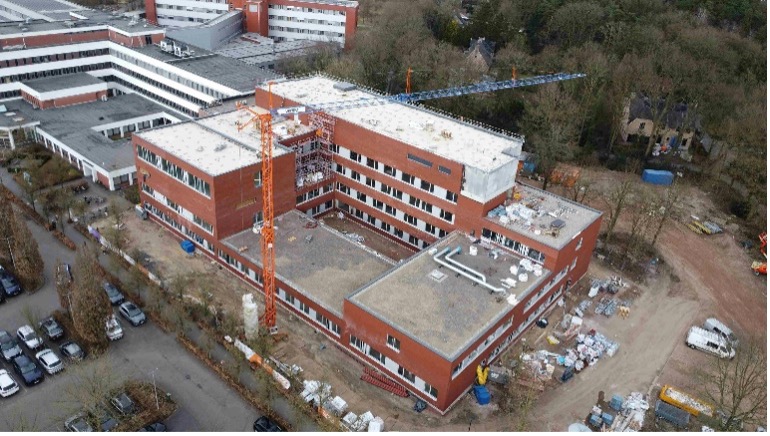
In the fast-paced world of healthcare construction, innovation is key. ibens, a forward-thinking construction company, has embraced digital transformation by integrating QR codes into the construction process of the AZ Voorkempen hospital.
Each hospital room is uniquely designed to meet the specific needs of doctors and patients. To streamline inspections and ensure quality, ibens has placed a single QR code on every doorframe. These QR codes serve as gateways to real-time information, enabling teams to track room progress and perform QA/QC checks efficiently.
“Using QR codes has transformed how our teams work in the field,” says Martin Geernaart, CEO at ibens. “We instantly access the latest information and can take action based on real-time insights.”
The QR codes allow teams to quickly link issues, update asset statuses, and complete forms — all tied to the exact location the QR code represents. This seamless integration of physical and digital elements has significantly improved operational efficiency.
During construction, teams access linked designs and models to resolve questions about specifications or design intent. During commissioning, progress and inspections are tracked via the QR codes, feeding directly into dashboards. The result? A hospital delivered six months ahead of schedule, meeting the highest standards.
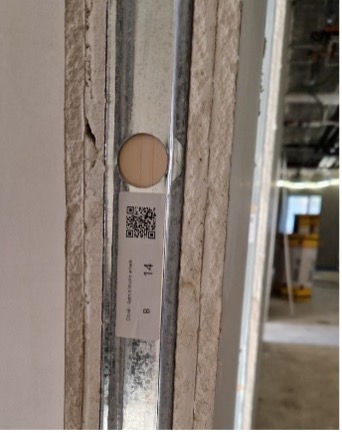
Small, simple, and surprisingly powerful, QR codes are accelerating the digital transformation of the construction industry. By connecting physical assets to digital information, they help teams work faster, reduce errors, and improve collaboration throughout the project lifecycle.
If your project hasn’t explored QR codes yet, now is the perfect time to discover how a small square can deliver a big impact.
This article was co-written by Christopher Baute, Digital Innovator at ibens, and Guillaume Neyrinck, Senior Customer Success Manager, Autodesk.