 Scott Shiple
 Mahzad Fasih
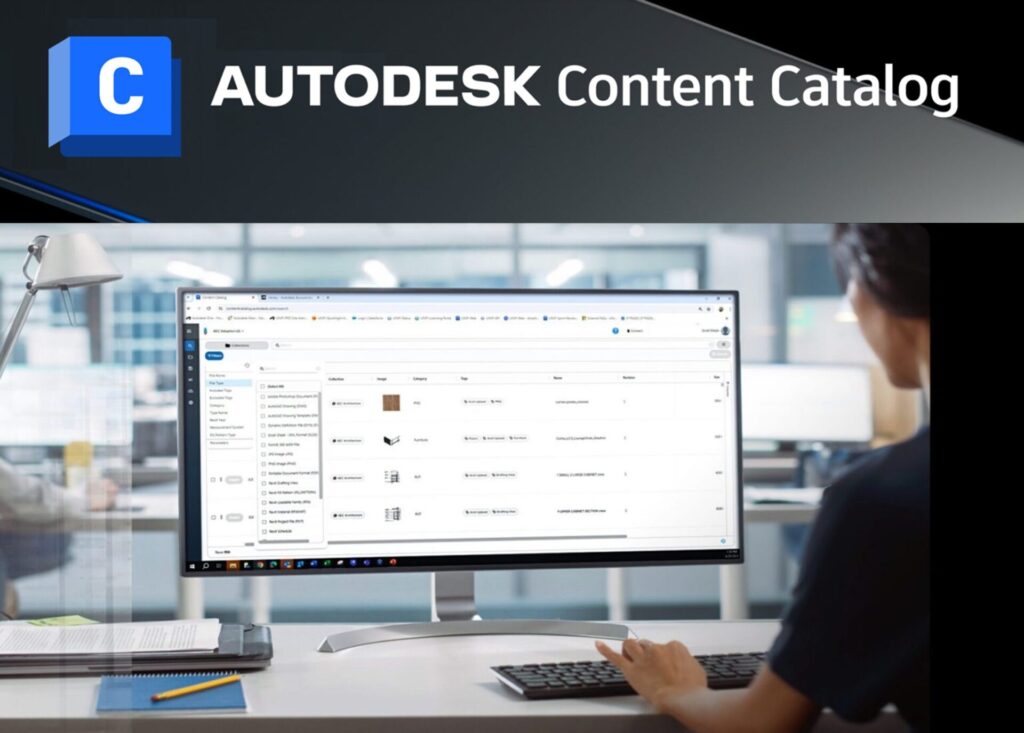
We are excited to announce that Content Catalog, Autodesk’s cloud-based digital asset management tool, is now introducing Content Request and Revit Materials Support to enhance workflows, reduce rework, and provide better data.
Serving as a central BIM repository for the AECO industry
Content Catalog—a trusted source for storing, versioning, and accessing AEC content and data— enables customers to easily manage, distribute, and find the most up-to-date versions of their Building Information Modeling (BIM) content. Content Catalog is accessible at no additional cost to users with existing subscriptions that include Autodesk Docs.
Since its launch in August 2024, Content Catalog has served as a centralized repository for AEC content, including Loadable Revit families, schedules, drafting views, details, and AutoCAD blocks.
Content Request
Content Request enables users’ new content requests to be added to company collections in a structured, validated, and secure way to meet firm standards. Team members that can’t locate content can easily submit a request to administrators for a timely and efficient response. Administrators can centrally review, approve, and manage requests as part of their broader BIM management processes to maintain high content standards and governance. This approach improves collaboration and responsiveness across firm collections with consistency and quality.
Manage Revit Materials
Content Catalog’s Revit Materials Support helps users to search, browse, and view Revit Materials details as well as insert or export Revit Materials to and from Revit. This search capability greatly enhances workflow efficiency and ease of use by simplifying the process of organizing, accessing, and utilizing Revit Materials within project models.
AECO teams can now leverage accurate and consistent Revit Materials for more informed decision-making and analysis throughout their build process. Revit Materials Support centralizes management of Revit Materials with Revit Families and supports users’ evaluation of environmental impact to reach better data-driven choices throughout the design and construction process.
Better data across projects
Content Catalog—integrated with tools like Revit, AutoCAD, and Civil 3D—enriches your common data environment (CDE) by enabling firm standards and assuring users their content is always the latest and greatest. The result? Reduced rework, standardization, and better data across projects.
Coordinate with your Autodesk Account Administrator to confirm whether you have a Docs subscription if you’re interested in this digital asset management tool. You can also visit the Autodesk Docs Resources or support.
Learn more about how Content Catalog helps improve efficiency and reduce rework.