 Tim Yarris
 John Sayre
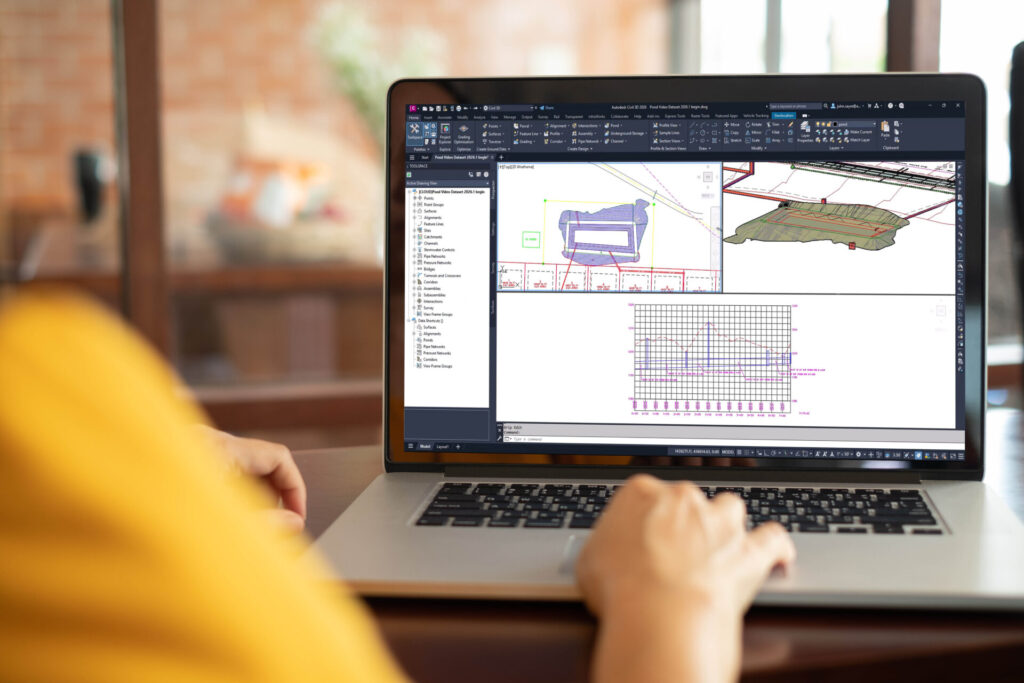
Boosting productivity and accuracy in infrastructure design is always a key focus. Civil 3D 2026.1 delivers new capabilities to help achieve just that and boasts several customer-requested improvements. From new drainage and analysis features to expansion of the popular Model Viewer, discover these latest enhancements you can start using today!
Drainage Design and Analysis
After being in development for two years and available as a Tech Preview since the release of Civil 3D 2026, we are extremely excited to release a significant package of new design workflows within Civil 3D to support a better, more comprehensive site drainage workflow, with an analysis workflow powered by InfoDrainage.
As an engineer designs the site in Civil 3D, they can leverage the power of InfoDrainage analysis services without leaving the familiar Civil 3D design environment.
- Pond Design: Create a pond from existing geometry, a surface, or by layout. Configure inflows and outflows, reference it into other drawings, and more.
- Underground Storage Design: Create from an object or by layout, configure inflows and outflows, and define, import, or export stage storage tables.
- Rainfall Management: Define known rainfall events (based on depth or intensity over time, distribution, or known events) and save libraries of multiple rainfall types and events for use in other projects.
- Drainage System Analysis Powered by InfoDrainage: Analyze a comprehensive drainage system without leaving Civil 3D! Leverage the modern InfoDrainage analysis engine in the cloud to analyze multiple rainfall events, review results, and run comprehensive reports.
Horizontal Regression Analysis
Quickly create an optimized horizontal alignment for railway or roadway design from existing conditions data. Users can control parameters including spiral sensitivity and maximum arc radius to get the best desired result.
Model Viewer Expansion
Thanks to customer feedback, the most well-received feature in Civil 3D 2026 is even better. Transparency in surfaces and corridors, a station tracker, and other enhancements help to further unlock the “3D” in Civil 3D.
Automatic Alignment Tag Renumbering
As a highly requested feature from customers, the tedious process with alignment tag labels is now made easier in Civil 3D 2026.1 with Automatic Alignment Tag Renumbering.
Get Started Today
Download Civil 3D 2026.1 today and begin streamlining your own productivity right away!