설명
Corridors—they aren't just for designing roads, that's for sure. You can make them do some very amazing things, and in the process they can seem to break in the worst possible way. This class gives you a behind-the-scenes look at how AutoCAD® Civil 3D® software creates corridors, which will better help you understand how to troubleshoot them. You see some of the most common corridor mistakes and learn how to fix them, learn some more advanced corridor troubleshooting, find out how to choose the correct subassembly for the job (even if it's not obvious), and learn what to do if the correct subassembly doesn't exist.
주요 학습
- Describe how AutoCAD Civil 3D creates corridors
- Avoid common corridor mistakes and correct them
- Effectively choose the correct subassembly for the job
- Determine if a correct assembly does not exist and make one that does
Downloads
태그
제품 | |
산업 분야 | |
주제 |
이 수업을 좋아하는 사람들은 다음도 좋아했습니다.
Instructional Demo
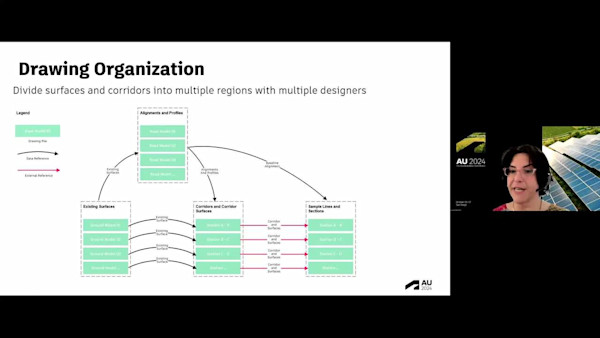
Speed Up Large Data Sets in Civil 3D: Best Practices and New Techniques

Instructional Demo
AutoCAD Tips, Tricks, and the Most-Classy Drafting Techniques
Instructional Demo
Printing Like a Pro in AutoCAD

Instructional Demo