


Descripción
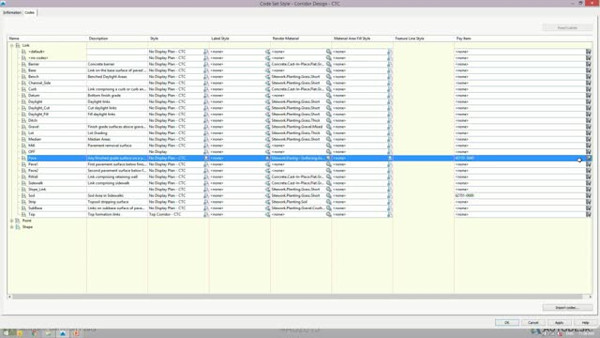
Project Explorer provides a simple user interface inside of Civil 3D software that allows users to respond to changes much more efficiently. In this class, we’ll cover how to simplify, navigate, and edit your projects much faster. Do you need a custom report from Civil 3D? No problem. Project Explorer allows for several custom reports that you can output to multiple different formats. In this modeless interface, you can have a full picture of your Civil 3D design.
Aprendizajes clave
- Learn the Project Explorer interface and how to customize it.
- Learn about viewing and navigating the Civil 3D objects within Project Explorer.
- Learn about editing Civil 3D objects within the Project Explorer interface.
- Learn about creating custom reports and tables.
Downloads
A la gente que le gusta esta clase también gusta


Instructional Demo
Hey There, AutoCAD Civil 3D—Where’s the BIM in My Airports?
Industry Talk
