


Descripción
In this hands-on lab, we will use Inventor software and Configurator 360 software to create a fully configurable model available in the cloud. We will start with an Inventor model and explore different strategies for driving it parametrically, like iLogic rules, forms, and deriving parts. We will fine-tune the model to configure it successfully in Configurator 360 software, and we will learn how to display user messages for customers. Finally, we will upload the model and ready it for deployment everywhere. This session features Configurator 360 and Inventor Professional.
Aprendizajes clave
- Learn how to upload a model in Configurator 360
- Learn how to use various methods to create parametrically driven assemblies
- Learn how to set your Configurator 360 environment
- Learn how to deploy your design to colleagues or customers
Etiquetas
Producto | |
Sectores | |
Temas |
A la gente que le gusta esta clase también gusta

Instructional Demo
Not Quite AI, but Close—Design Automation with Inventor


Instructional Demo
Taking It to the Next Level—Drawing Automation with Inventor
Instructional Demo
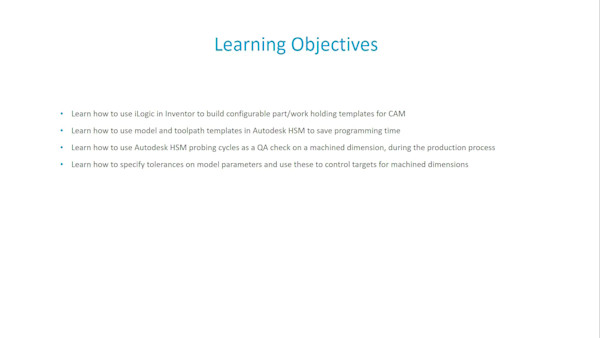
Configurable Designs and Tolerancing for Machining with Autodesk HSM
Instructional Demo