
AutoCAD Web
Autodesk AutoCAD Web: Essential drafting and design capabilities for your everyday needs
AutoCAD Web is a trusted solution that gives you anytime, anywhere access to core AutoCAD commands
AutoCAD Web
Autodesk AutoCAD Web: Essential drafting and design capabilities for your everyday needs
AutoCAD Web is a trusted solution that gives you anytime, anywhere access to core AutoCAD commands
Web or mobile
Update designs from your web browser or mobile device
Cloud Platform
Collaborate flexibly with AutoCAD Web
AUTOCAD ON MOBILE APP
Work offline and sync later
AUTOCAD ON WEB
Included with an AutoCAD subscription
Web or mobile
Update designs from your web browser or mobile device
Cloud Platform
Collaborate flexibly with AutoCAD Web
AUTOCAD ON MOBILE APP
Work offline and sync later
AUTOCAD ON WEB
Included with an AutoCAD subscription
Features to support your collaboration

New/Early Access
Multi-User Markup
Create markup links to provide simultaneous access to designs without duplicating or locking files.

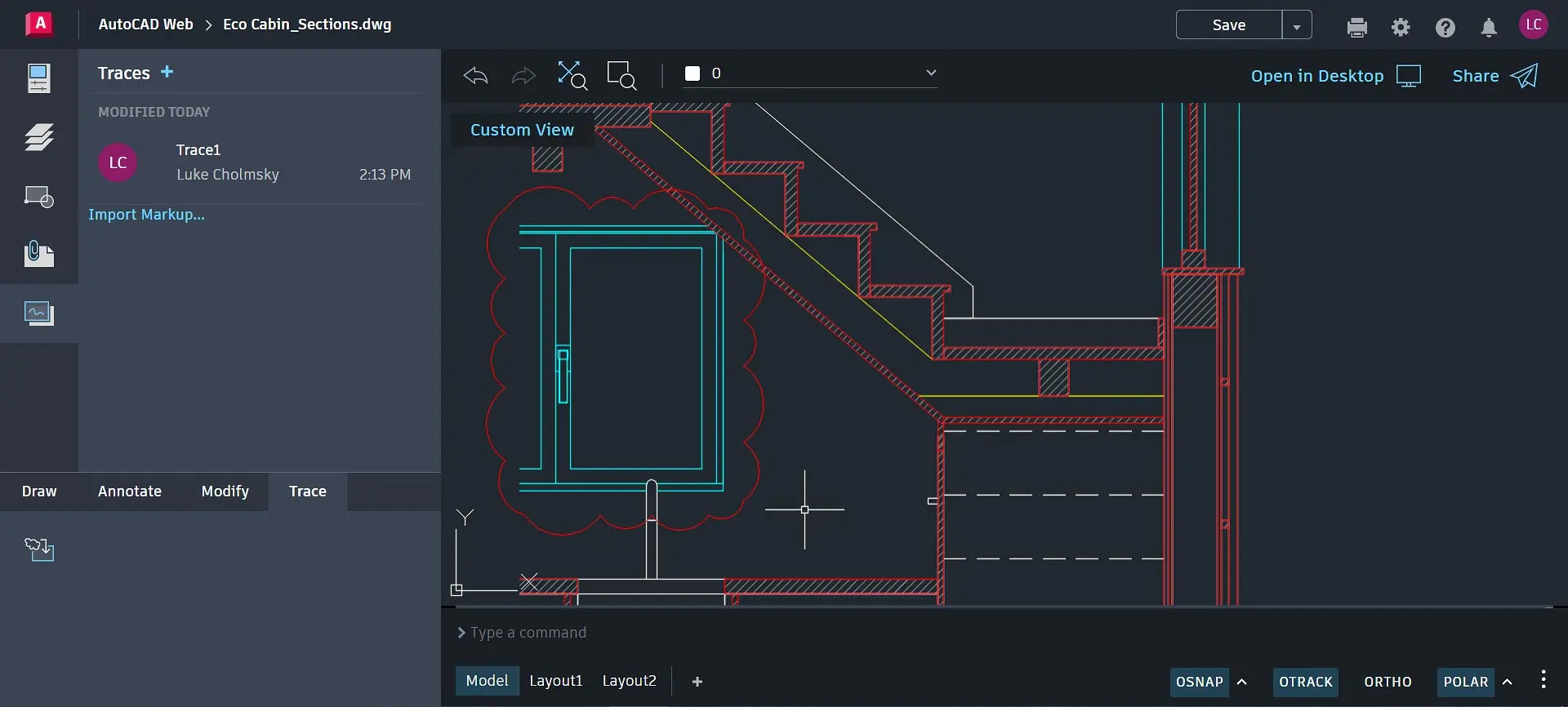
Trace
Review and add feedback directly without altering the existing drawing.

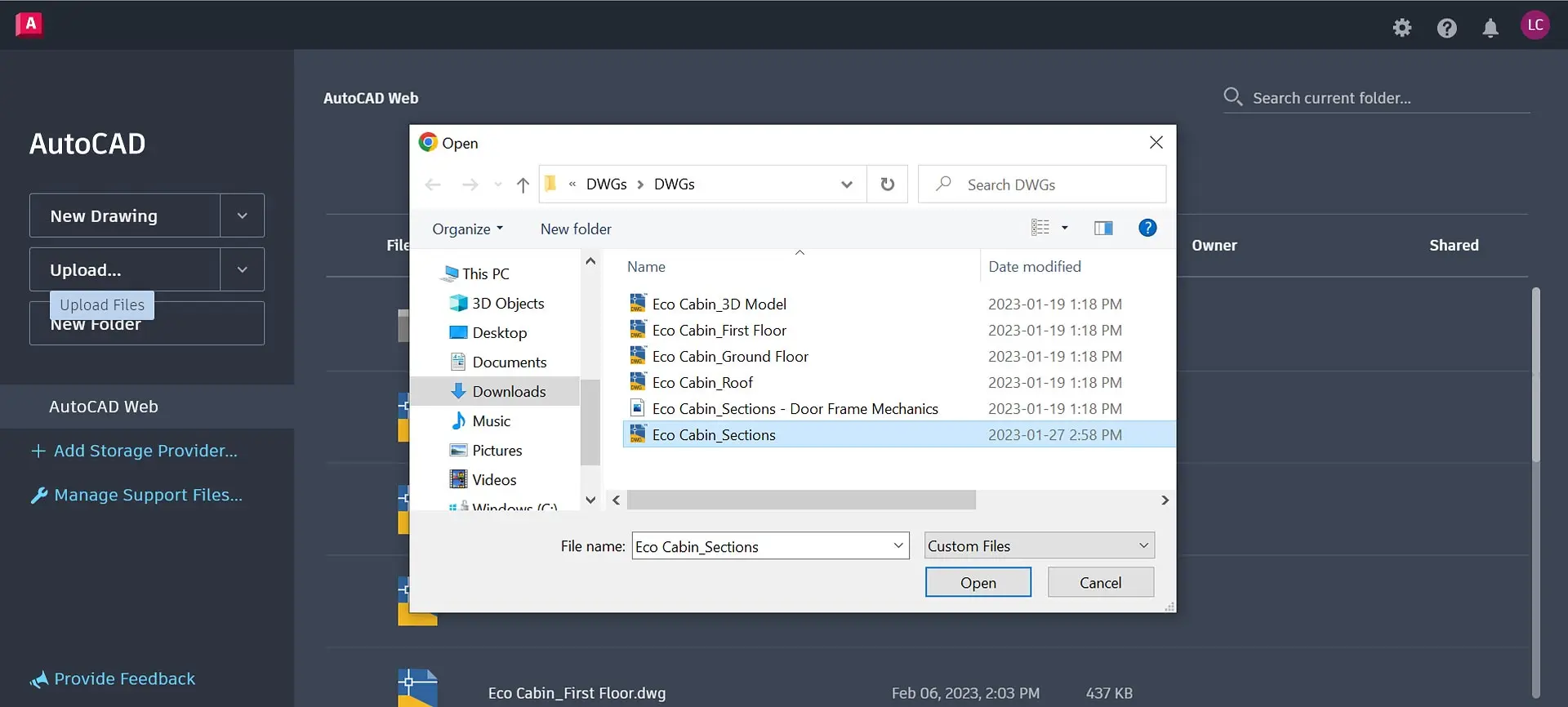
Local file access
Access DWG files saved on local drive or LAN and make edits directly without duplicating files in the cloud.

Enhanced
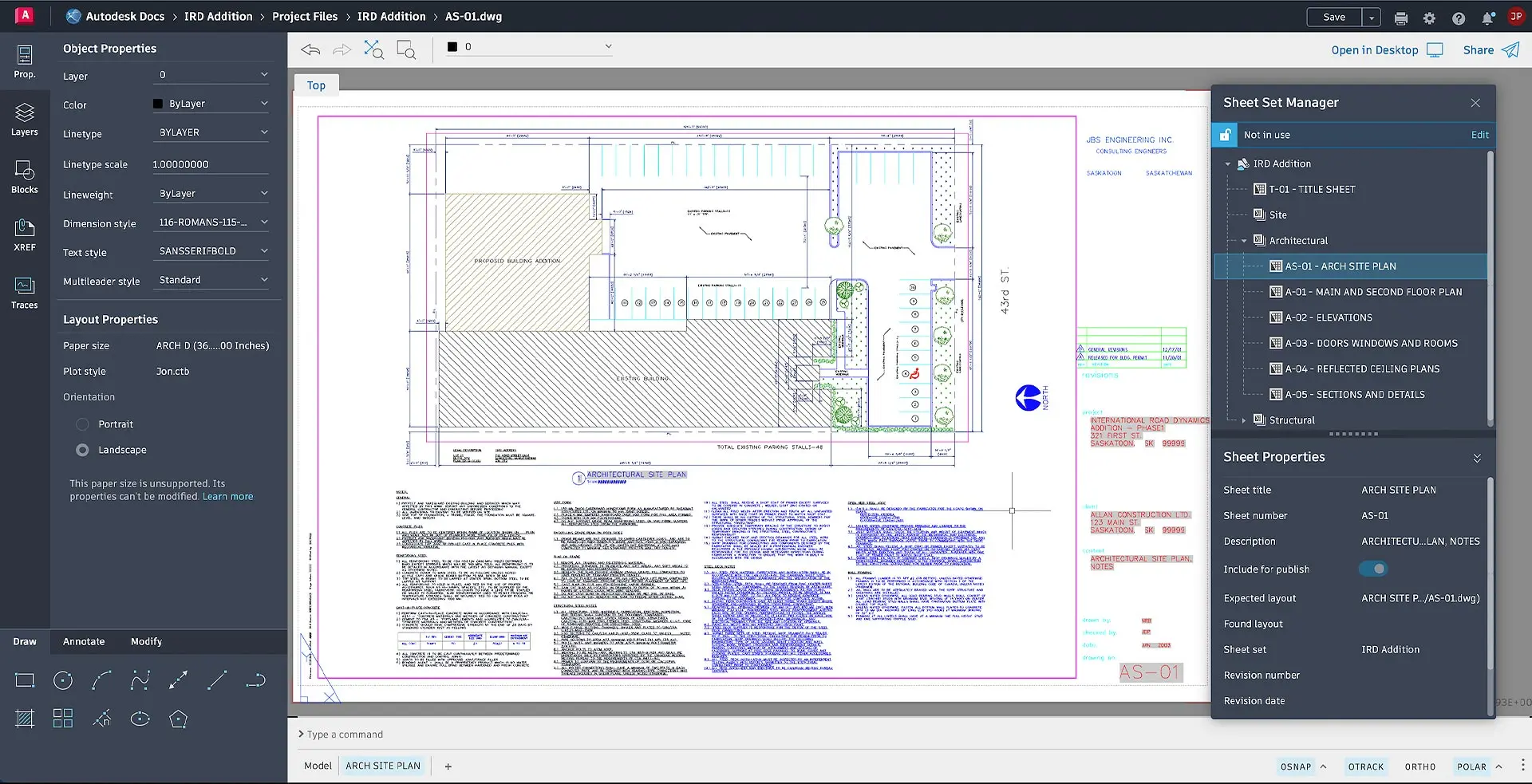
Sheet Set Manager
Send sheet sets to and from teammates and open them quickly and safely using the Autodesk cloud platform.
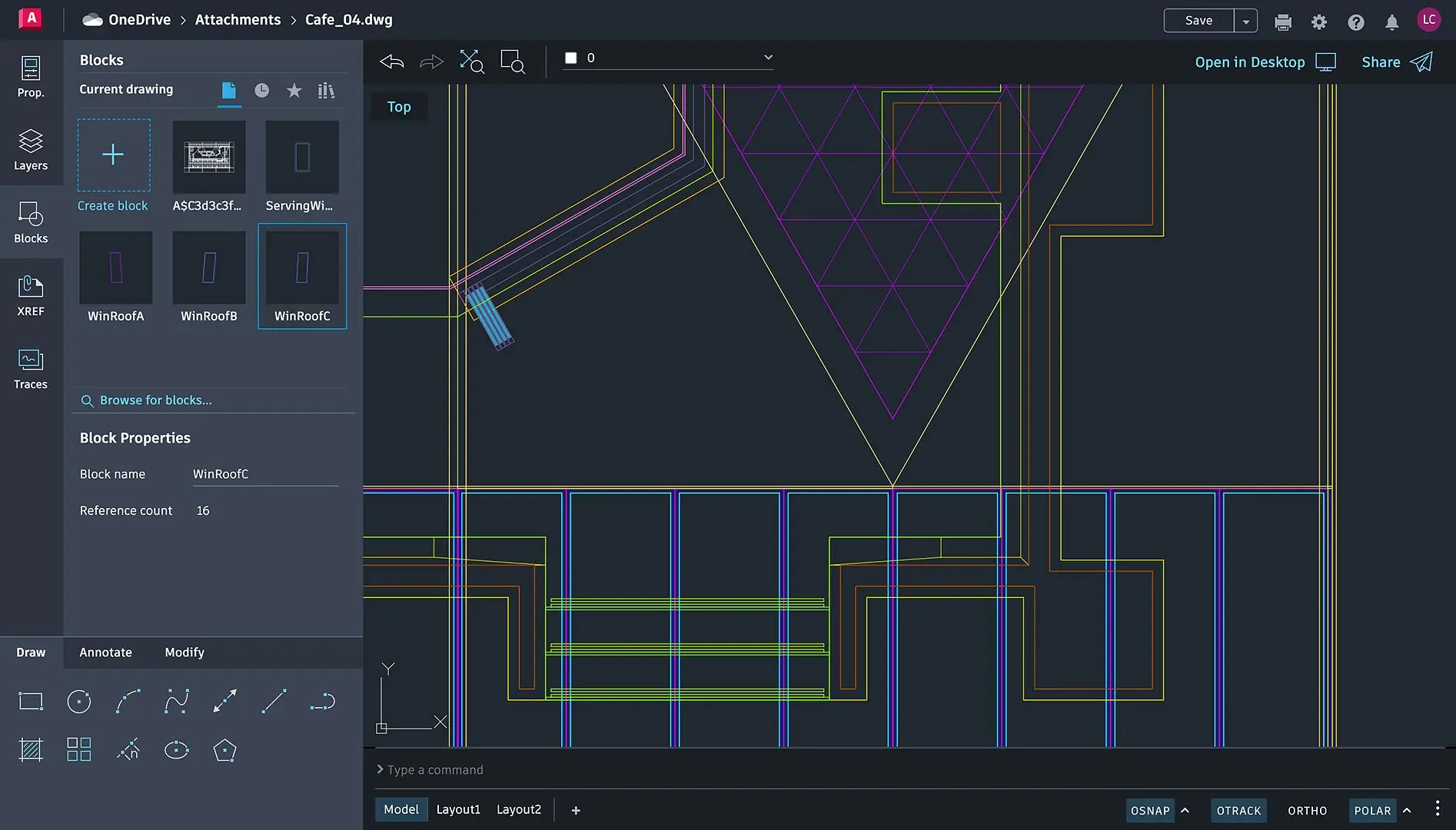
Editable blocks
Create and modify blocks, as well as access block libraries.

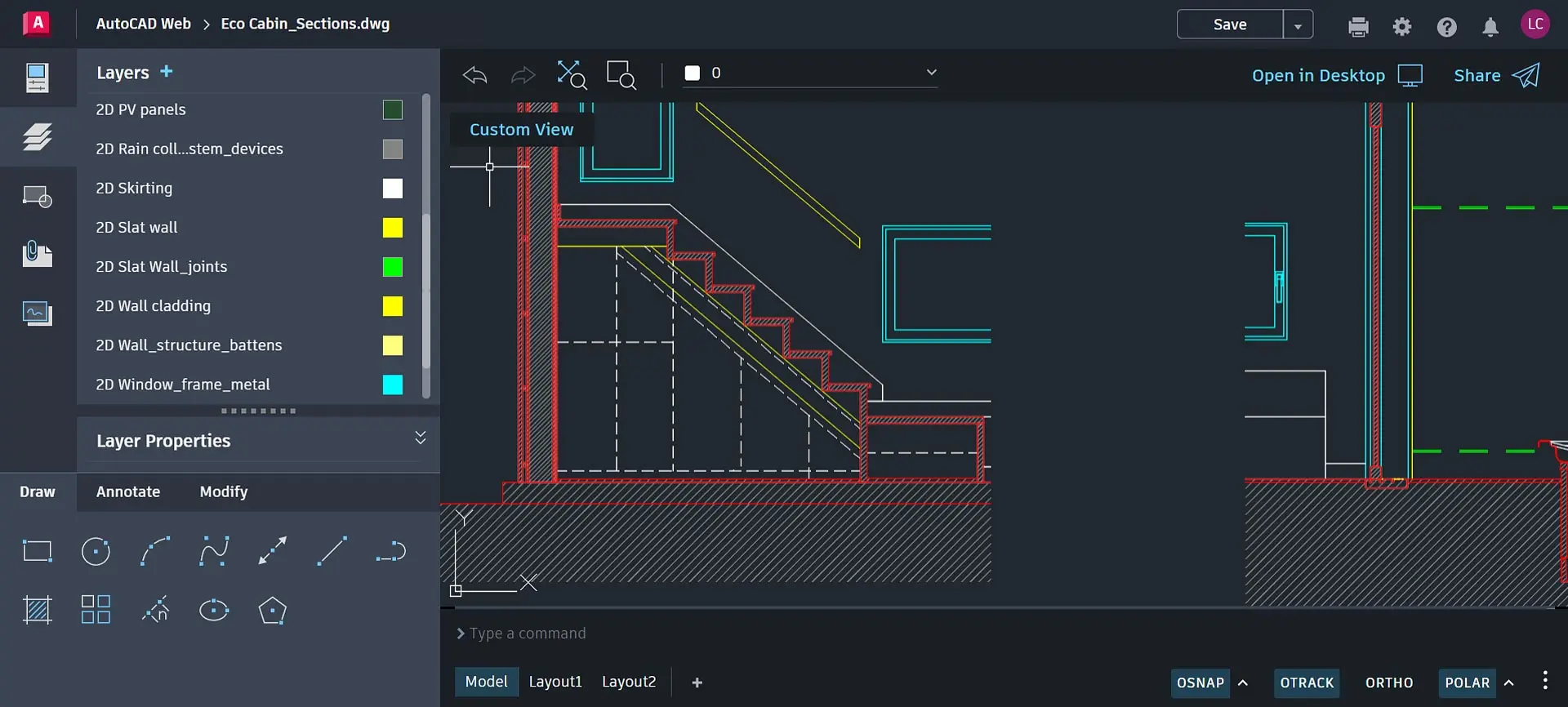
Flexible layers
Create layers in your drawing and organize them with flexibility and control.
Questions? We have answers.
How can I use Autodesk AutoCAD Web?
Autodesk AutoCAD Web, formerly known as the AutoCAD Web app and AutoCAD Mobile app, is used to access core Autodesk AutoCAD commands for light editing and generating fundamental designs, collaborate with others, add change notes and markups without altering an existing desktop drawing, and access CAD files in the cloud. Please see the full FAQ for more information.
Who uses Autodesk AutoCAD Web?
Anyone interested in accessing core Autodesk AutoCAD commands on web or mobile, including viewing, editing, or creating fundamental designs.
Is Autodesk AutoCAD Web included with an AutoCAD or AutoCAD LT subscription?
Yes, the Autodesk AutoCAD web and mobile apps are included with an Autodesk AutoCAD or AutoCAD LT subscription.
Which operating system does AutoCAD Web software run on?
AutoCAD on mobile can run on iOS, Android, and Windows. See AutoCAD on mobile system requirements for version details.
AutoCAD on the web is supported by 64-bit Google Chrome, 64-bit Mozilla Firefox, and 64-bit Microsoft Edge on Windows or Mac. See AutoCAD on the web system requirements for version details.
How can I access AutoCAD Web?
To access AutoCAD Web, you can log in to from a supported browser or download the app on your mobile device. See support documentation for more information.


AutoCAD LT
Level up with AutoCAD LT
Web and mobile access included
Create 2D designs with precision and best-in-class documentation features with AutoCAD LT.
Create 2D designs with precision and best-in-class documentation features with AutoCAD LT.
AutoCAD LT
Level up with AutoCAD LT
Web and mobile access included
Create 2D designs with precision and best-in-class documentation features with AutoCAD LT.
Create 2D designs with precision and best-in-class documentation features with AutoCAD LT.
AutoCAD LT
Level up with AutoCAD LT
Web and mobile access included
Create 2D designs with precision and best-in-class documentation features with AutoCAD LT.
Create 2D designs with precision and best-in-class documentation features with AutoCAD LT.
Products you can trust
From payment flexibility to always-on support, expect excellence.


