
CAM software for CNC Machining
CAM software for CNC Machining
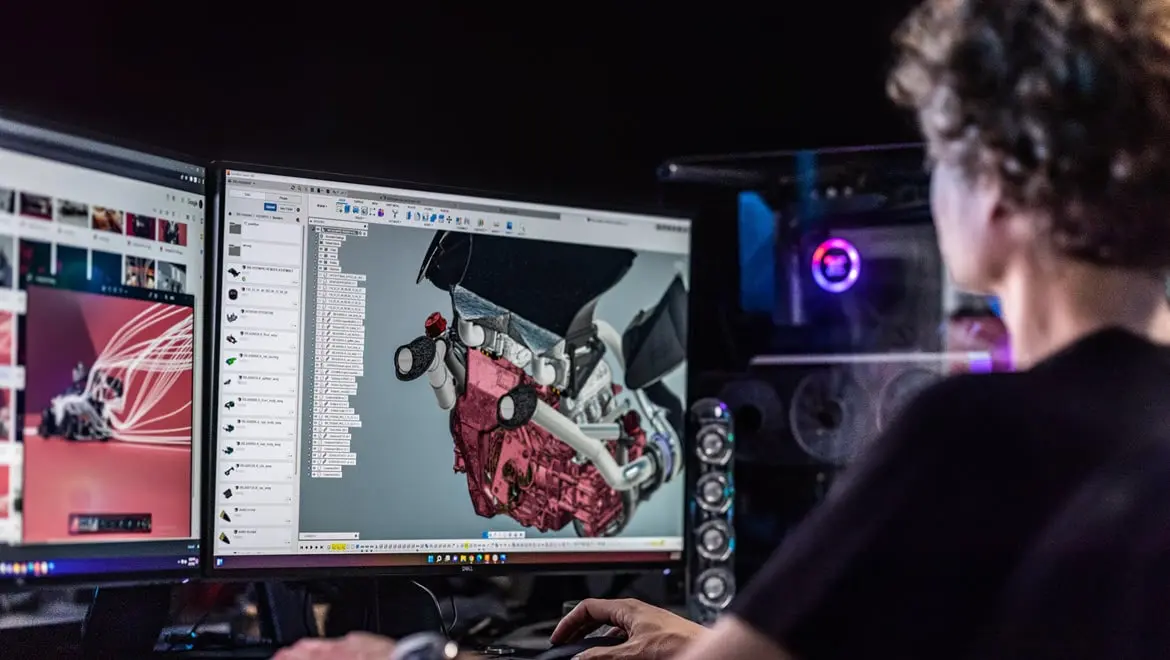
What is CAM software?
What is CAM software?

What is the difference between CAD and CAM?
What is the difference between CAD and CAM?
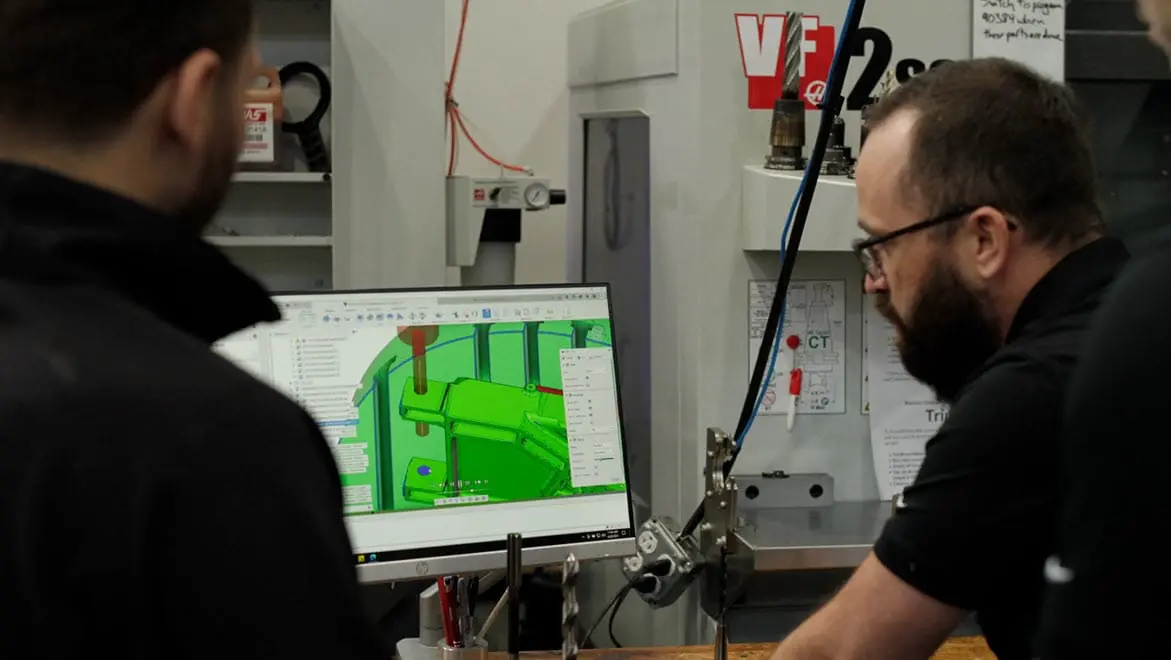
Why is CAM software important?
Why is CAM software important?
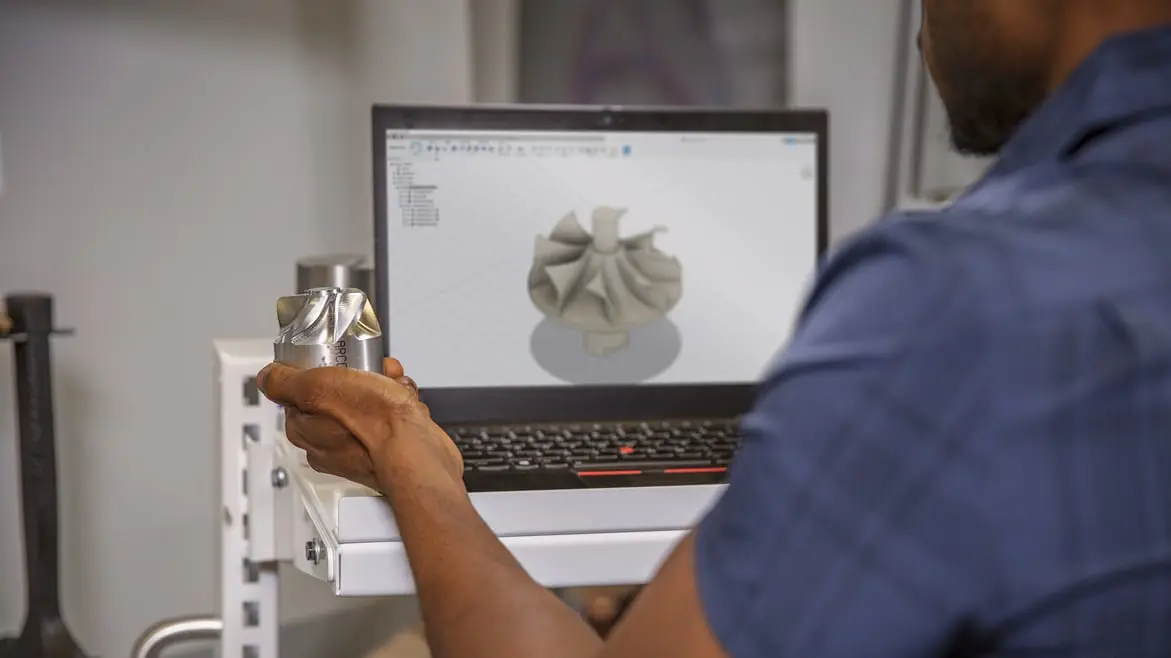
Take your businesses CAM processes to the next level with Autodesk Fusion for Manufacturing.
Take your businesses CAM processes to the next level with Autodesk Fusion for Manufacturing.
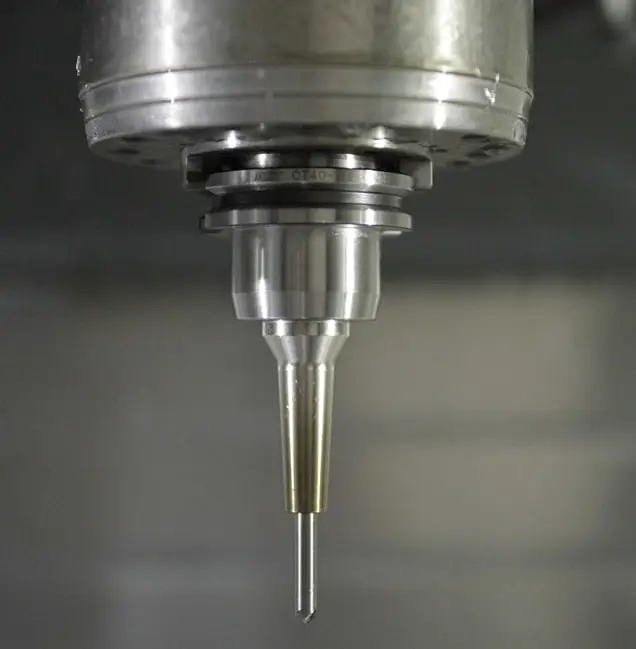
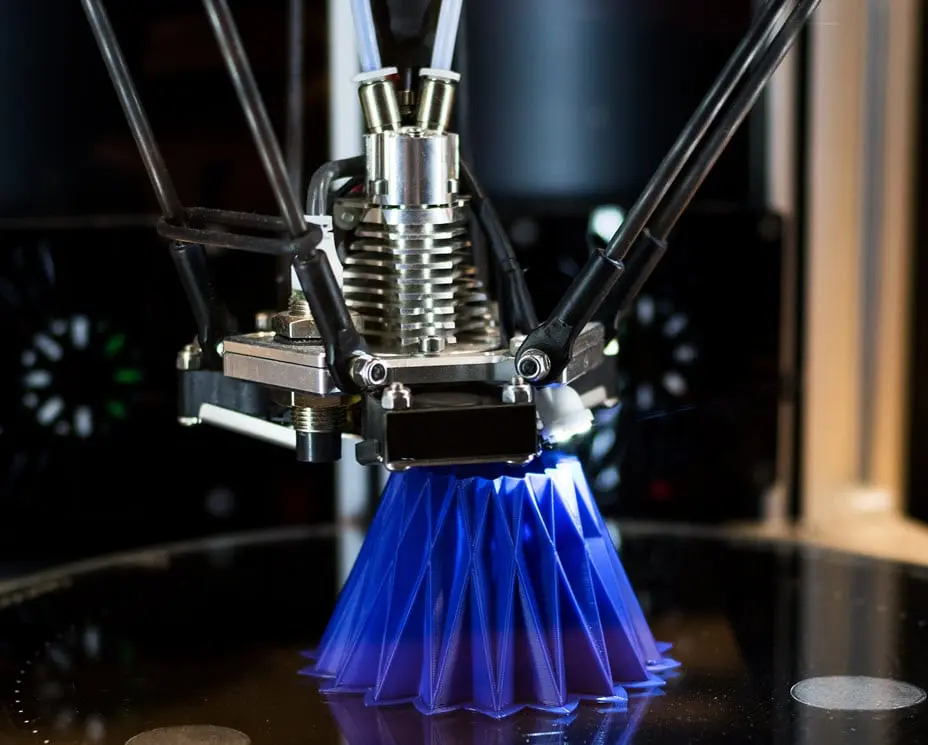
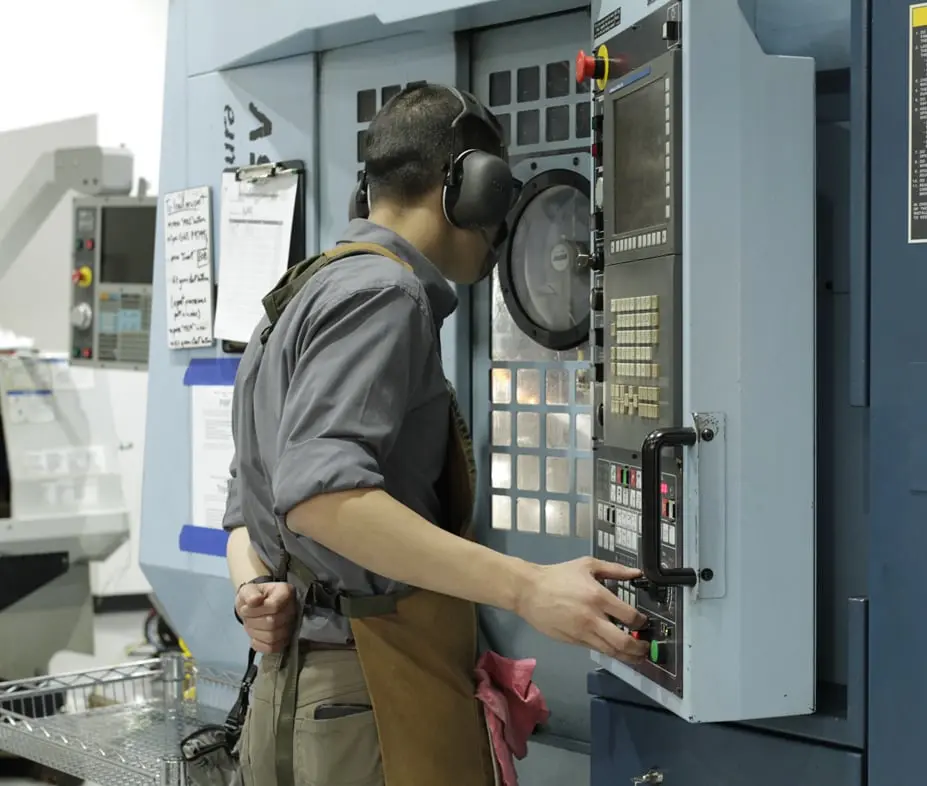
Increased precision and consistency
Increased precision and consistency
Enhanced efficiency and productivity
Enhanced efficiency and productivity
Reduced costs
Reduced costs
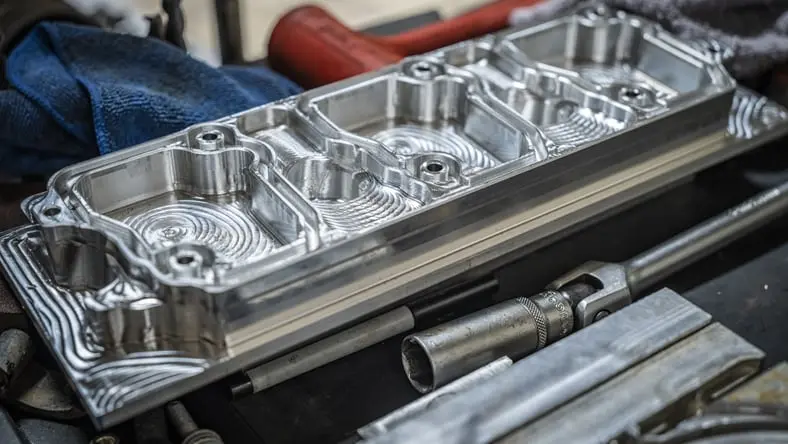
Automotive
Automotive
Industrial machinery
Industrial machinery
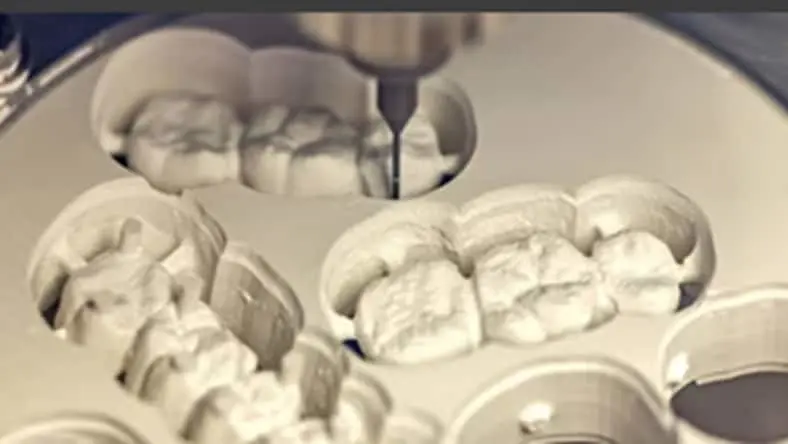
Life sciences
Life sciences
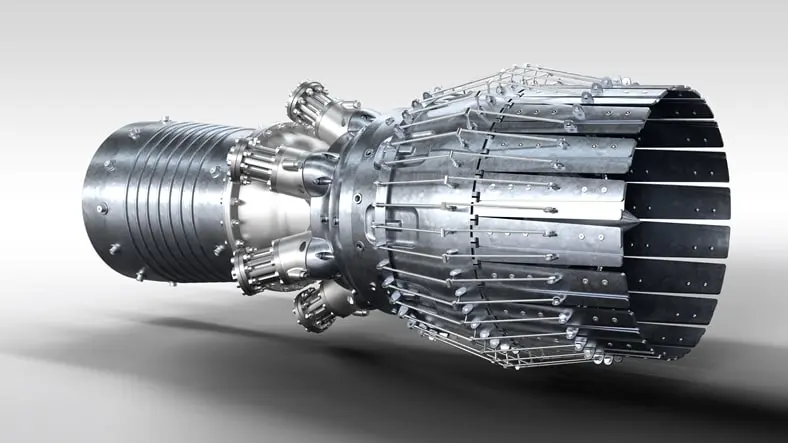
Aerospace
Aerospace
Introduction of NC systems
Introduction of NC systems
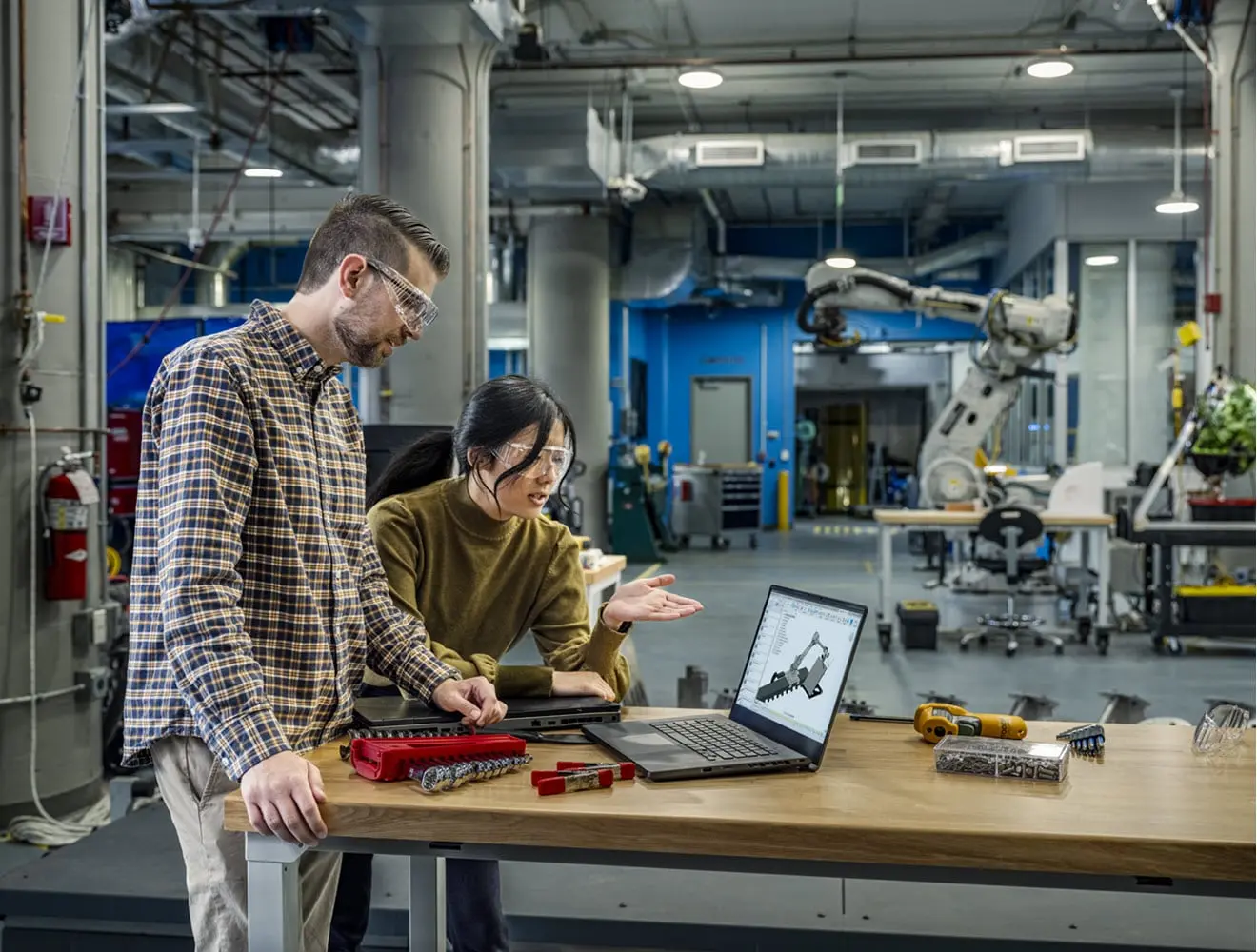
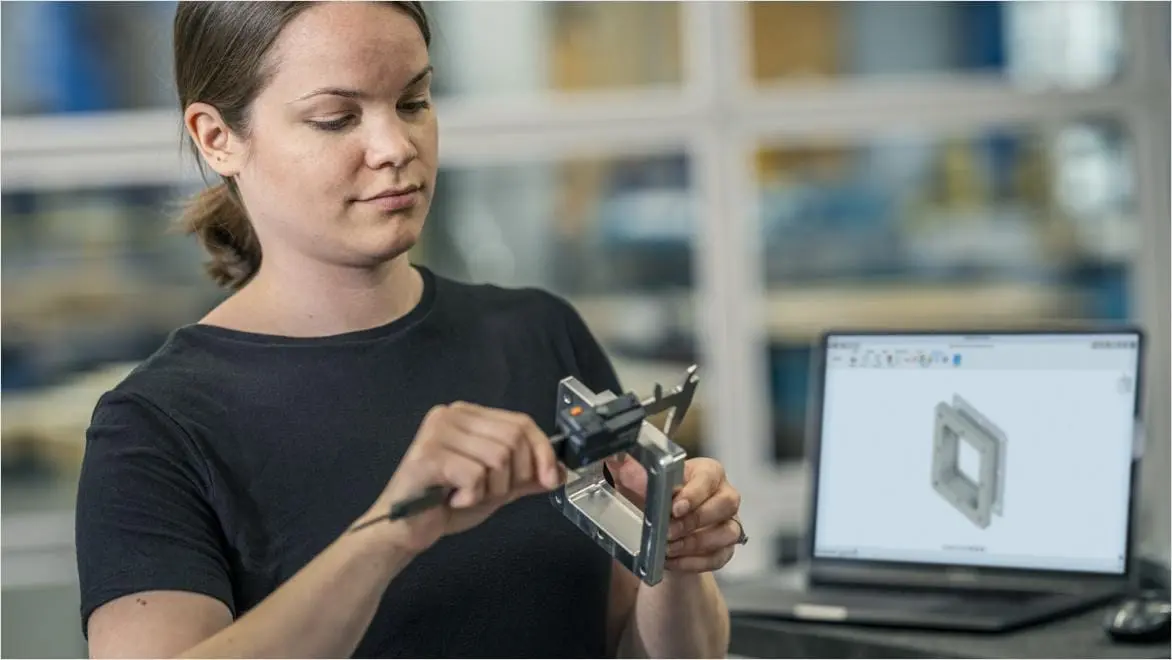
CAM software and sustainability
CAM software and sustainability
content://ns2#/title
Find answers to frequently asked questions about CAM CNC software.
What is CAM software used for?
CAM software is used to create a set of instructions for different machines. Often these instructions are in the form of G code or a similar coding language that tells the machine what to do, where to go and how to get there. This language is not very friendly to humans, and CAM software acts as a mediator between how humans work and how a machine receives instructions. This basic framework can apply to various applications, including milling, turning, mill/turning, Swiss machining, fabrication, robotics, and additive manufacturing.
How much does CAM software cost?
The cost of CAM software can vary greatly. Entry level packages may be affordable, it’s common for specialized CAM software to climb to the cost of $25,000 USD or more. Legacy CAM software also has maintenance fees required to receive yearly updates. Other hidden costs like post processors apply to most CAM packages, to allow use with the CNC machine. Autodesk Fusion offers a low cost but comprehensive alternative, starting at $2000/year for access to our entire manufacturing portfolio. There are no additional maintenance costs, and there's a library of fully customizable post processors for free.
How does CAM software work?
Generally, computer-aided manufacturing software is used to create toolpaths. These aptly named operations define the path that the cutting tool will take while removing or adding material. Specific parameters like cutting speed, spindle speed, type of motion, stepover, stepdown, and more are defined in the CAM software to fit the user's specific application, which the computer uses to generate the actual toolpath. Then the post processor translates the toolpath data into NC code that the machine can understand.
What are the advantages of computer aided-manufacturing?
CAM software has several advantages over handwritten code or conversational (at the control) programming. First, complex toolpaths that would be impossible to write by hand can be created using CAM software. This includes complex tool motion found in high efficiency roughing toolpaths that use high computation algorithms or complex tool motion created from complex part geometry. CAM software like Autodesk Fusion is associative to the CAD model, so changes to the model automatically update the toolpath, saving time and reducing rework. CAM also allows programs to be created while a job is running on the machine, increasing overall productivity.
Does Autodesk Fusion have CAM?
Yes, Autodesk Fusion includes a full suite of CAM software to program various CNC machines. Autodesk Fusion manufacturing has a modern interface and helpful tips built in to make programming easy to learn and CAM easy to use. It’s a great low-cost option to start automating your machining and programming processes.
Can Autodesk Fusion generate G-code?
Yes, Autodesk Fusion can generate G-code for many CNC machines thanks to its large library of post processors. G-code is a language that many CNC machines use to operate and how programmers and operators feed instructions to the machine. While it may seem antiquated, generating G-code is an important part of the programming workflow for most machinists today.
What are the benefits of CAD/CAM?
CAD/CAM offers significant benefits in the manufacturing process by streamlining the workflow from design to production. CAD software allows for precise and detailed design creation, while CAM software translates these designs into accurate machine instructions, for automated and optimized manufacturing. This seamless integration enhances efficiency, reduces errors, and minimizes material waste, while lowering production costs. CAD/CAM systems also enable rapid prototyping and easy modifications, allowing for greater flexibility and innovation in product development.
Who uses CAM software?
CAM software is used by a wide range of professionals and industries involved in manufacturing and production. Key users include:
Machinists and CNC Operators: CAM software is used to program and operate CNC machines for the precise and efficient machining of parts and components.
Manufacturing Engineers: CAM software is used to design and optimize production processes, develop toolpaths, and improve overall manufacturing efficiency.
Product Designers: CAM software is used to transition from CAD models to actual physical products, ensuring designs can be accurately and efficiently manufactured.
Industrial Designers: CAM software is used to create intricate and detailed designs that can be produced using advanced manufacturing techniques.
Aerospace and Automotive Industries: CAM software is used in these industries for the production of complex, high-precision parts and components.
Medical Device Manufacturers: CAM software is used to create highly accurate and customized medical devices and implants.
Fabrication Shops: Small to medium-sized fabrication shops use CAM software to automate and optimize their manufacturing processes, improving productivity, and reducing costs.