-
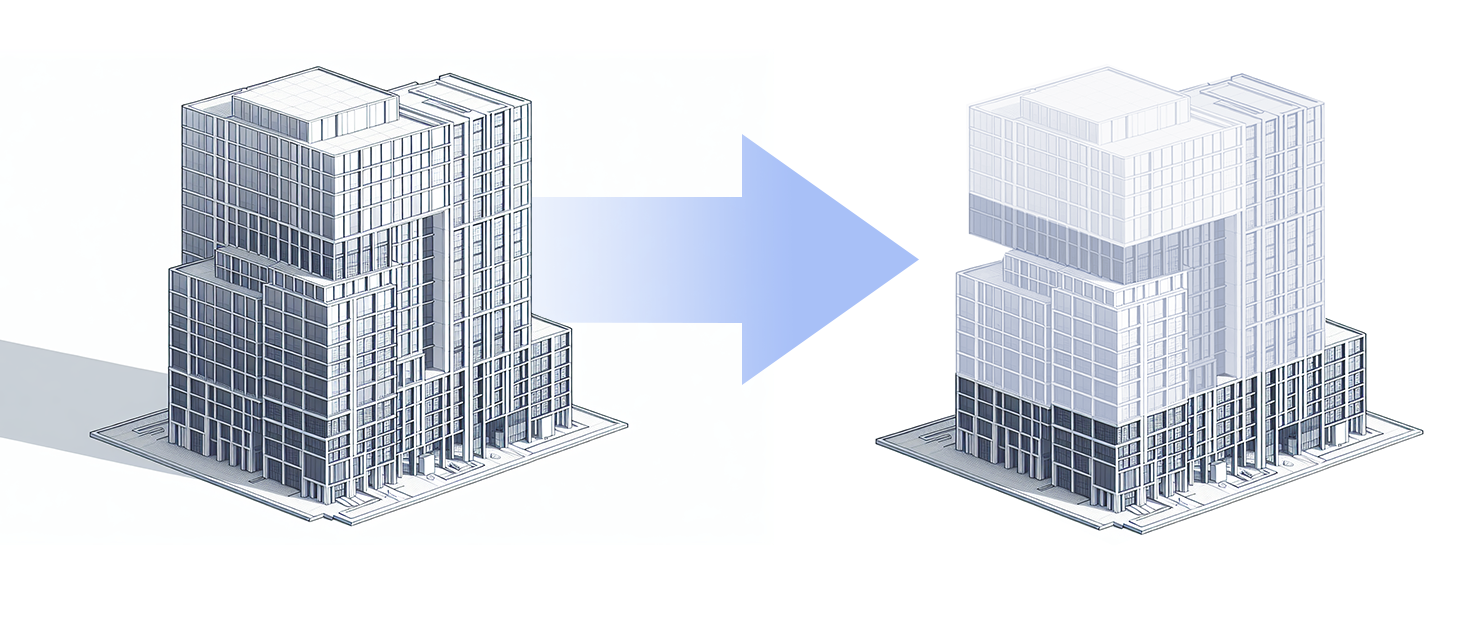
Incremental Model Open in Revit: A Faster, More Scalable Way to Access Model Data
When you open a Revit model, you rarely need the entire project data at once. You may open the last active view or starting screen, navigate to a plan or 3D view to continue design work, open a sheet/schedule to review documentation, or run an automation. Revit models are becoming larger and more information-rich, bringing…
Learning
-
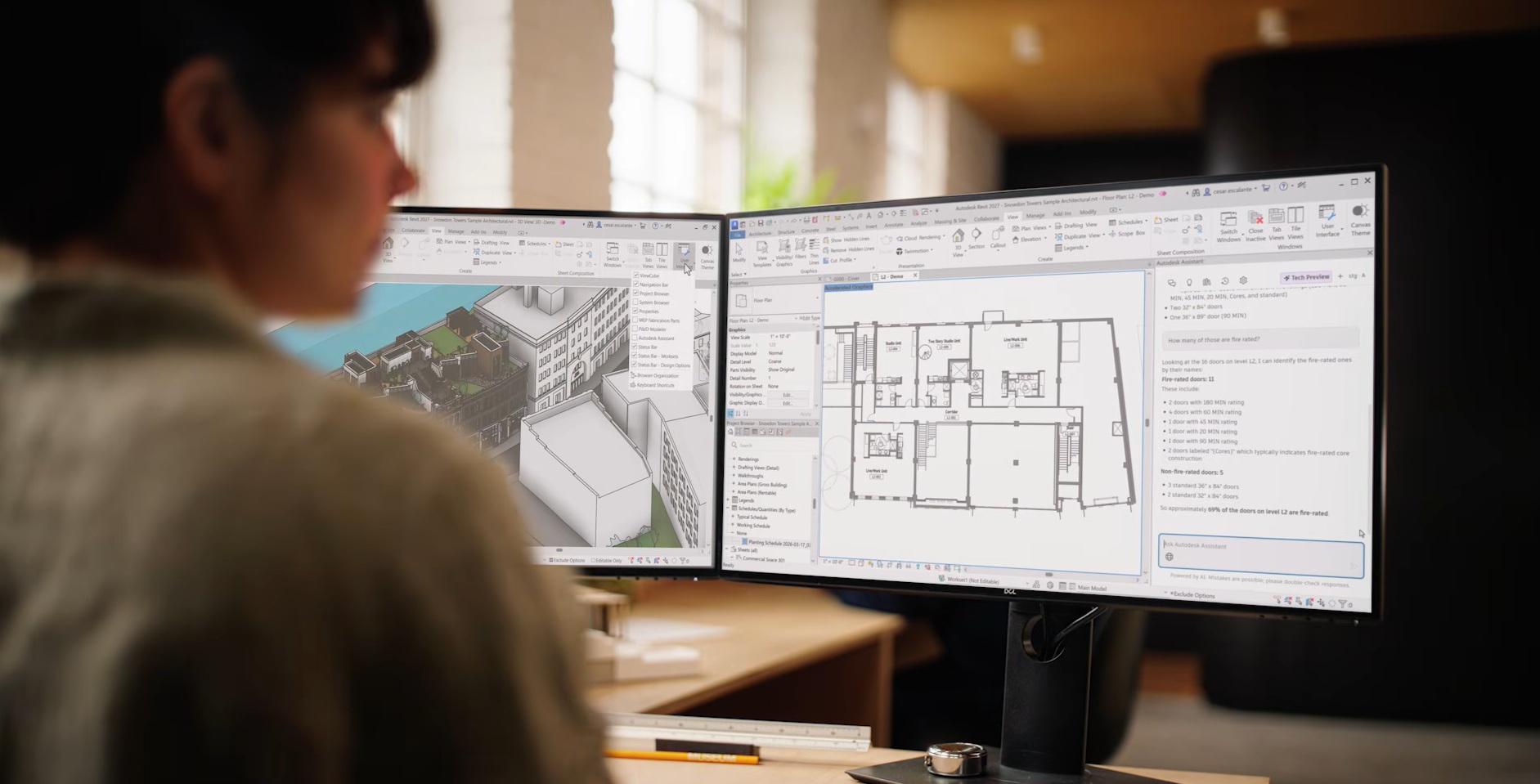
Autodesk Assistant in Revit – Tech Preview: Your AI Support to Create More and Work Smarter
Across every industry, we’re seeing a fundamental shift in how people work with AI. Users are moving from hands-on task execution to higher-level goal setting and decision-making. Instead of driving every command, they define intent, constraints, and desired outcomes. This means users no longer need to focus on “how”; they can focus on what matters…
Architecture
-
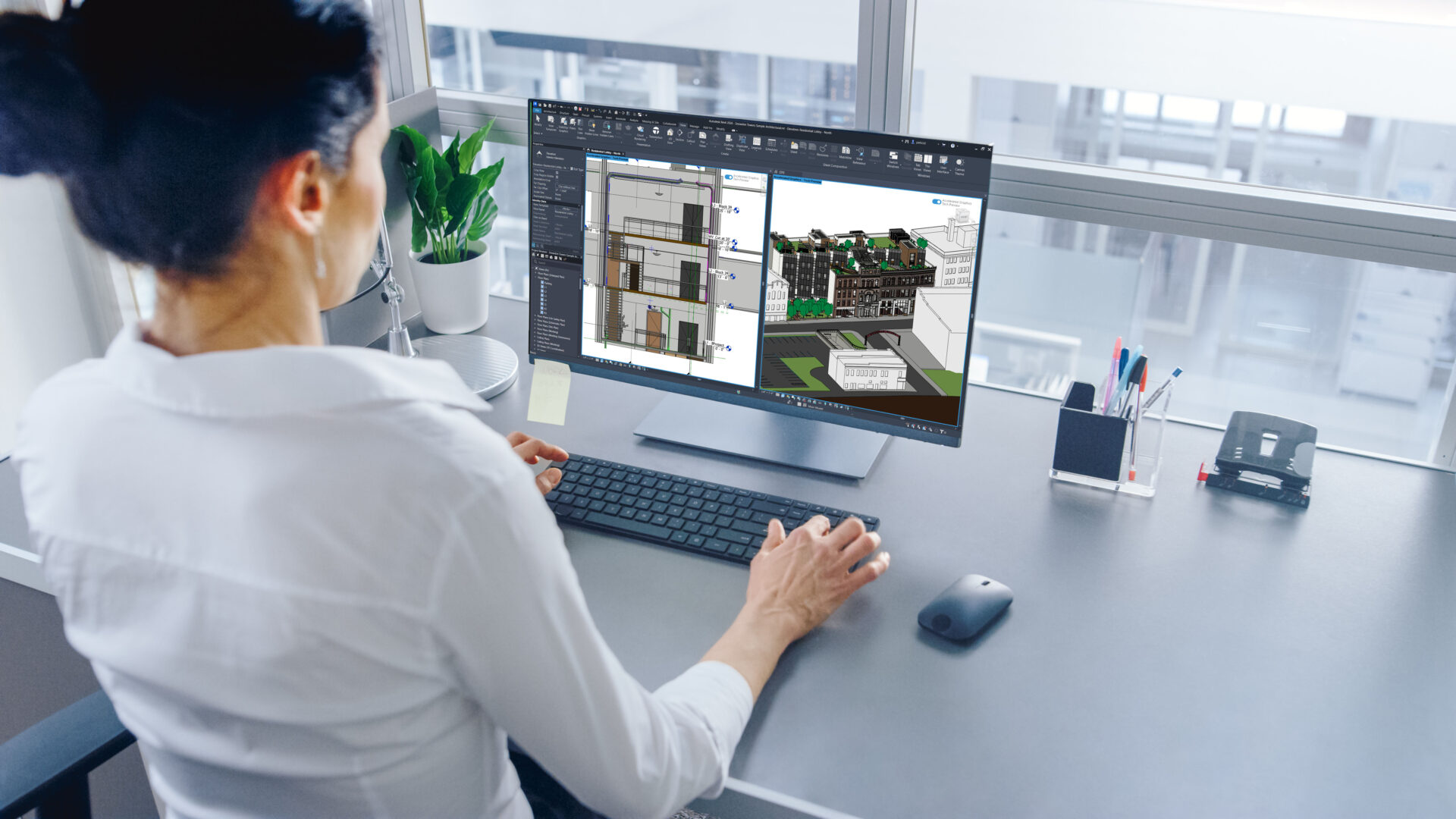
New Display Performance Benefits Now Available with Accelerated Graphics Tech Preview in Revit 2026
With the recent release of Revit 2026, we unveiled a new graphics platform in development to transform Revit so that it continues to delight AEC professionals authoring and reviewing their models. The Accelerated Graphics Tech Preview is built so you can benefit from the latest software and hardware improvements, and we can constantly adapt to…
Technology Preview
-

More Than Carbon
The combination of BIM and GIS data is helping developers to take a more holistic view of sustainability.
Industries
-
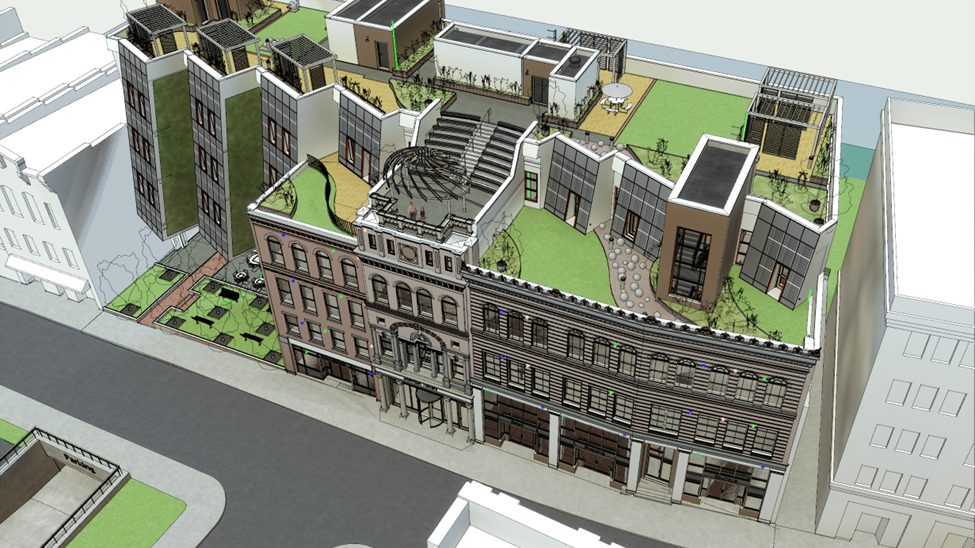
Revit 2024.1 is now available
Revit 2024.1 builds out capabilities for design and documentation, interoperability and data transfer, and insights and analysis introduced in recent releases. The release of Revit 2024 brought big upgrades for site modeling, structural rebar detailing, and structural analysis tools. In this update, those capabilities continue to advance. You’ll also find tweaks to the project browser…
What’s New
-
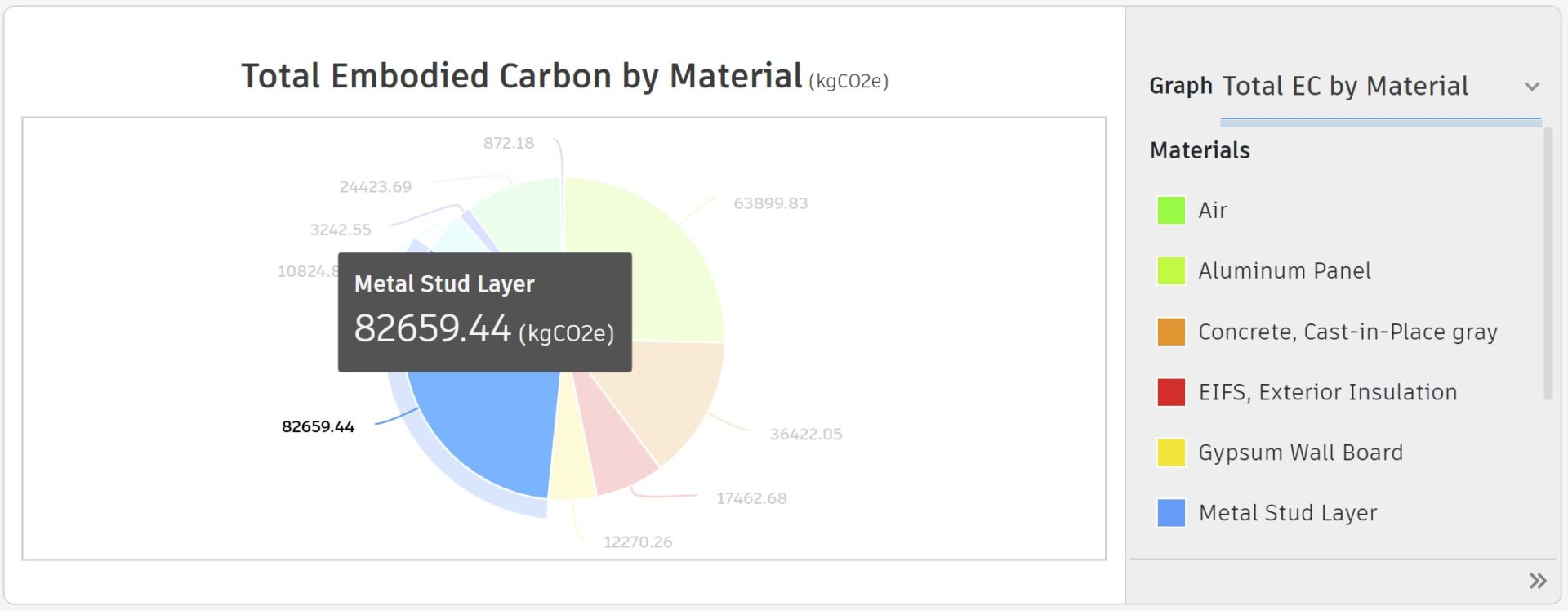
Autodesk Insight Tech Preview Now Available: Carbon Insights
[Written by Ian Molloy, Senior Product Line Manager, Autodesk Insight] Autodesk is pleased to announce the Autodesk Insight – Tech Preview for Carbon Insights, a pre-release, cloud-based feature available starting with Revit 2023.1. This feature provides architects insights on embodied carbon impacts in early-stage design. Background Buildings are responsible for approximately 40% of total global…
Technology Preview