-
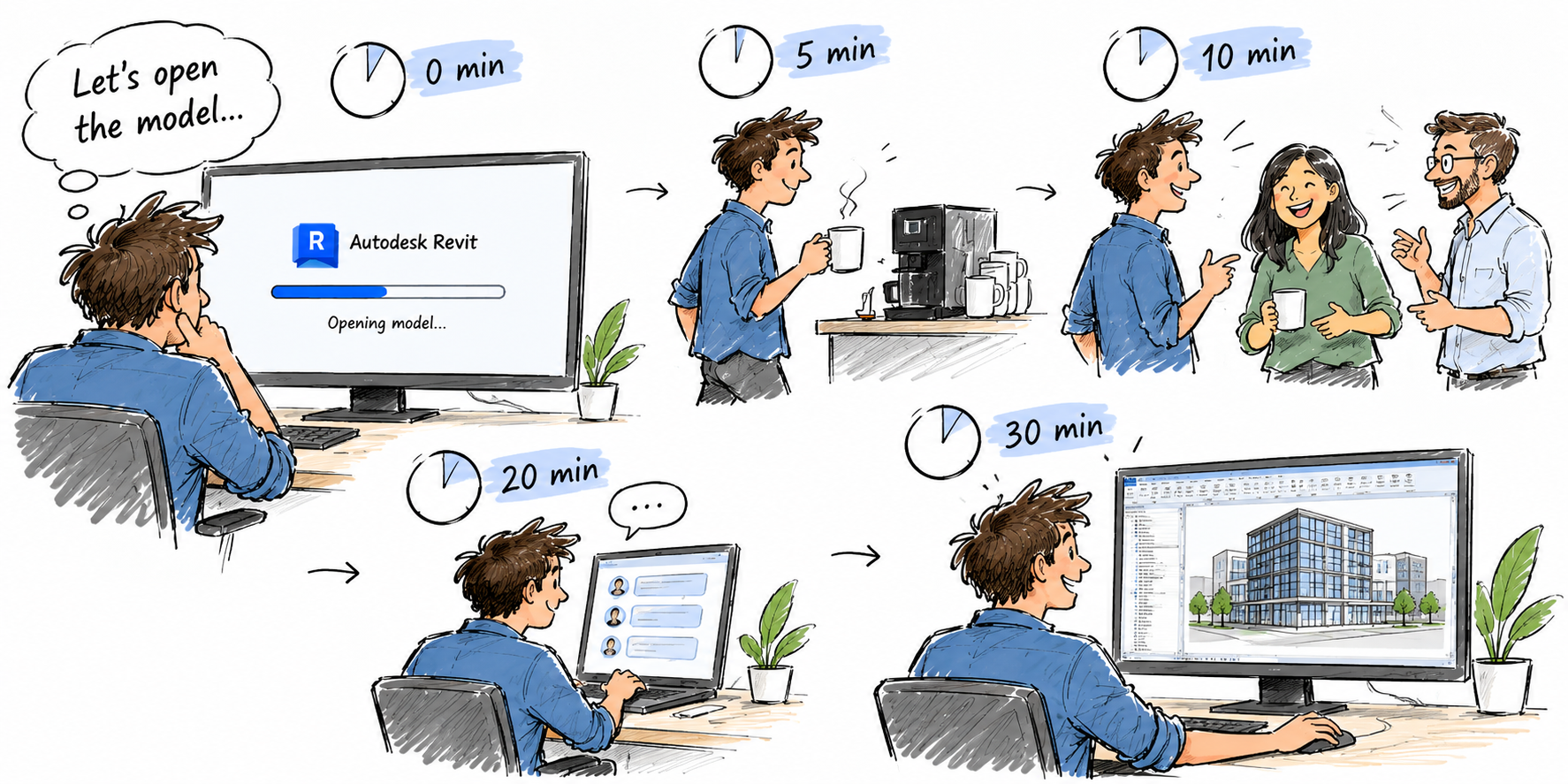
Improving Revit Model Health and Performance: Find What’s Slowing You Down
You open a Revit model, and then you wait. Ten minutes. Twenty. Maybe thirty. Your team has spent days purging unused families, deleting unnecessary views, and trying to reduce file size, yet the model still takes forever to open. Sound familiar? What if the problem isn’t how big your model is? The reality is that…
Learning
-

Autodesk Answer Day Returns December 8 with AEC Specialists on the Boards for 24 Hours
Bring your Revit, Civil 3D, AutoCAD, and Navisworks questions to Autodesk Community and get answers from the people who support them Autodesk Answer Day returns on Tuesday, December 8, 2026. For 24 hours, Autodesk specialists will be in Autodesk Community answering whatever you bring them. Coverage follows the sun from Asia-Pacific to Europe, the Middle…
Events
-
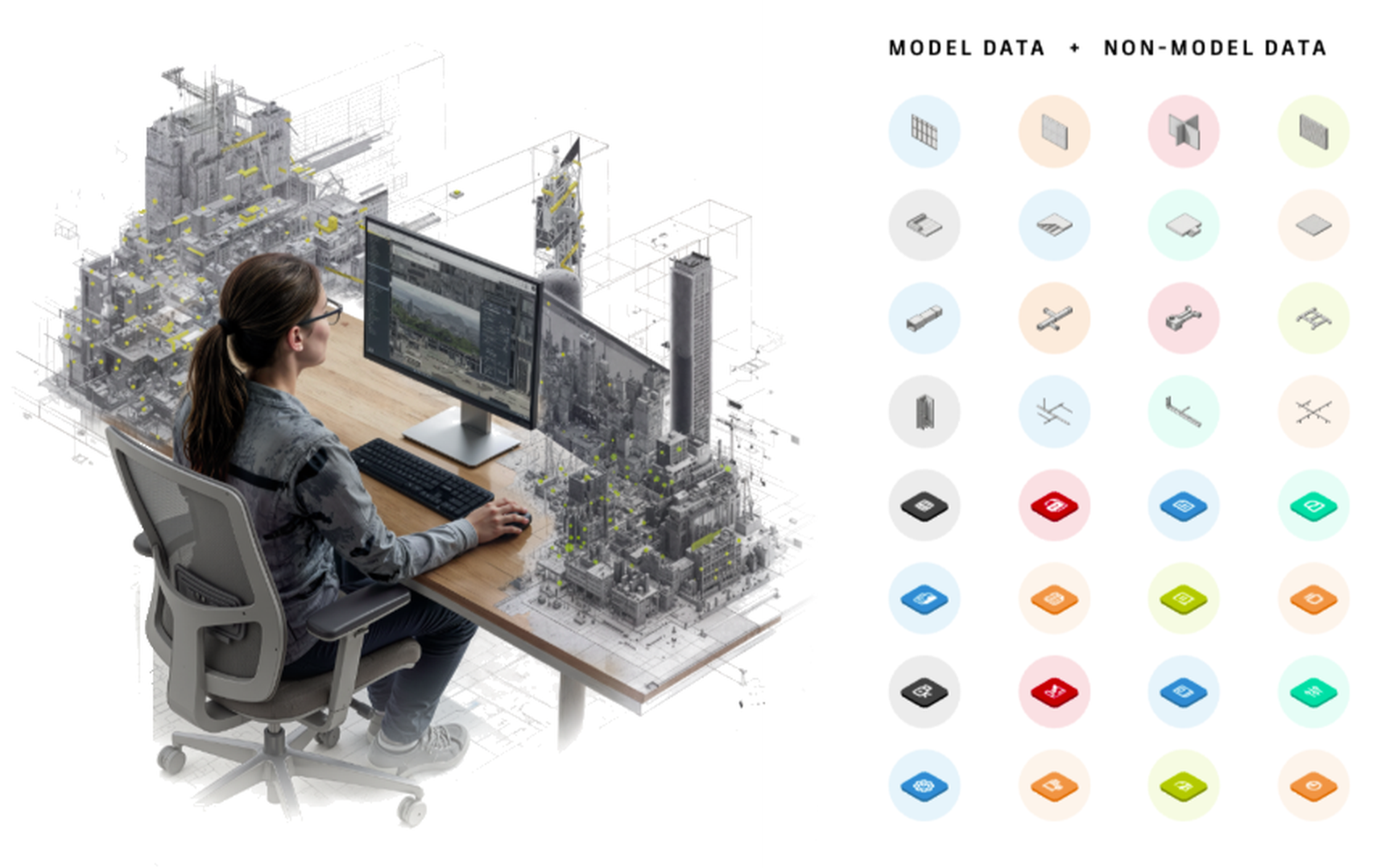
Solving the Everyday Data Problems Holding AEC Teams Back
Every architecture, engineering, construction, and owner team depends on data. It shows up in models, drawings, specifications, asset lists, parameters, submittals, schedules, and handover packages. It helps teams coordinate design intent, manage project delivery, and operate buildings after construction. But for many AEC teams, that data is still hard to trust, hard to find, and…
Learning
-
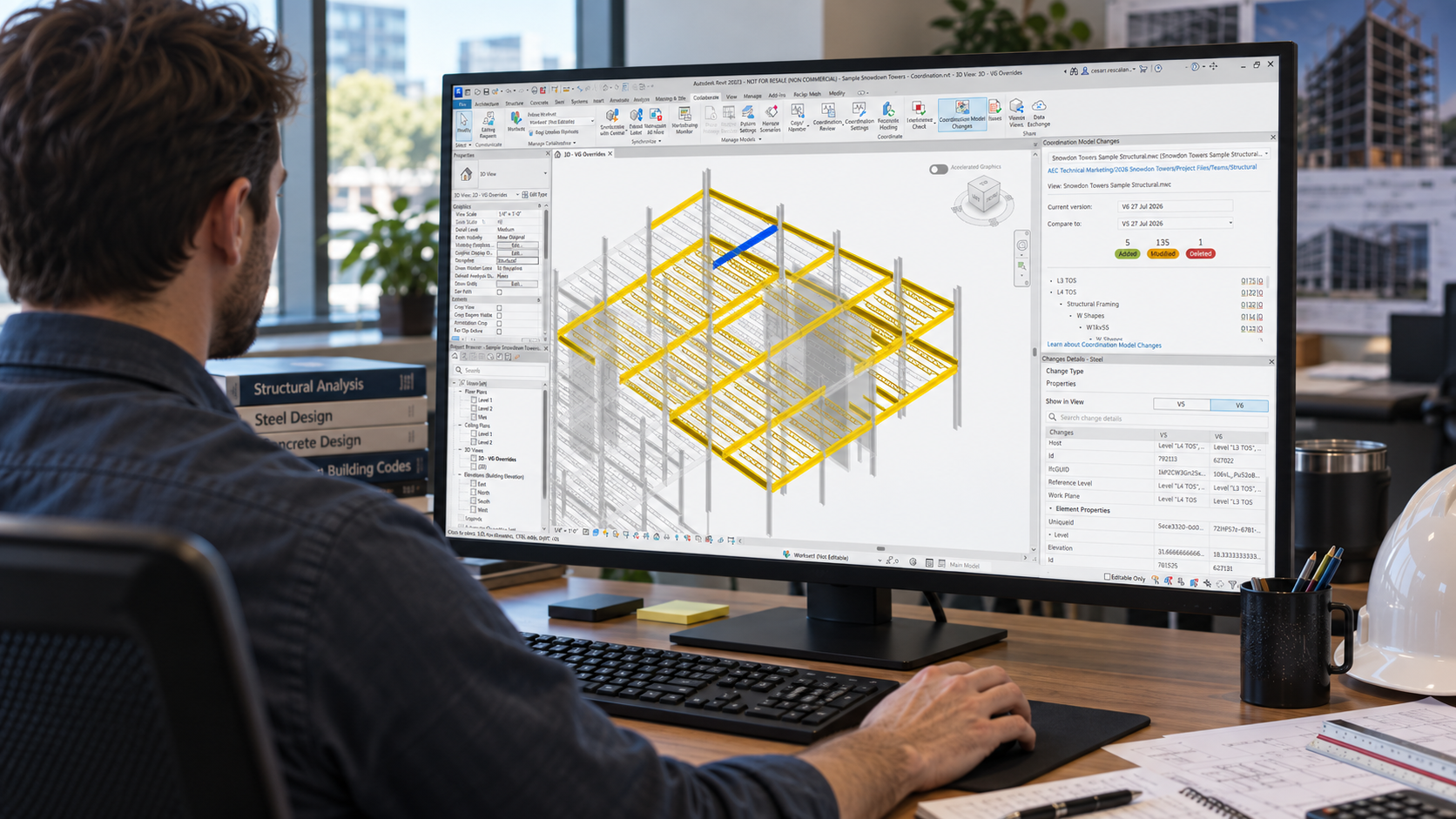
A Lighter Way to Coordinate Models in Revit
On a typical building project, each discipline-specific design team works in its own Revit model. Architects, structural engineers, and MEP teams all need to see each other’s work—but they rarely need to open or edit each other’s files. The hard part is staying aligned: knowing which version of another team’s model to trust, and spotting…
Structure
-

See What Connected AEC Data Can Do for Your Work at AU
Explore ways to access, understand, and get more value from your project data AU 2026 is just around the corner, and we’re excited to share what’s next for connected AEC data. Take a closer look at where our AEC data strategy is headed and how we’re continuing to expand the ways teams can access, understand,…
Events
-
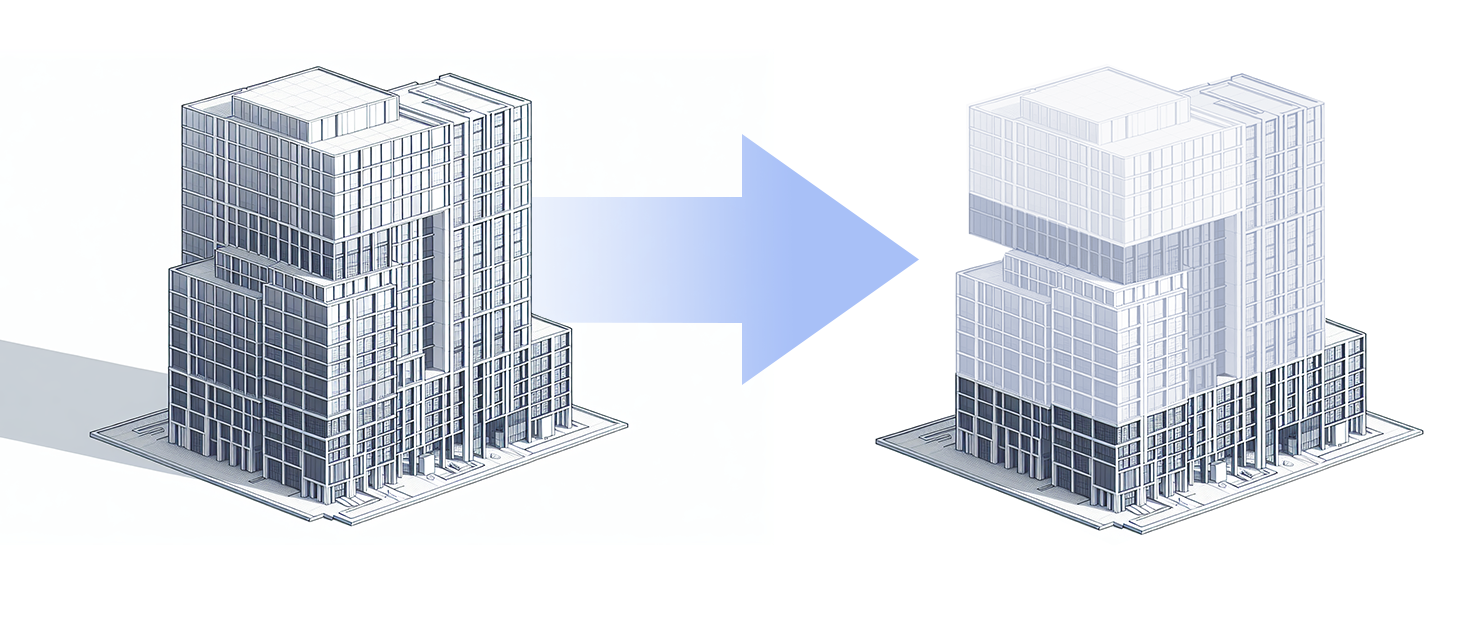
Incremental Model Open in Revit: A Faster, More Scalable Way to Access Model Data
When you open a Revit model, you rarely need the entire project data at once. You may open the last active view or starting screen, navigate to a plan or 3D view to continue design work, open a sheet/schedule to review documentation, or run an automation. Revit models are becoming larger and more information-rich, bringing…
Learning