-

Autodesk Answer Day Returns December 8 with AEC Specialists on the Boards for 24 Hours
Bring your Revit, Civil 3D, AutoCAD, and Navisworks questions to Autodesk Community and get answers from the people who support them Autodesk Answer Day returns on Tuesday, December 8, 2026. For 24 hours, Autodesk specialists will be in Autodesk Community answering whatever you bring them. Coverage follows the sun from Asia-Pacific to Europe, the Middle…
Events
-

Connecting Design and Construction with Assets in Forma Build
Construction projects generate plenty of information about equipment, materials, systems, and components. Models, drawings, forms, photos, spreadsheets, and submittals all contain details teams need as work moves through procurement, installation, quality checks, and handover. With that information spread across different sources, finding an asset’s location, status, or supporting documentation can mean searching through multiple places…
Construction
-

What’s New in Revit 2027.3 and 2027.4: Prompt-driven Automation with Autodesk Assistant and Connected Site Design
Revit 2027.3 and 2027.4 pack in new enhancements and capabilities that remove friction from everyday work and improve your design outcomes. Revit now brings more site context and performance analysis into the model, so decisions about daylight, carbon, and the surrounding site happen while the design is still flexible. Automation no longer depends on the…
What’s New
-
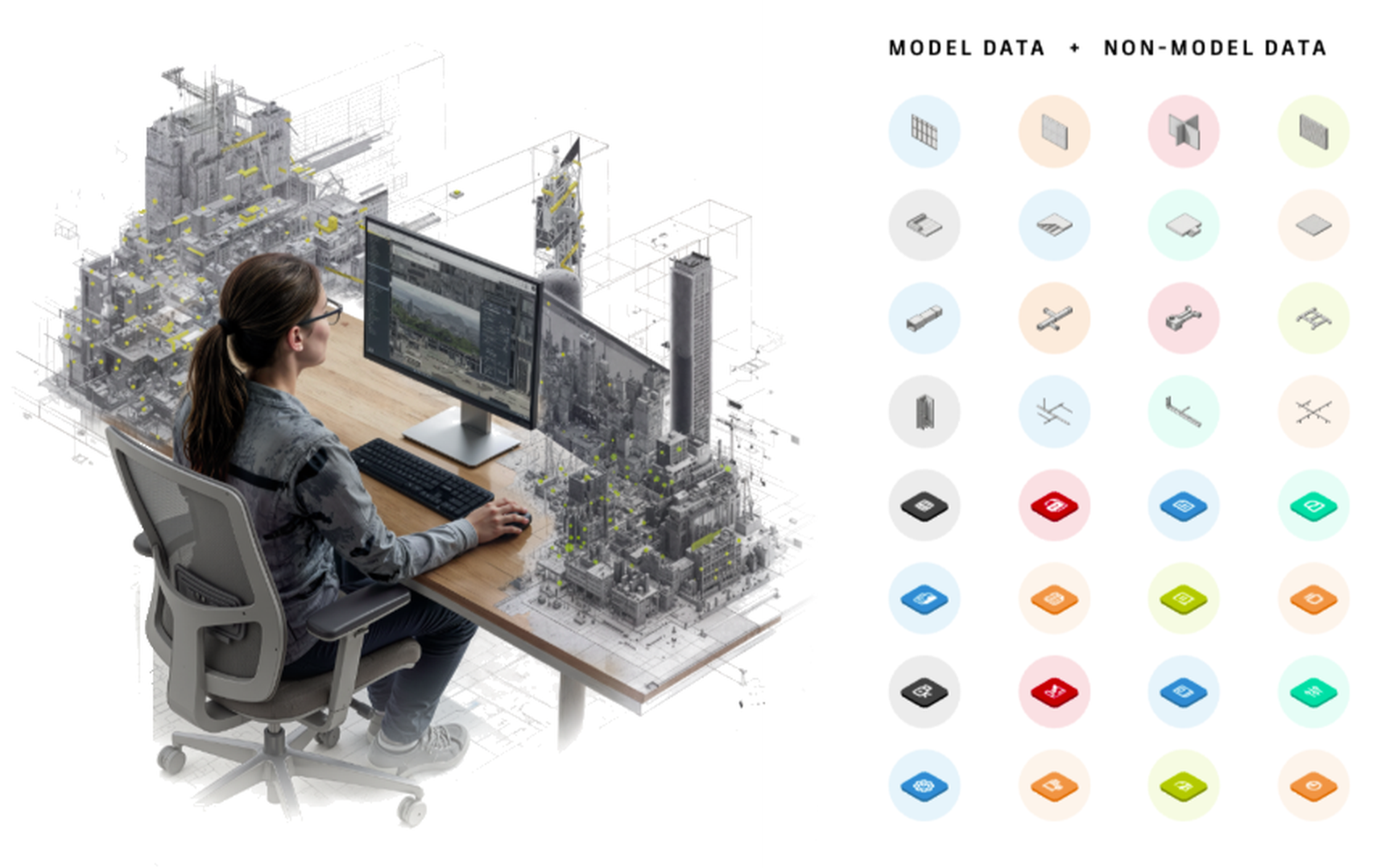
Solving the Everyday Data Problems Holding AEC Teams Back
Every architecture, engineering, construction, and owner team depends on data. It shows up in models, drawings, specifications, asset lists, parameters, submittals, schedules, and handover packages. It helps teams coordinate design intent, manage project delivery, and operate buildings after construction. But for many AEC teams, that data is still hard to trust, hard to find, and…
Learning
-
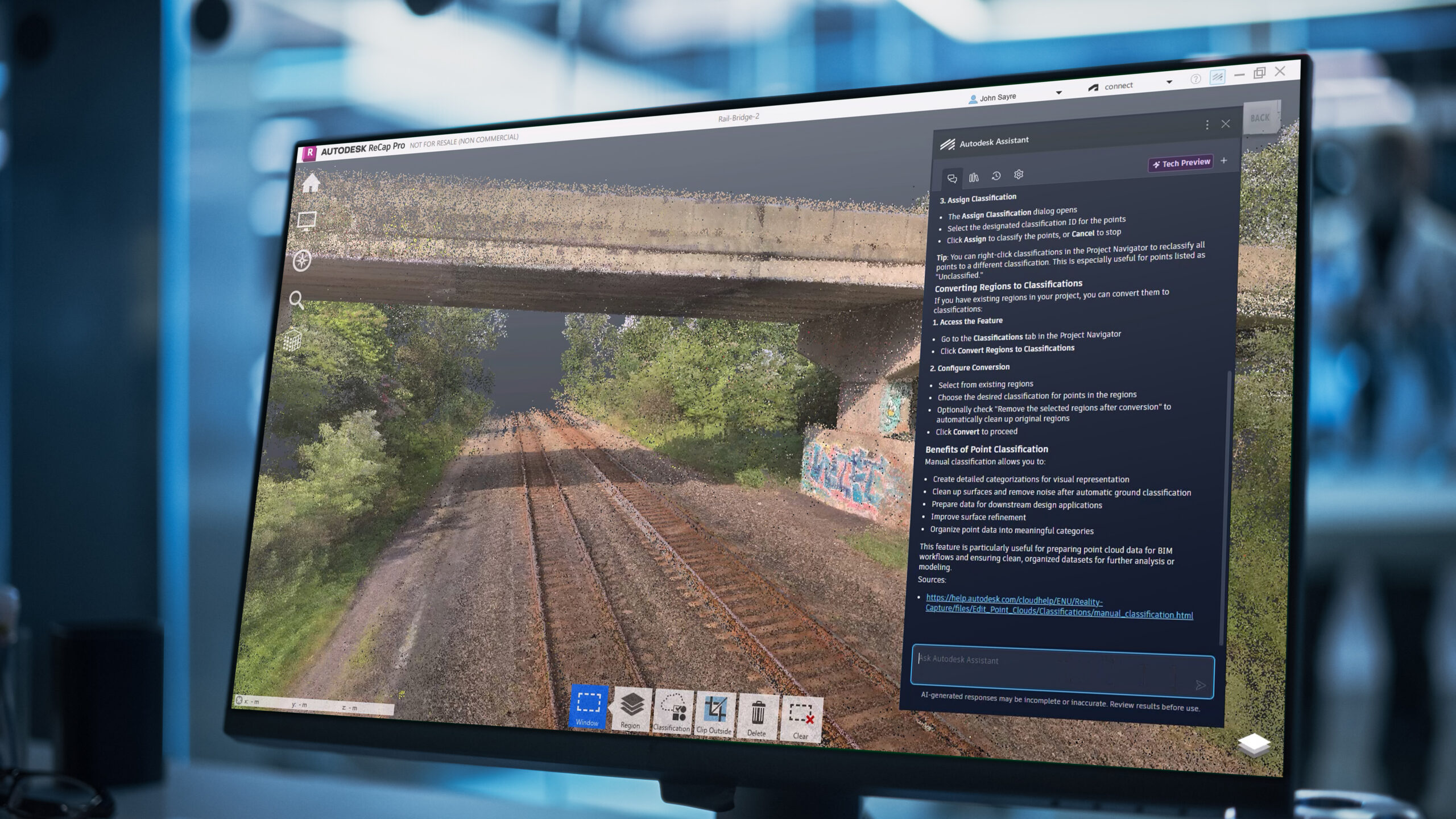
What’s New in ReCap Pro 2027: Autodesk Assistant, Connected Workflows, and Improved Visualization
ReCap Pro 2027 introduces new capabilities designed to improve reality capture workflows across desktop and cloud environments. This release helps teams work more efficiently with large point cloud datasets through enhanced visualization controls, improved interoperability, streamlined project navigation, and connected collaboration workflows. This release includes Autodesk Assistant Tech Preview, a redesigned application home, bidirectional synchronization…
What’s New
-
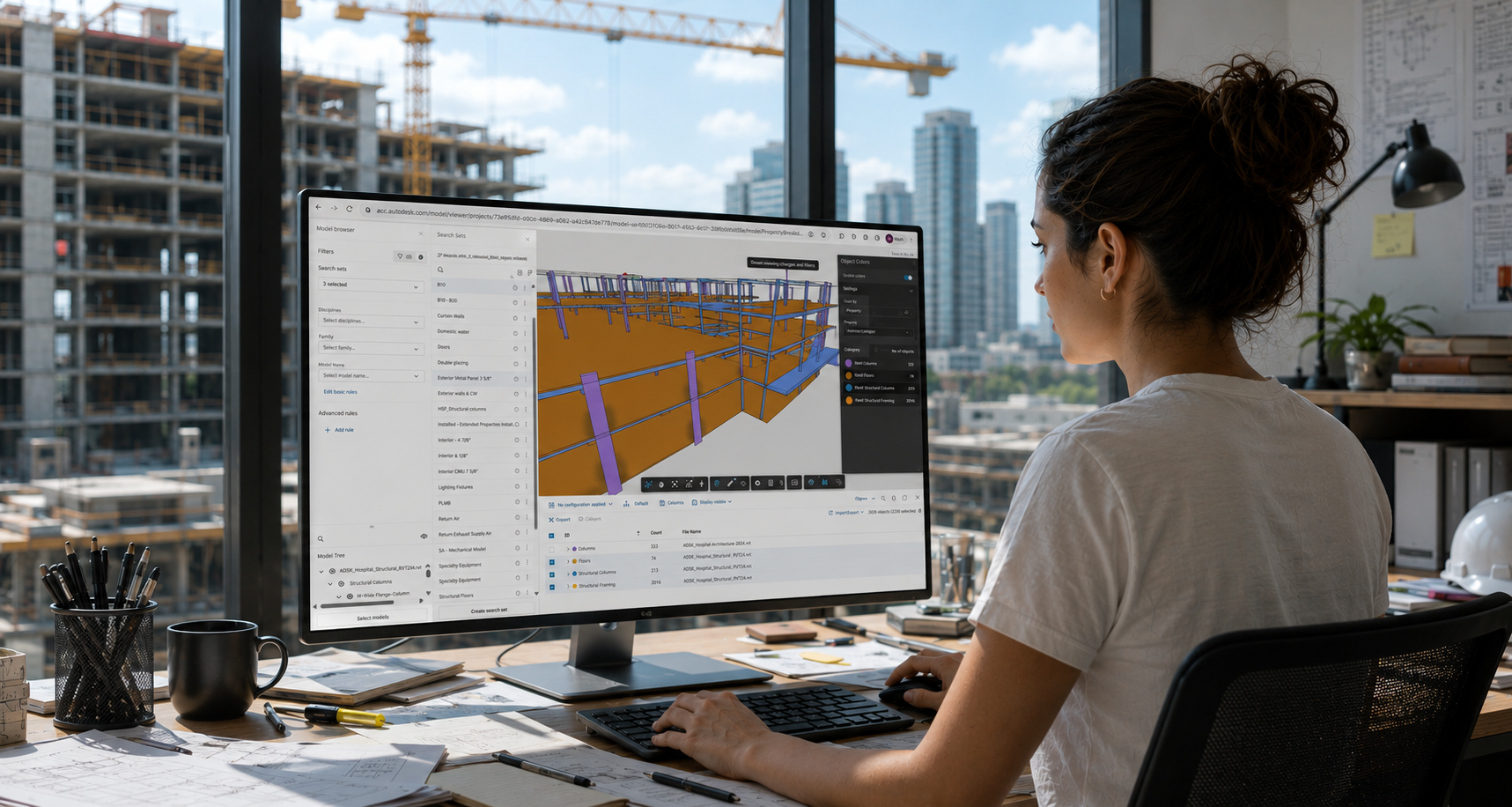
Build Once, Reuse Everywhere: Bringing Search Sets to Forma Design Collaboration
Anyone who coordinates models knows the routine. You open a federated model and immediately need to focus on a specific slice of the project: ductwork on Levels 2–4, structural framing, a particular assembly code, or the systems involved in a coordination review. The coordination decisions matter. Getting to the right content shouldn’t be the hard part. Yet…
Architecture