3D modeling with Autodesk Fusion
3D modeling with Autodesk Fusion
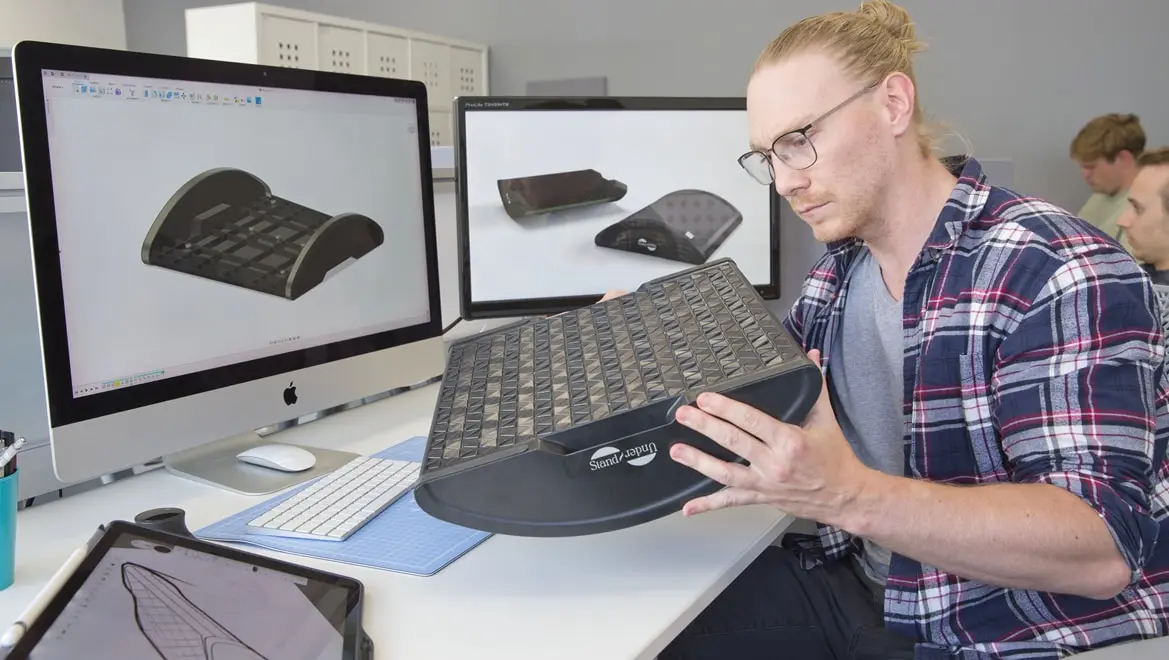
What is 3D modeling?
What is 3D modeling?
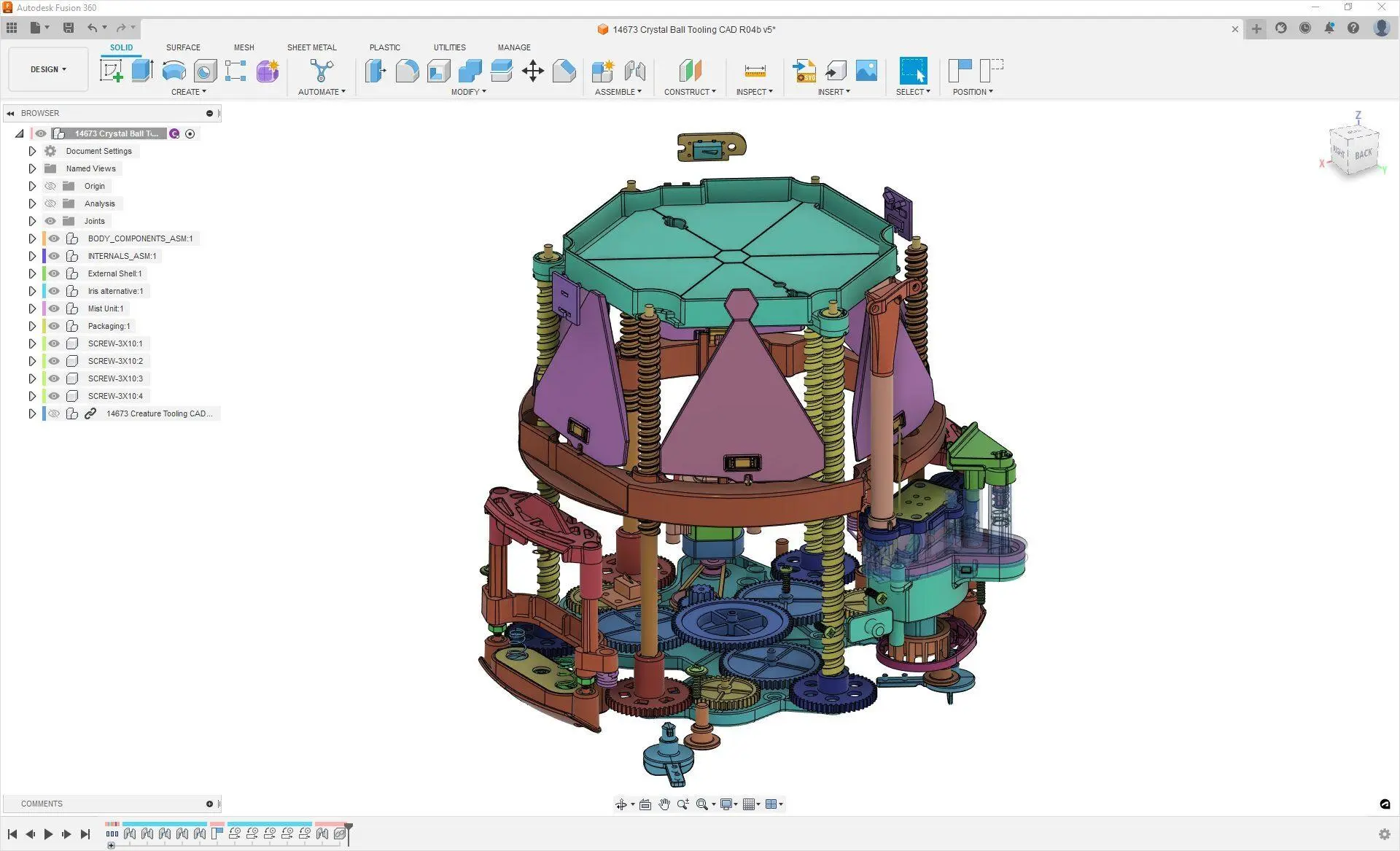
What is 3D modeling software?
What is 3D modeling software?
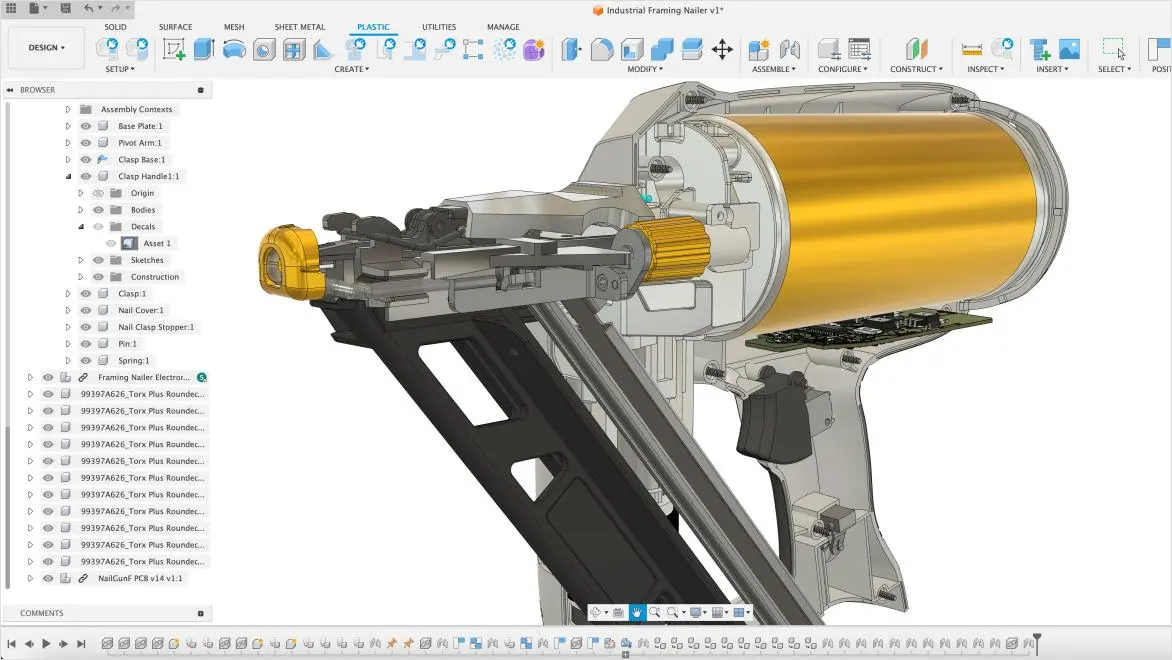
3D modeling for consumer product development
3D modeling for consumer product development
Comprehensive features
Comprehensive features
User-friendly interface
User-friendly interface
Collaboration tools
Collaboration tools
Accessible learning resources
Accessible learning resources

Sustainable kid-friendly headphones
Sustainable kid-friendly headphones
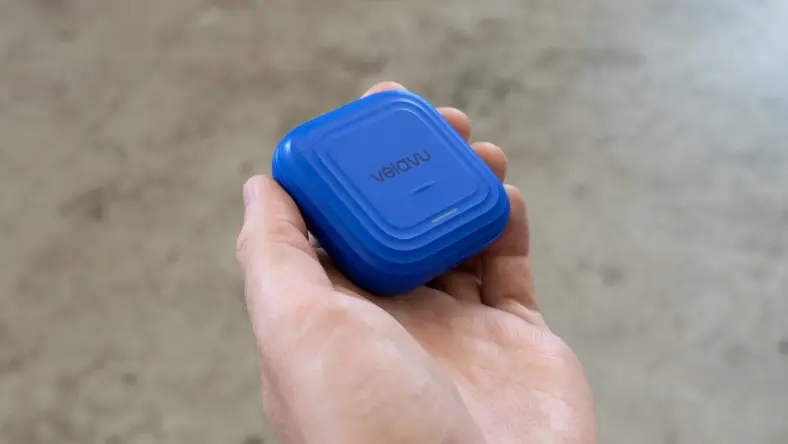
Customized asset-tracking solutions
Customized asset-tracking solutions
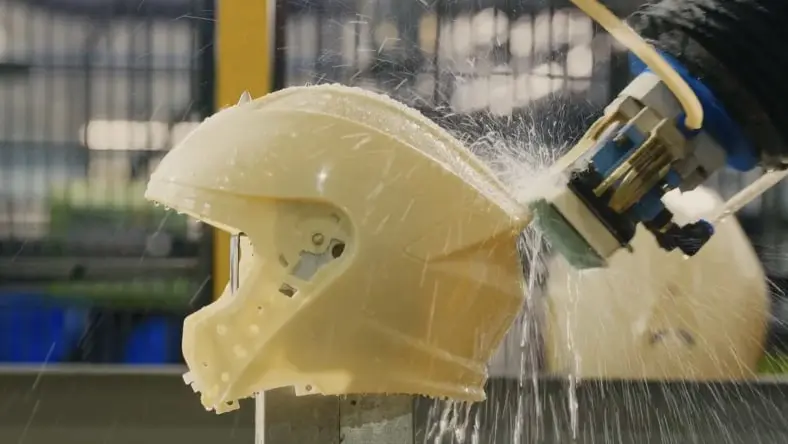
Modeling safer motocross helmets
Modeling safer motocross helmets
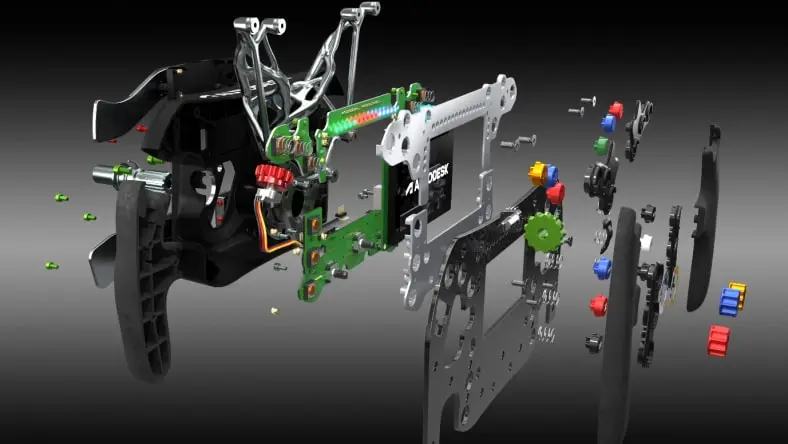
F1 inspired sim racing wheel development
F1 inspired sim racing wheel development
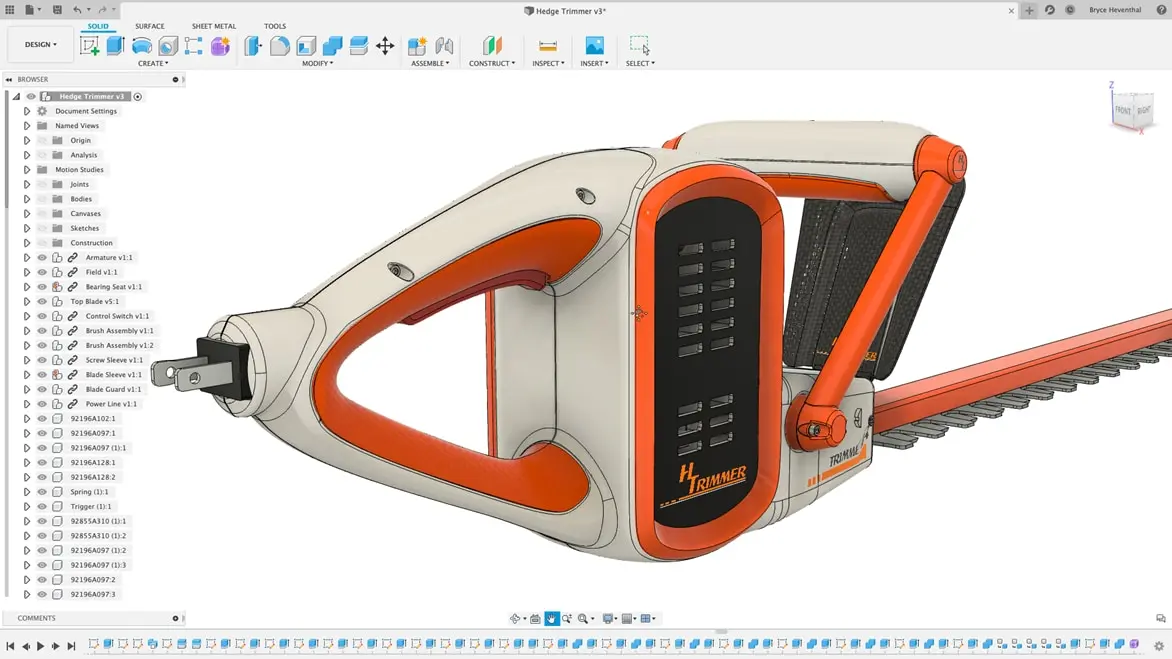
How do you make a 3D model in Autodesk Fusion?
How do you make a 3D model in Autodesk Fusion?
Increase your team's collaboration and productivity during the 3D modeling process with built-in PDM
Increase your team's collaboration and productivity during the 3D modeling process with built-in PDM
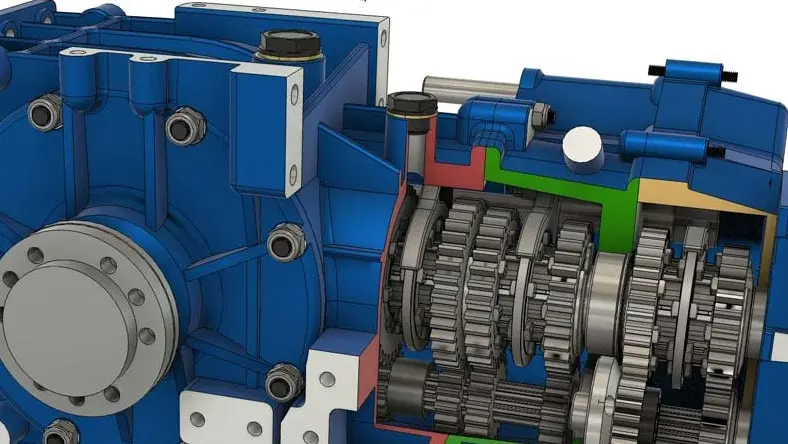
Is Fusion a 3D modeling tool?
Yes, Fusion is a cloud-based 3D modeling, CAD, CAM, CAE, and PCB software platform for professional product design and manufacturing.
What is the best software for 3D modeling?
Fusion is the only integrated 3D modeling tool of its kind that let's you explore design iterations quickly with easy-to-use cloud CAD software.
Is 3D modeling easy?
Fusion's user interface was designed to support fast learning. There are various step-by-step video tutorials and documentation to help you get started.
How much does Fusion cost?
Fusion is available by monthly , annual , and three-year subscription. Purchase your subscription directly from the Autodesk store.
Is Fusion available for Mac?
Fusion from Autodesk is both PC- and Mac-compatible so you can use your preferred OS or both at no additional cost.
How do I create a new sketch in Fusion?
You can create a new sketch in Fusion by selecting an origin plane, a construction plane, or an existing flat face. Then, click the Create Sketch button in the tool bar.
What file formats does Fusion support?
Fusion supports a wide array of file formats. For design files, it supports .f3d, .igs, .iges, .sat, .sab, .dwg, .dxf, .stp, .step, .stl, .fbx, .obj, .skp, .3dm, .zip, .rar, etc. For CAM files, it supports .cam360, .cps, .cnc, .nc, etc. For drawings, it supports .dwg, .dxf, .f3d, .pdf, etc. Learn more here.
Is there a student version of Fusion?
Yes, Autodesk provides Fusion free for students and educators for 1 year. They simply need to sign up with their educational email addresses to get access.